Absences · Working time · Shift planning

Leave, working hours, rotas. In step.

Taktavo brings absences, time tracking and shift planning together in one system. Approved leave lowers the target hours in the time account and keeps the rota clear on those days – without entering anything twice. For organisations with several sites, teams and tenants.

  • Runs on your server
  • Modules switchable per tenant
  • Installs as an app on your phone
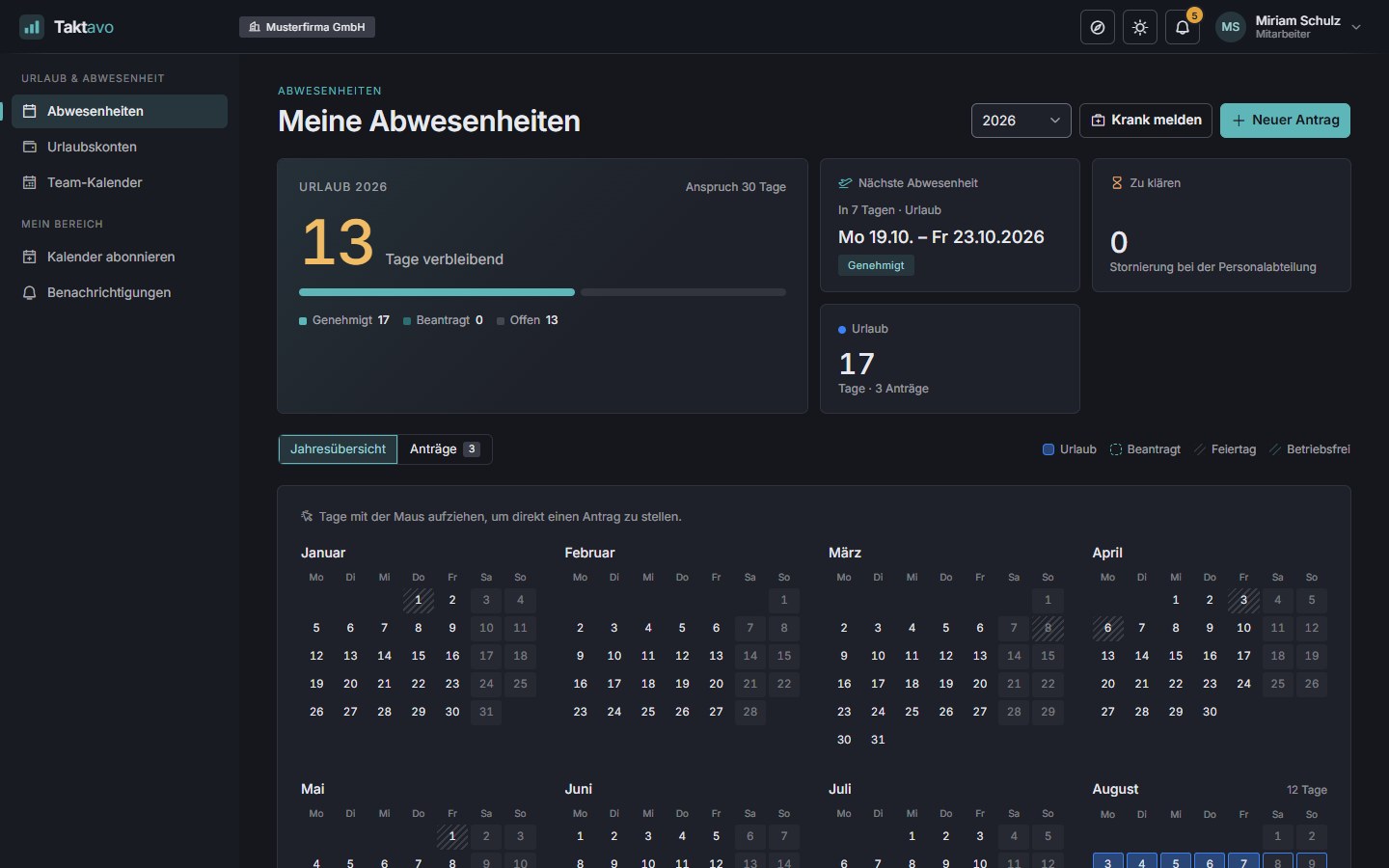
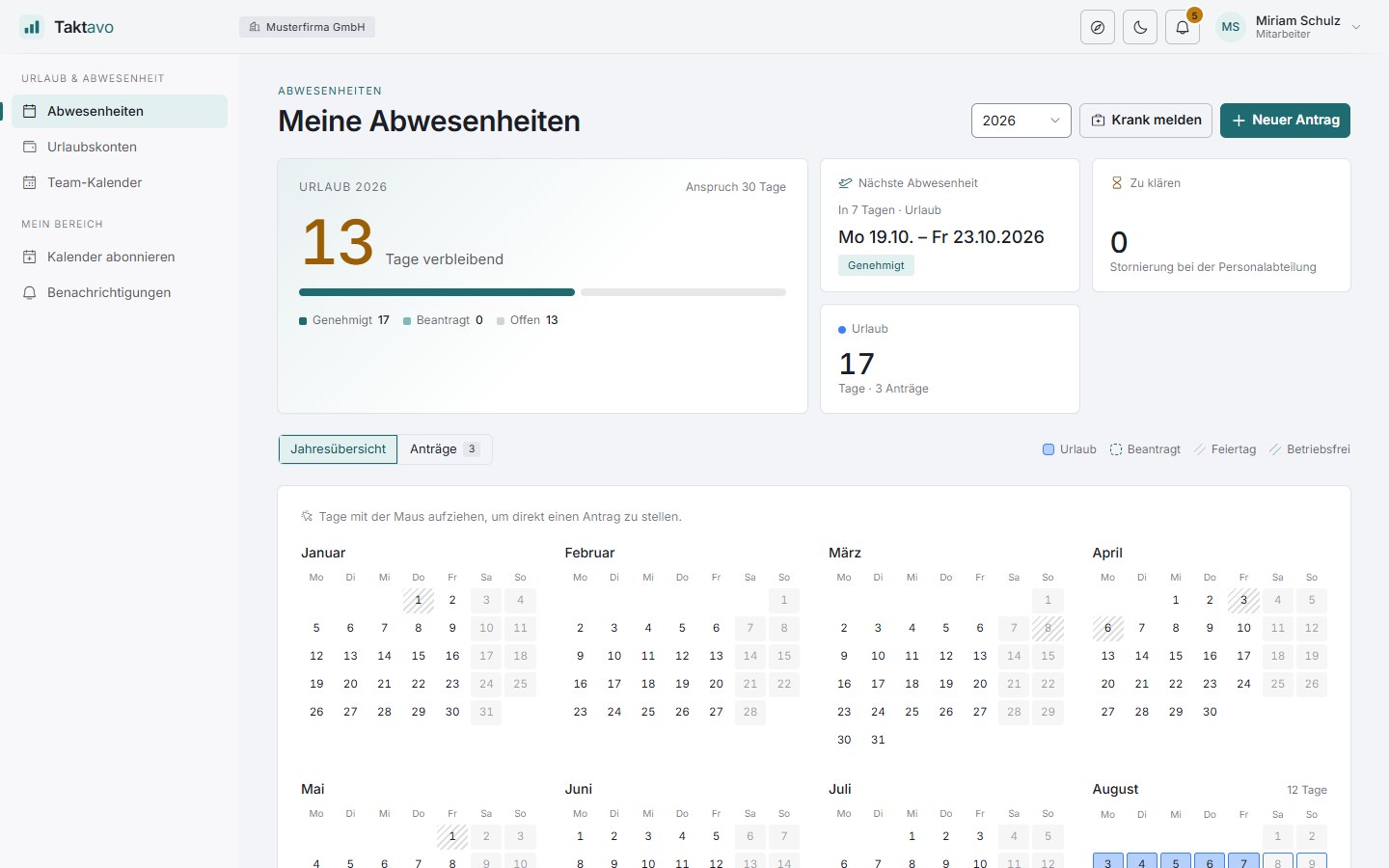
Taktavo: My absences with remaining leave, next absence and annual calendar Taktavo: My absences with remaining leave, next absence and annual calendar
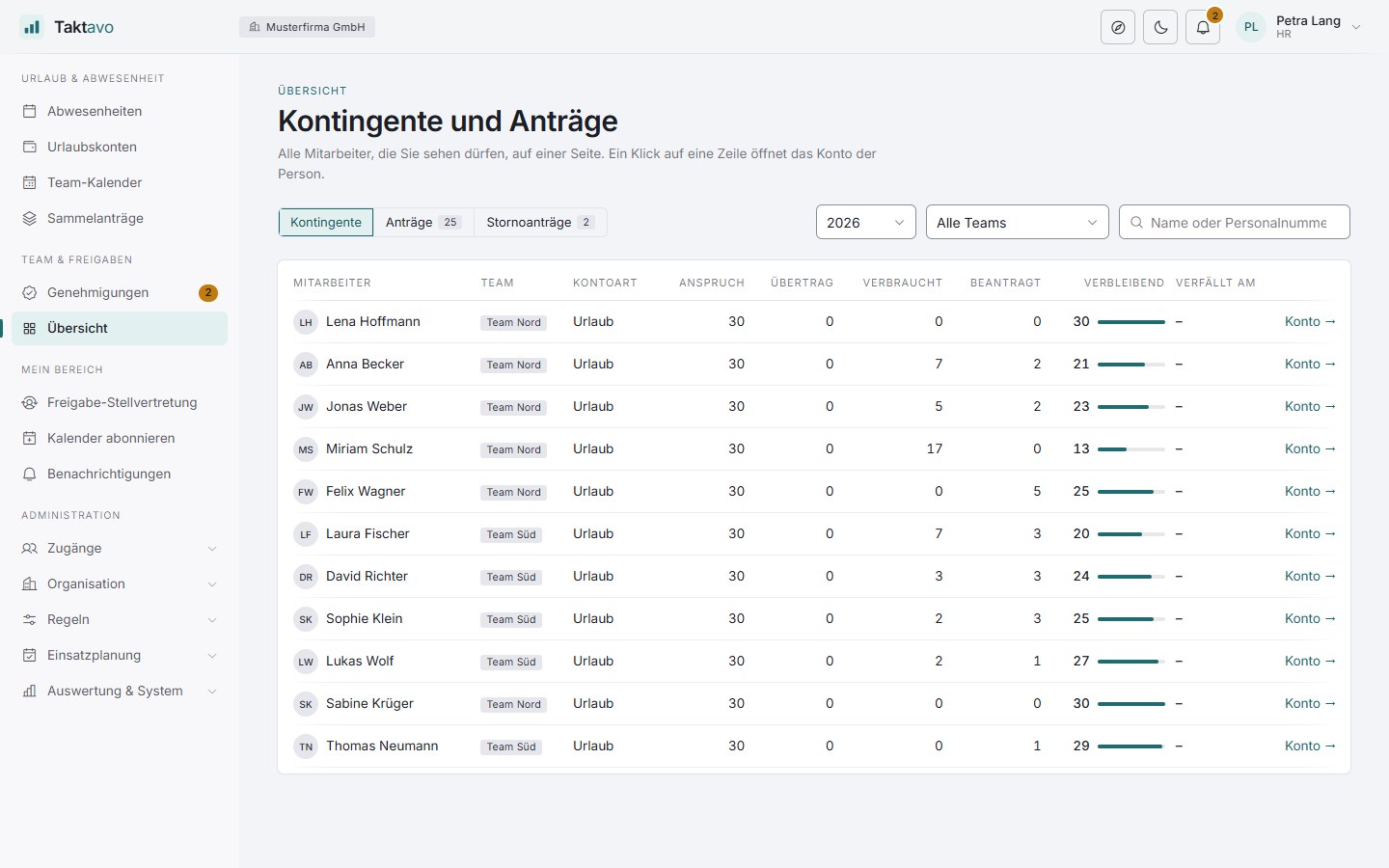
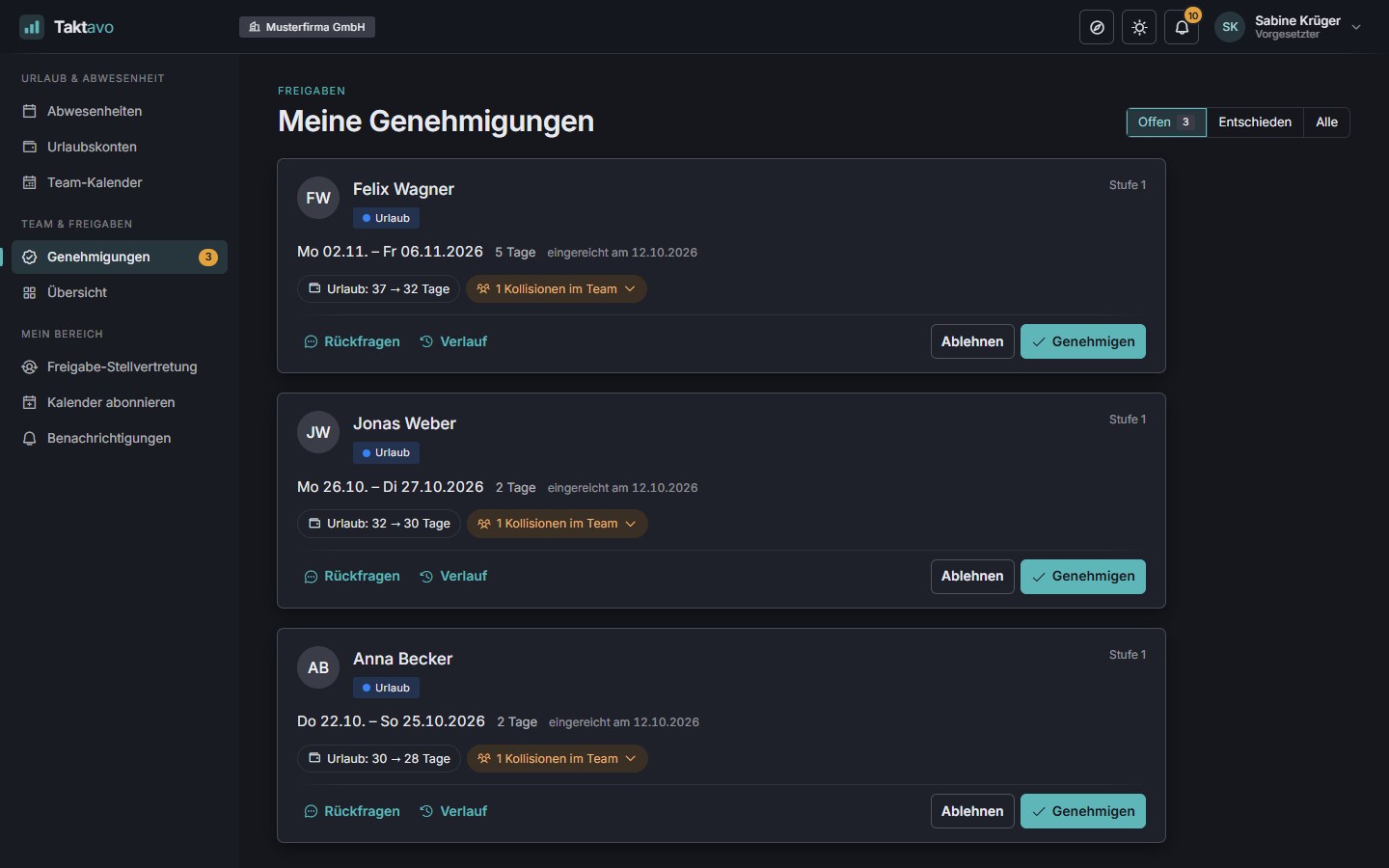
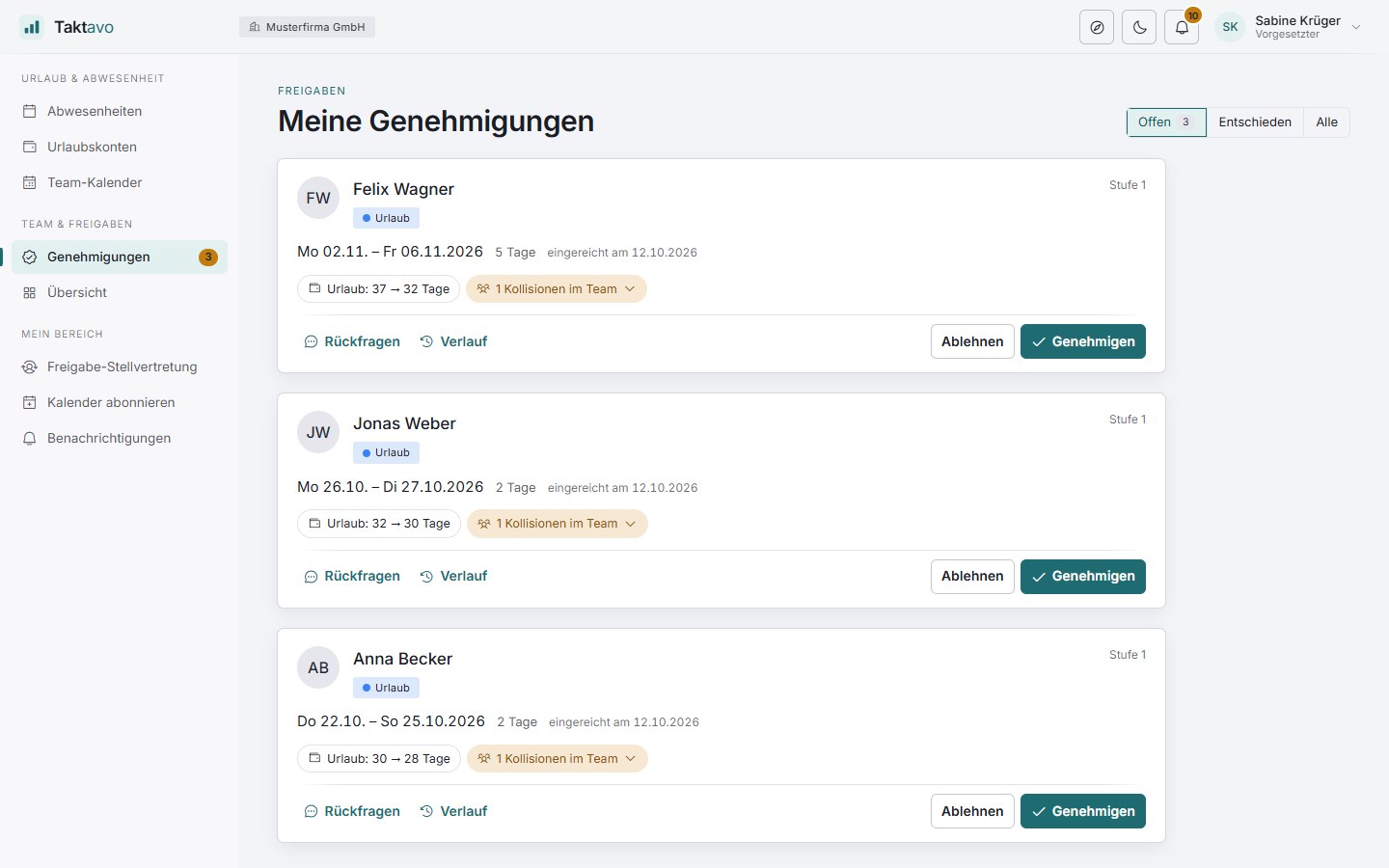
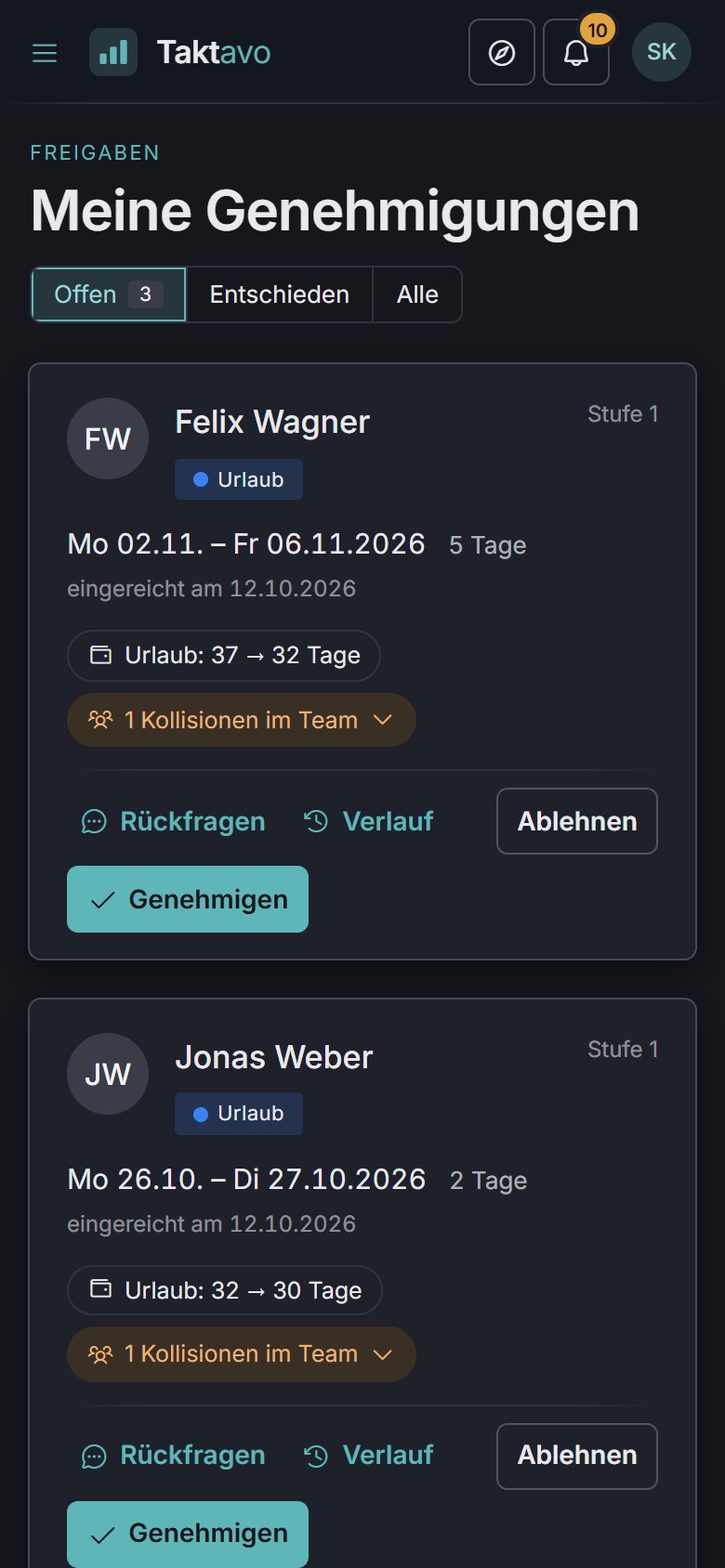
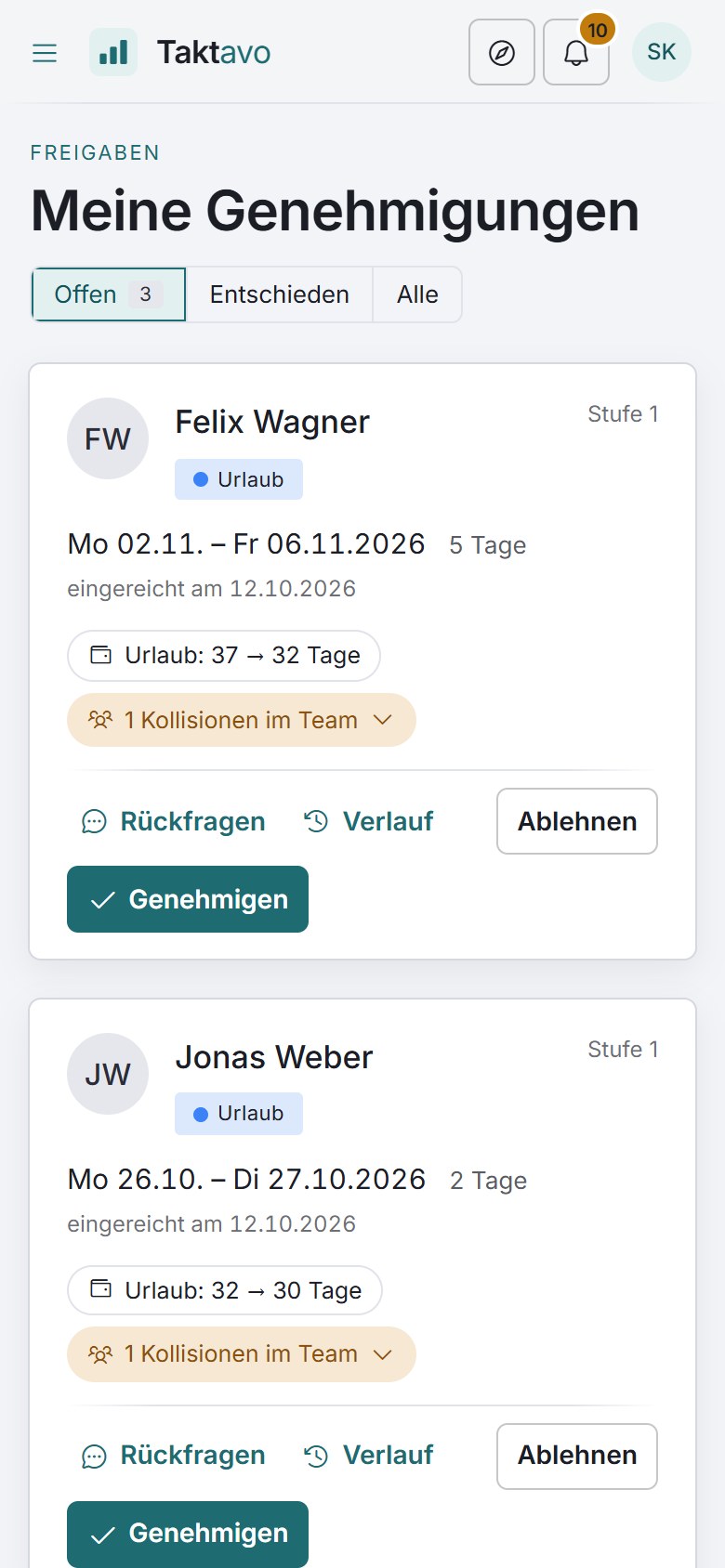
Taktavo: approvals inbox with the team’s open leave requests Taktavo: approvals inbox with the team’s open leave requests
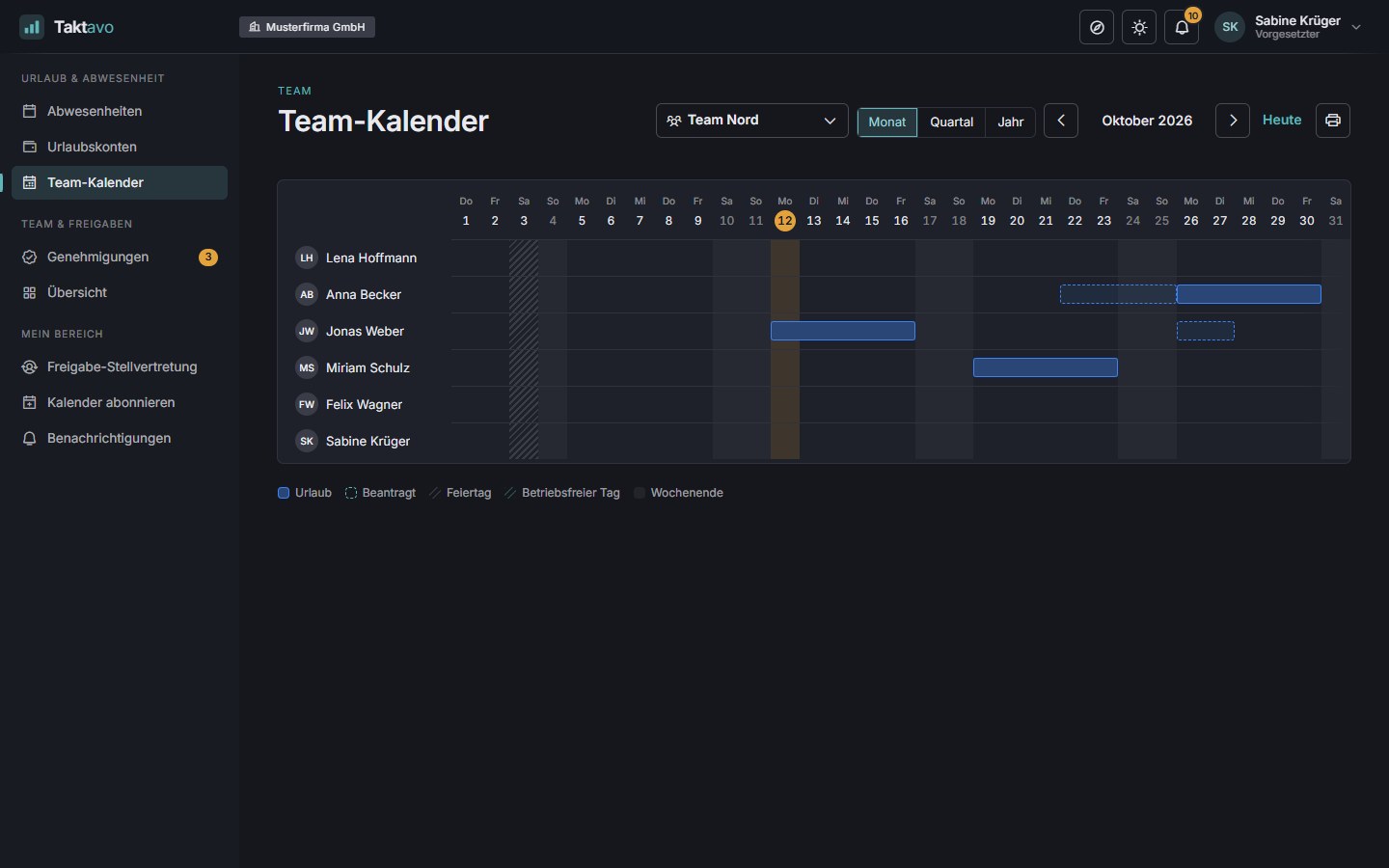
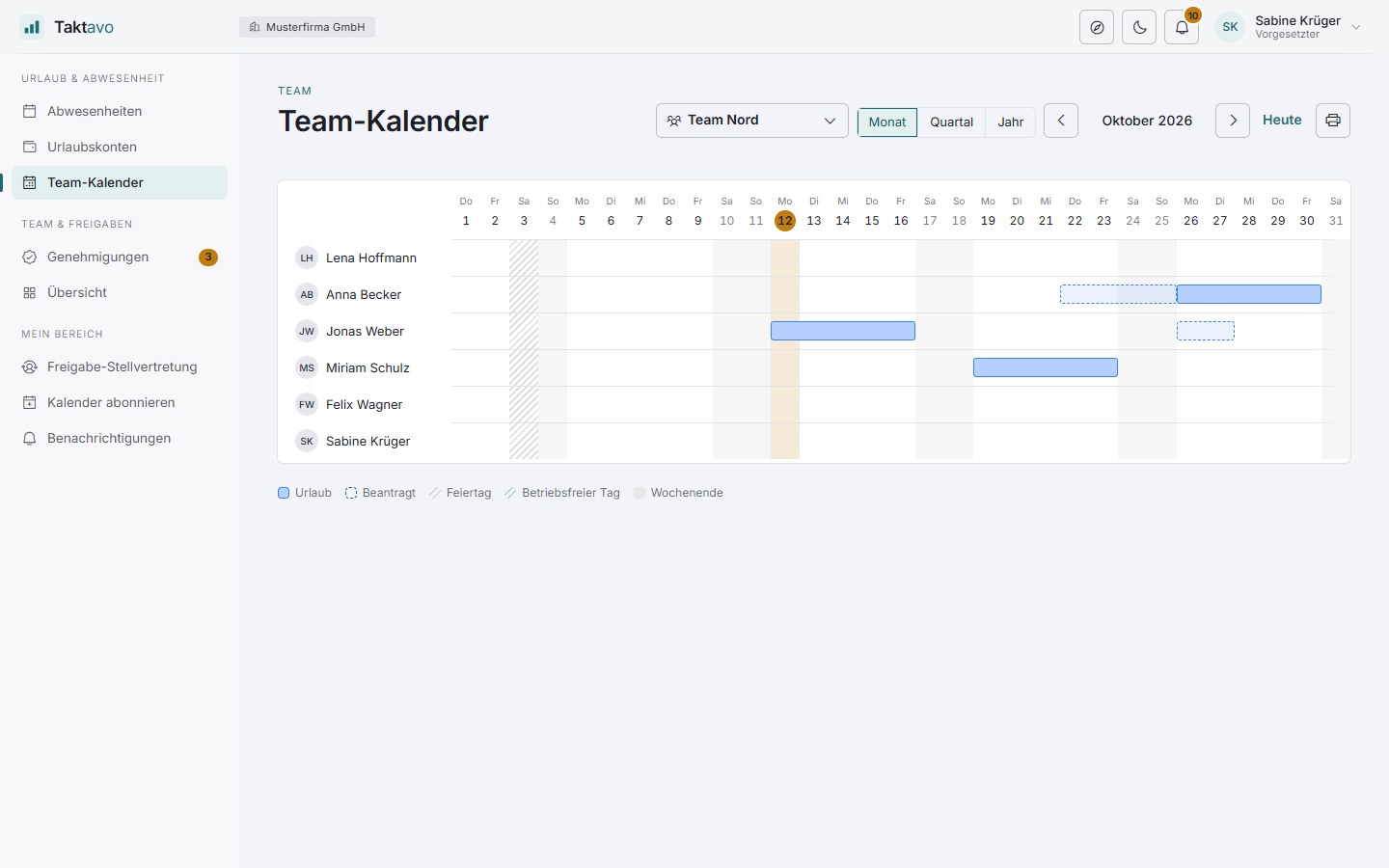
Taktavo: team calendar with absences in October Taktavo: team calendar with absences in October

Absences: the whole year at a glance

Modules

Three modules. One system.

Start with absence management and add time tracking and shift planning when you need them – per tenant and without a new installation. You decide per employee who records time or is scheduled.

Core module

Absences

Request, approve and record leave, sickness and other absences – with leave accounts that do the maths themselves.

  • Drag requests across the annual calendar
  • Single or multi-stage approvals with deputies
  • Leave accounts with carry-over, expiry and journal
  • Team calendar with holidays and calendar notes
More about absences
Add-on

Time tracking

Record working time the way the working day works – with the time clock, in a weekly grid or added later in one go. The time account keeps count.

  • Time clock, day profiles and adding time later
  • Time account with target, actual and balance
  • Checks against the German Working Hours Act
  • Month-end closing with approval
  • Project time per client, project and period
More about time tracking
Add-on

Shift planning

Plan shifts by demand: how many people, with which qualifications – and the board shows who is eligible while you drag.

  • Demand per shift or time window
  • Planning board with drag & drop
  • Checks against leave, rest periods and qualifications
  • Publish with notifications
More about shift planning
Included in all plans

FokusTakt

A personal Pomodoro timer for everyone: short, undisturbed stretches of work with small breaks in between. It runs alongside your work, never changes any times and is visible only to you – even without time tracking.

  • Four rhythms and six designs
  • Header bar, full view and mini window
  • Linked to the time clock if you like
  • Personal statistics only if you want them
  • Short voice-guided exercises for your breaks
More about FokusTakt
Time off and recovery in all plans

TaktGefühl

Protects time off and encourages recovery: emails arrive during working hours, and reminders about leave and time off in lieu are seen only by the person themselves. Plus a workload overview per team for HR, health and safety and the works council – in the largest plan.

  • After-hours quiet for emails
  • Recovery barometer just for you
  • Bridge days and compensation day
  • Workload overview per team
More about TaktGefühl

Working together

Entered once, right everywhere.

The modules share employees, teams, calendars and permissions. What happens in one takes effect in the others – without exports and without reconciling by hand.

Connected to your systems

Taktavo fits into your existing landscape – in both directions, set up by your administrators.

Sync employees

From existing user directories: new people are created, changes applied, leavers locked.

Sign in as usual

Through your organisation’s identity provider (single sign-on) – no separate password for Taktavo.

Absences for other systems

For example for timetabling or cover planning: through a secured interface, by default only “absent” – never the reason.

Who it’s for

The right view for every role.

Everyone sees exactly what they need – and only what they are permitted to see. Modules that are switched off don’t appear at all.

Leave, hours and shifts – in one place.

  • Drag across days in the annual calendar – a leave request takes seconds.
  • Clock in and out, from your phone too – or book the whole day with one click using a day profile.
  • Remaining leave, time account and the status of every request always in view.
  • See your own rota and subscribe to it, together with your absences, as a calendar.
  • Call in sick with two clicks.
  • Use Taktavo in your own language – German or English.
Employee view: own absences and annual calendar Employee view: own absences and annual calendar

Operation & security

Your data stays where it belongs.

Taktavo runs on your infrastructure – not in someone else’s cloud. You stay in control of data, access and email delivery.

Your own server

Run it in your own data centre or with your parent organisation, on Windows Server with IIS. The data lives in your SQL Server database.

Access under control

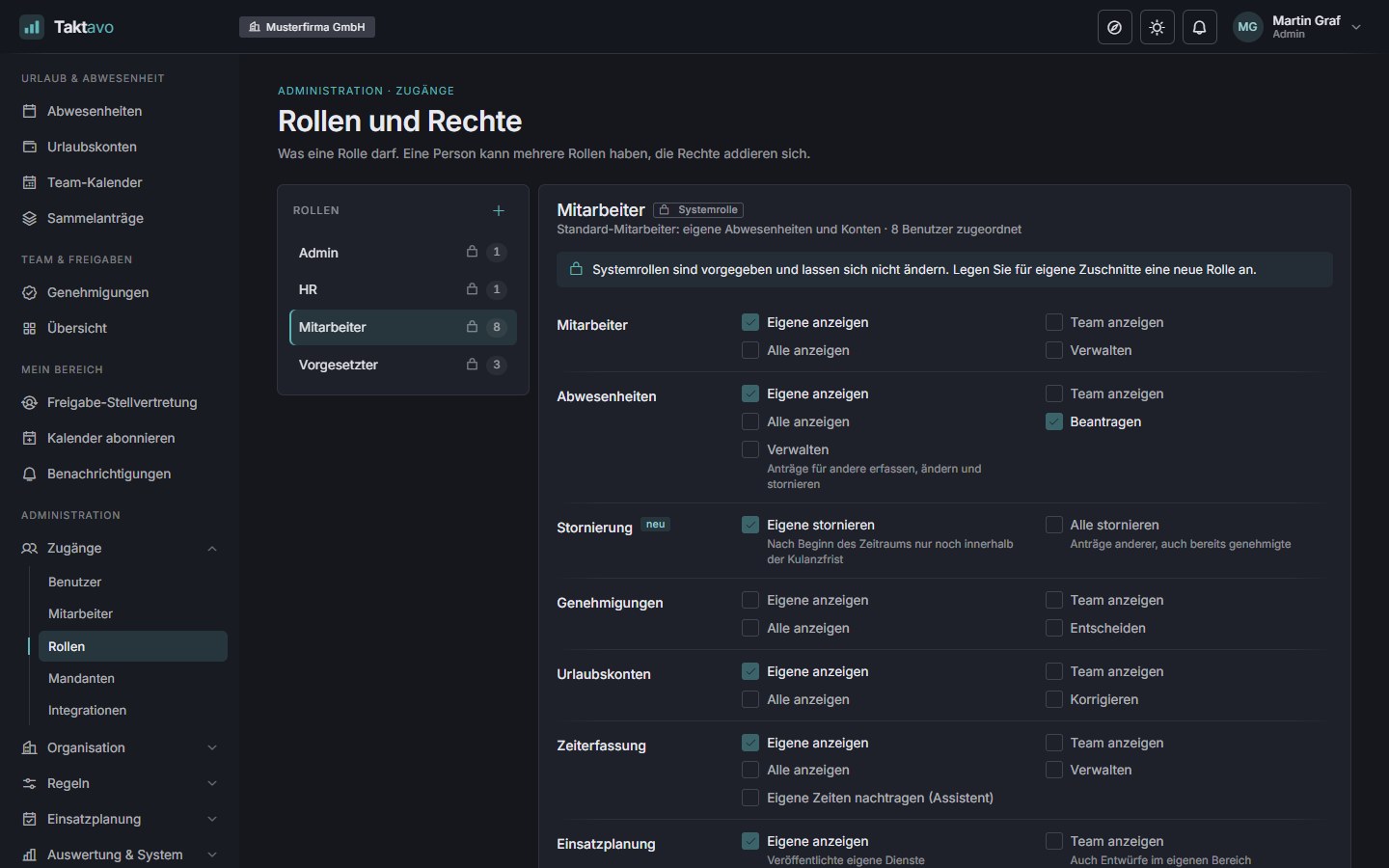
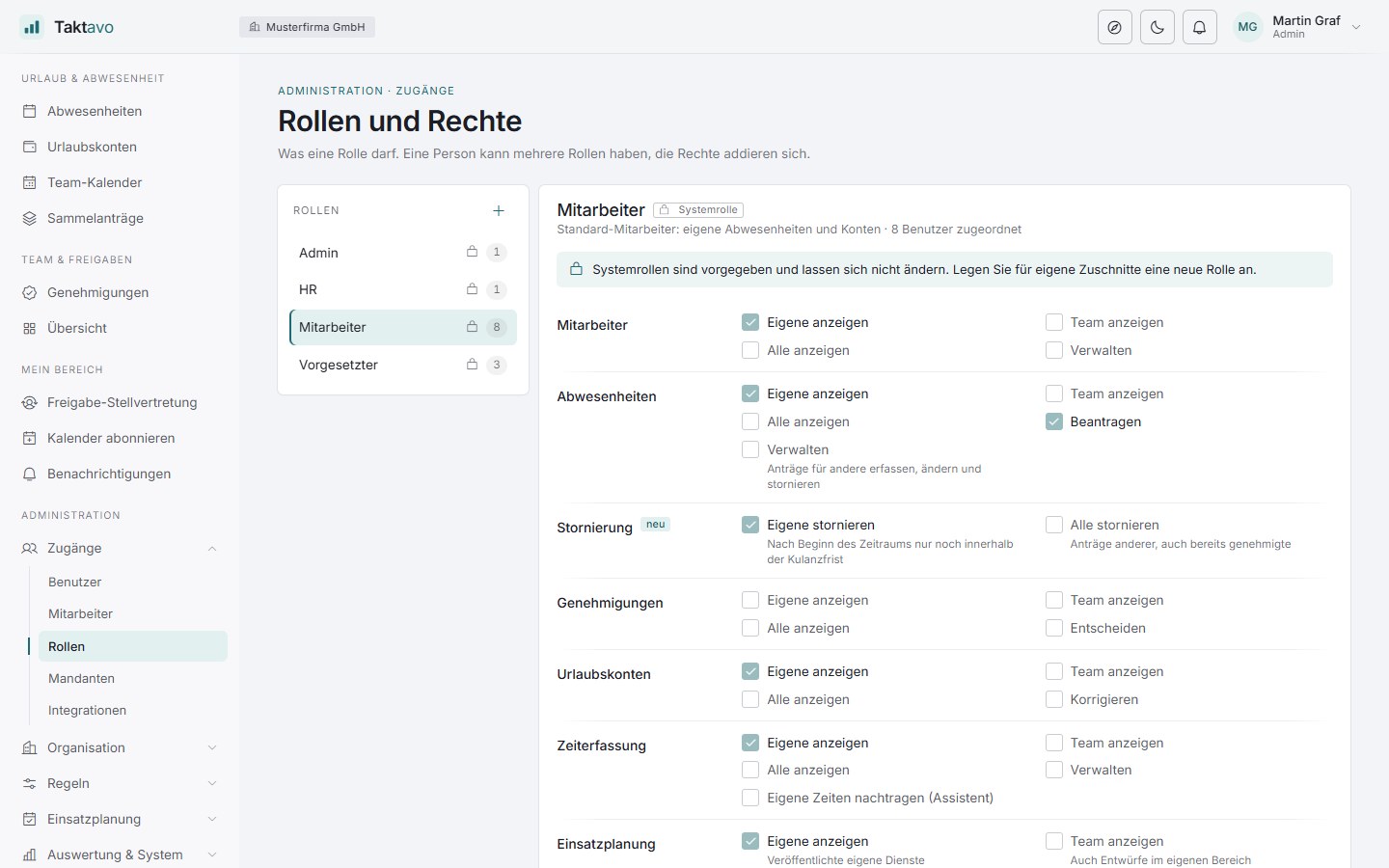
Roles can be adapted freely per tenant: managers see their team, HR their tenant – and nobody more than necessary. After a period of inactivity, Taktavo signs you out automatically.

Traceable

An audit trail records who changed what and when – on requests, times and shifts. Account and correction entries are fully documented.

Reliable email delivery

Emails go out through your mail server. A delivery log shows every message, and failed ones are retried automatically.

Before going live, you can try Taktavo in trial mode with sample data – a built-in guide walks every role through the application.

FAQ

Frequently asked questions.

Questions about individual modules are answered on the pages Absences, Time tracking and Shift planning, as well as FokusTakt and TaktGefühl.

Which languages does Taktavo support?

Taktavo is available in German and English. Everyone chooses their language in their own settings – menus, notifications and the built-in guide follow that choice. So a team can work in one system, each person in their own language.

Do I have to use all three modules?

No. Absence management is the core. You add time tracking and shift planning per tenant when you need them, and decide per employee who records time or is scheduled. Modules that are switched off appear neither in the menu nor in the guide.

Where is the data stored?

On your own server. Taktavo is installed on your infrastructure, the data lives in your database, and Taktavo sends emails through your mail server.

Is Taktavo suitable for several organisations or sites?

Yes. One installation holds several tenants with their own teams, sites and roles. Public holidays follow the German federal state of each site, and managers or deputies may also belong to a different tenant.

Does Taktavo work on a smartphone?

Yes. The interface adapts to any screen and can be installed on the home screen like an app – no app store needed. Requesting leave, clocking in and checking your own rota all work on the go.

Is Taktavo suitable for shared computers?

Yes, for example at reception, in the break room or in the workshop. Anyone who stays inactive for a while is signed out automatically; two minutes beforehand a notice appears that lets them stay signed in. In addition, every session ends after a maximum duration, even during continuous work. Your administrators set both times per tenant – new tenants start with one hour of inactivity and a maximum of twelve hours.

How much effort is the rollout?

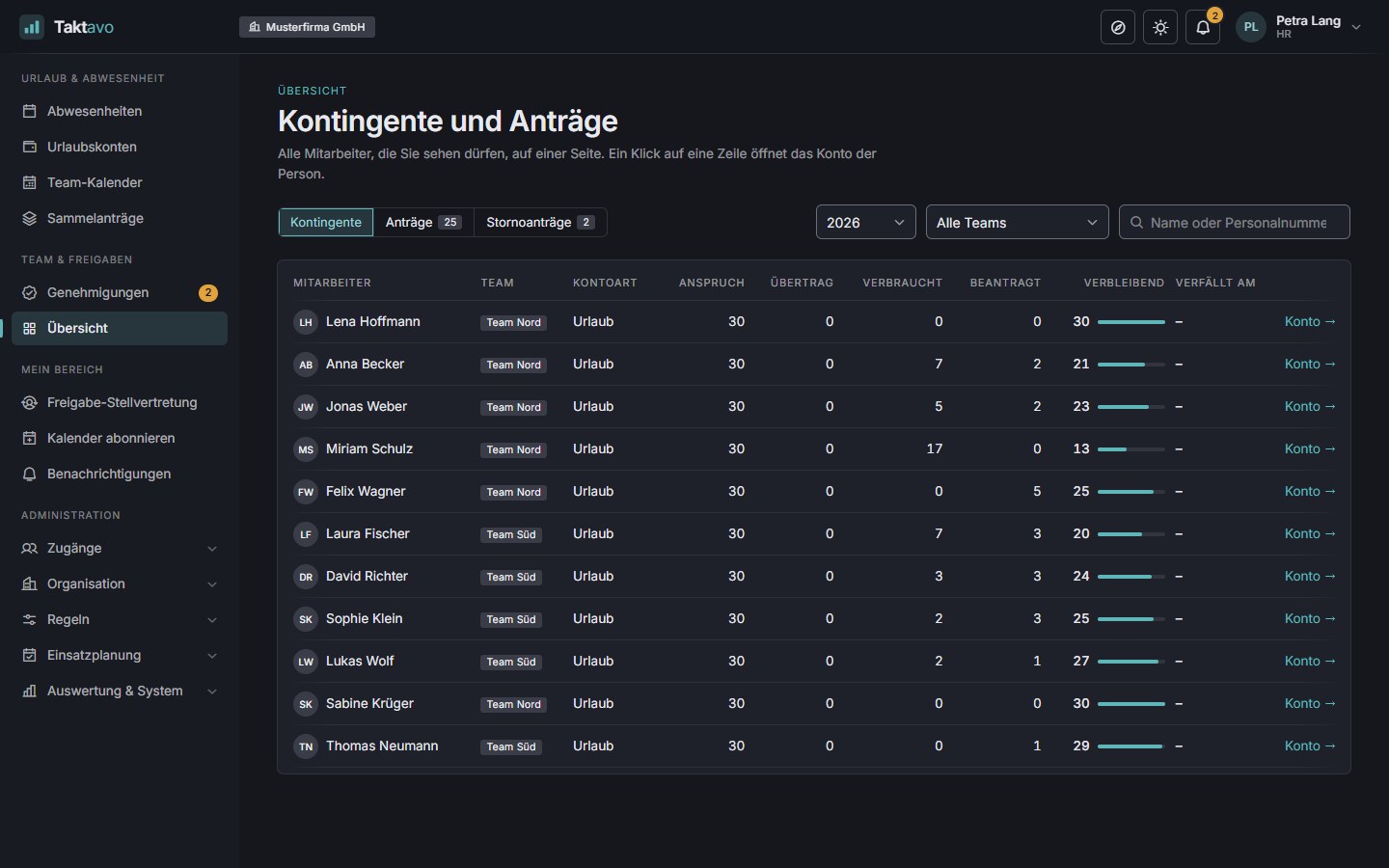
Employees and entitlements can be imported, and users are invited by email. If you already manage your staff in another system, Taktavo takes them over from there via sync – people already in Taktavo are linked rather than created twice. You assign teams in bulk by selection or list. In trial mode you try everything with sample data, and the built-in guide explains every role’s pages – including those for time tracking and shift planning.

Can Taktavo be connected to existing systems?

Yes. Taktavo syncs employees with existing user directories: new people are created, changes applied, leavers locked – with a dry run and a complete log. Sign-in can go through your organisation’s identity provider (OpenID Connect, single sign-on). Your administrators set up the connection themselves; credentials are stored encrypted, and an emergency access for administrators always remains.

Can other systems retrieve absences from Taktavo?

Yes. A connected system – such as timetabling or cover planning – retrieves through a secured interface who is away on which days, and also learns when an absence is withdrawn. Your administrators enable this per system and issue separate credentials that can be renewed or revoked at any time. By default only “absent” is transmitted; reasons such as sickness, comments and names stay in Taktavo.

See Taktavo in action.

In a short demo we show you Taktavo with your own processes – from the leave request through month-end closing to the published rota.

Rather try it yourself first? Open the demo environment

Write to us

* Required. How we handle your details is explained in our privacy policy.