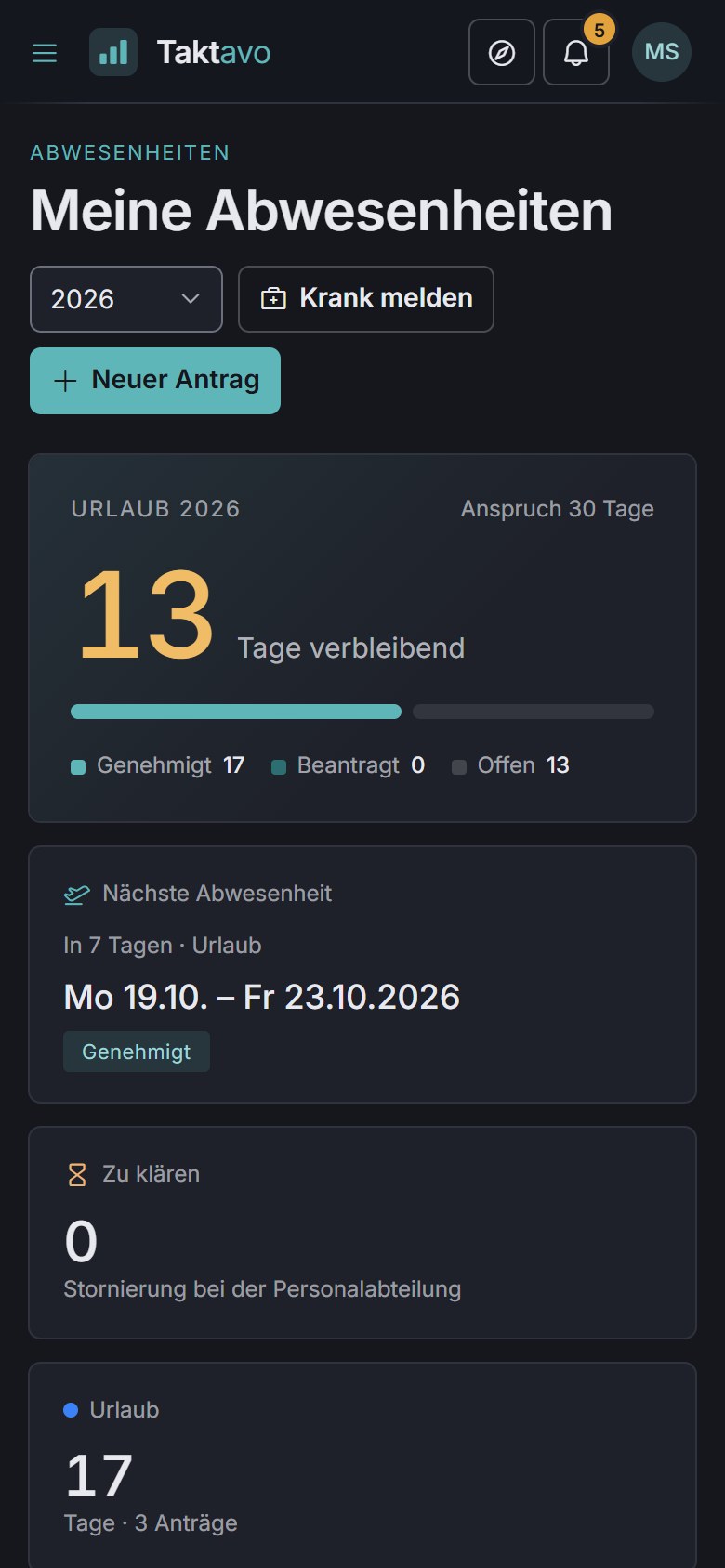
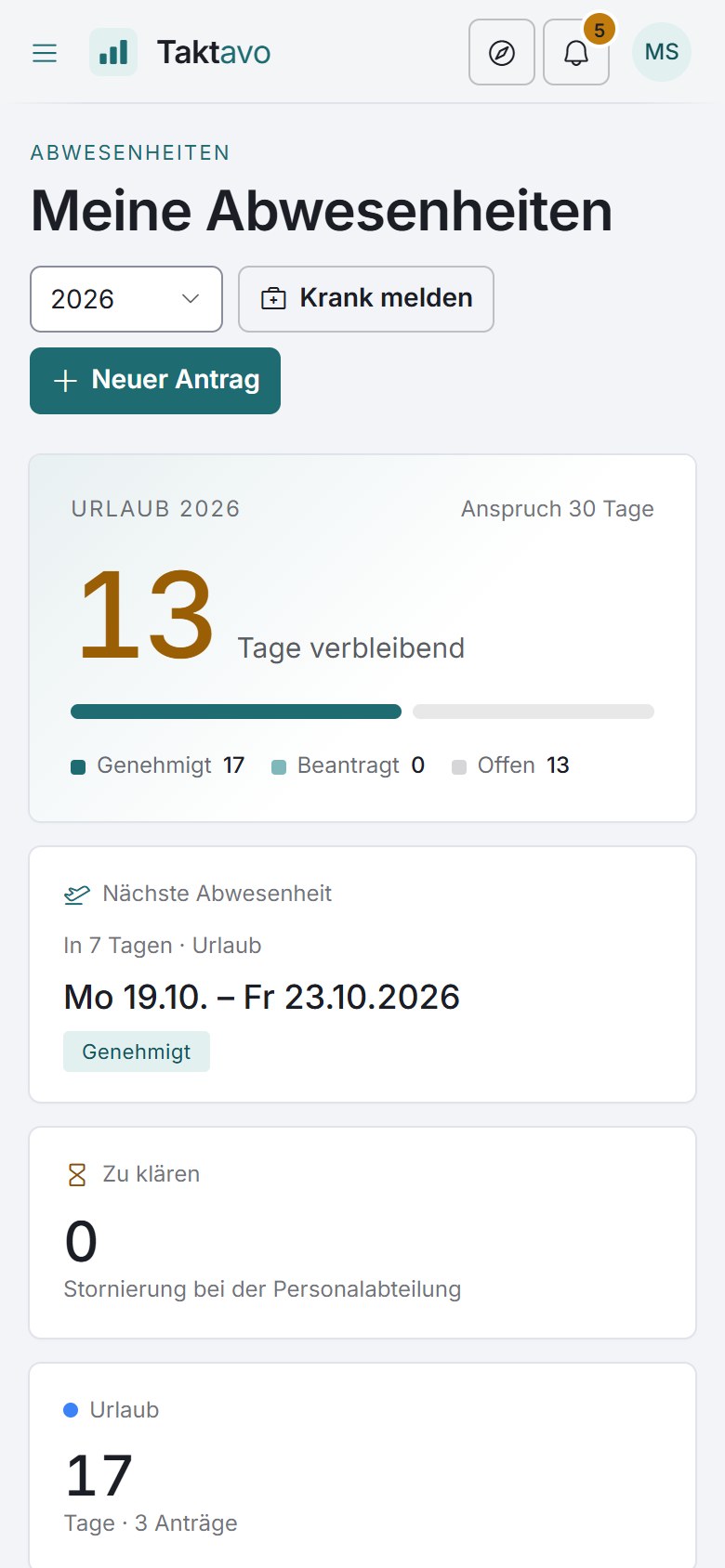
Requests in seconds
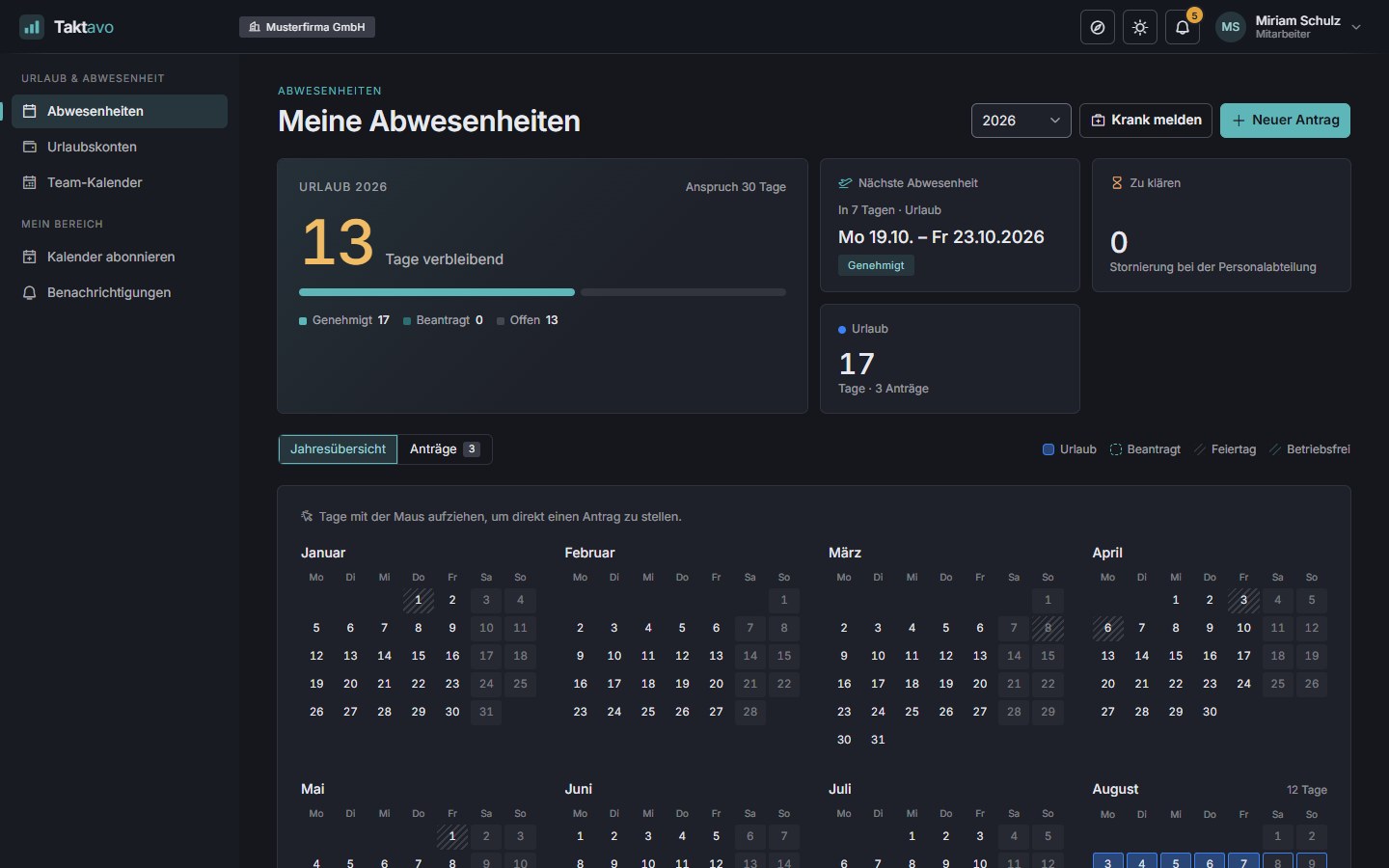
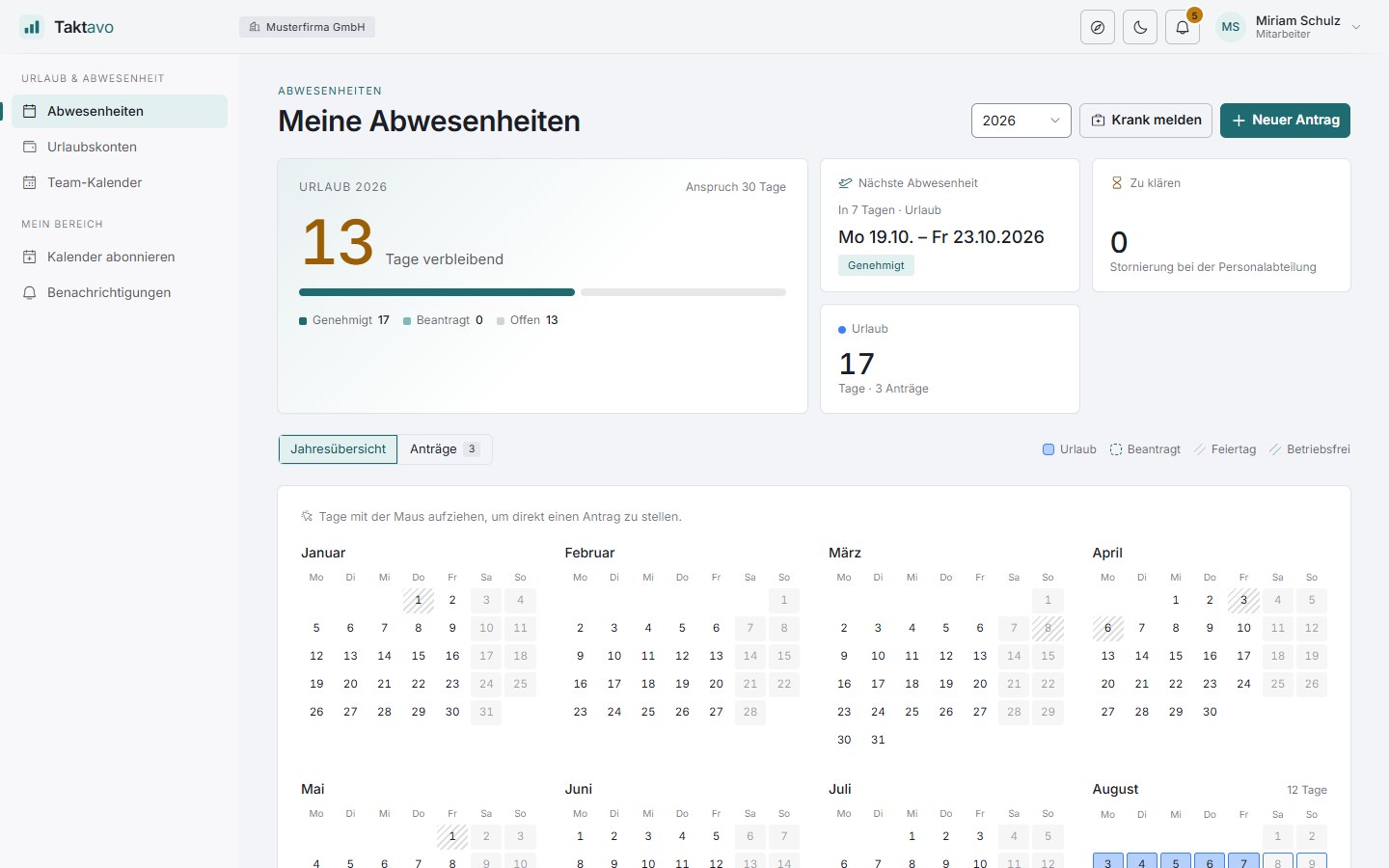
Simply drag the period across the annual calendar, choose the type, submit. Half days and a live preview of the days used are included.
Leave and absence management
Taktavo brings requests, approvals and leave accounts together in one place – for organisations with several sites, teams and tenants. Clear for employees, a relief for managers and HR.
Features
From the first request to the year-end changeover: Taktavo covers the whole way and does the maths as it goes, so nobody has to maintain spreadsheets any more.
Simply drag the period across the annual calendar, choose the type, submit. Half days and a live preview of the days used are included.
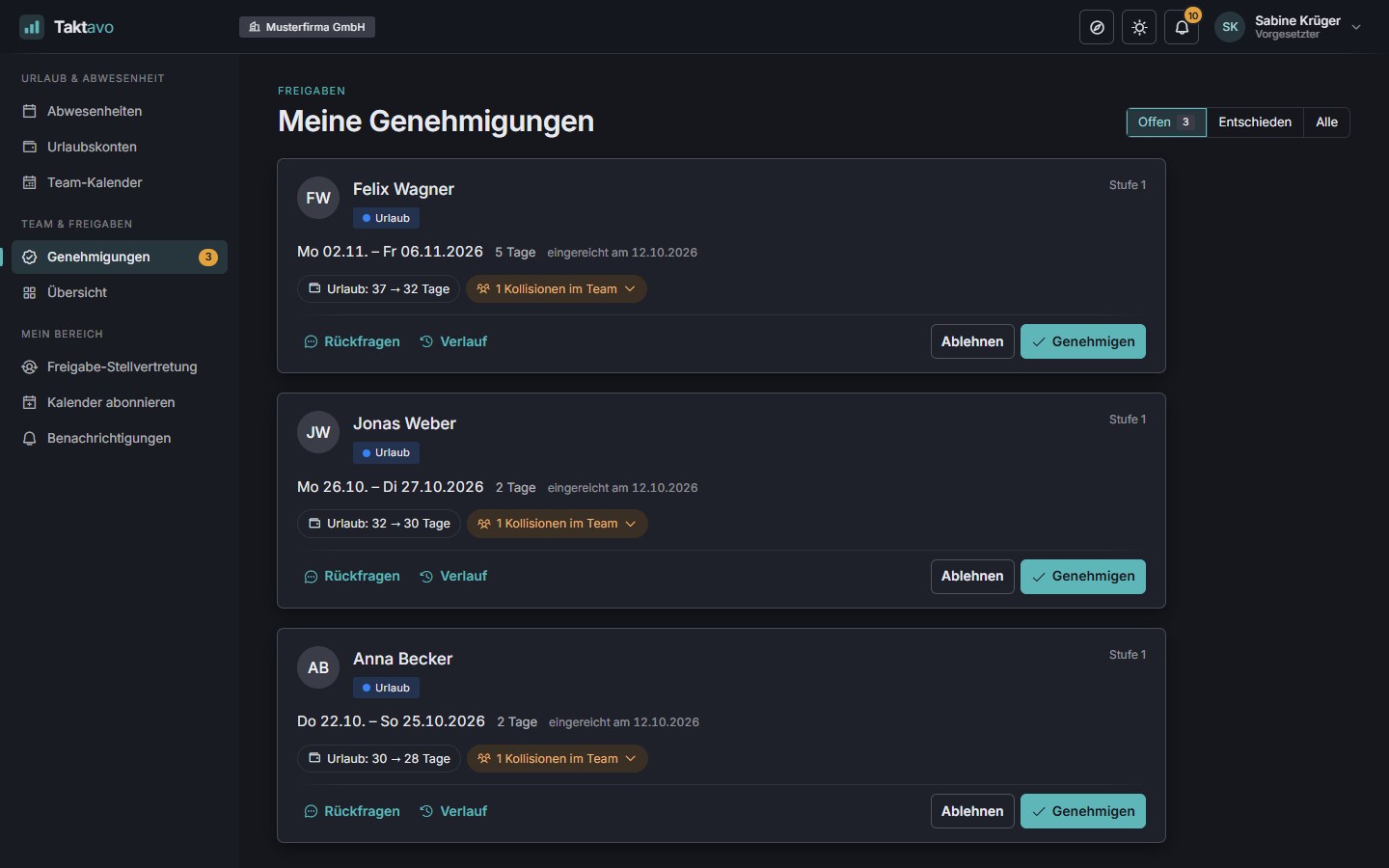
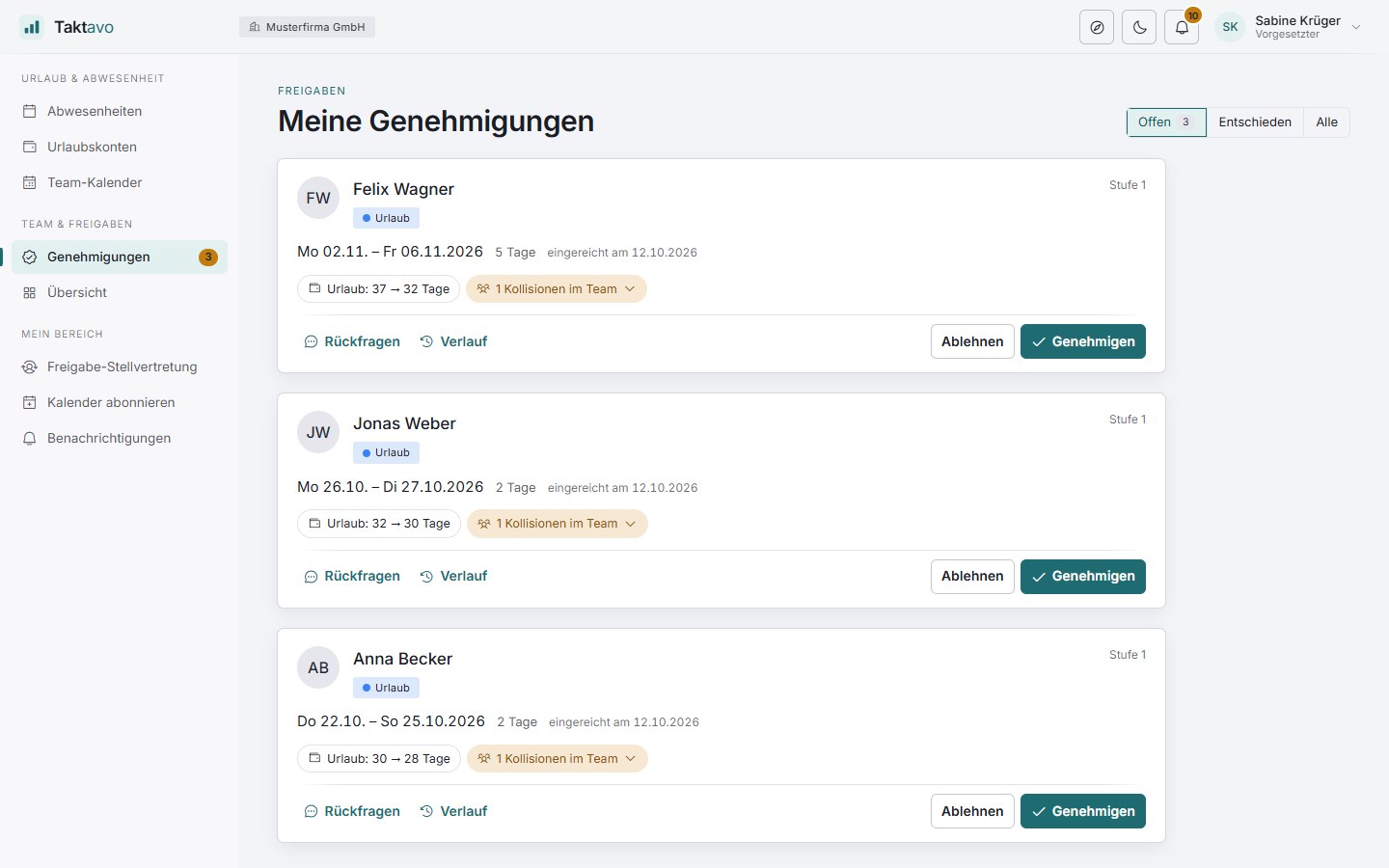
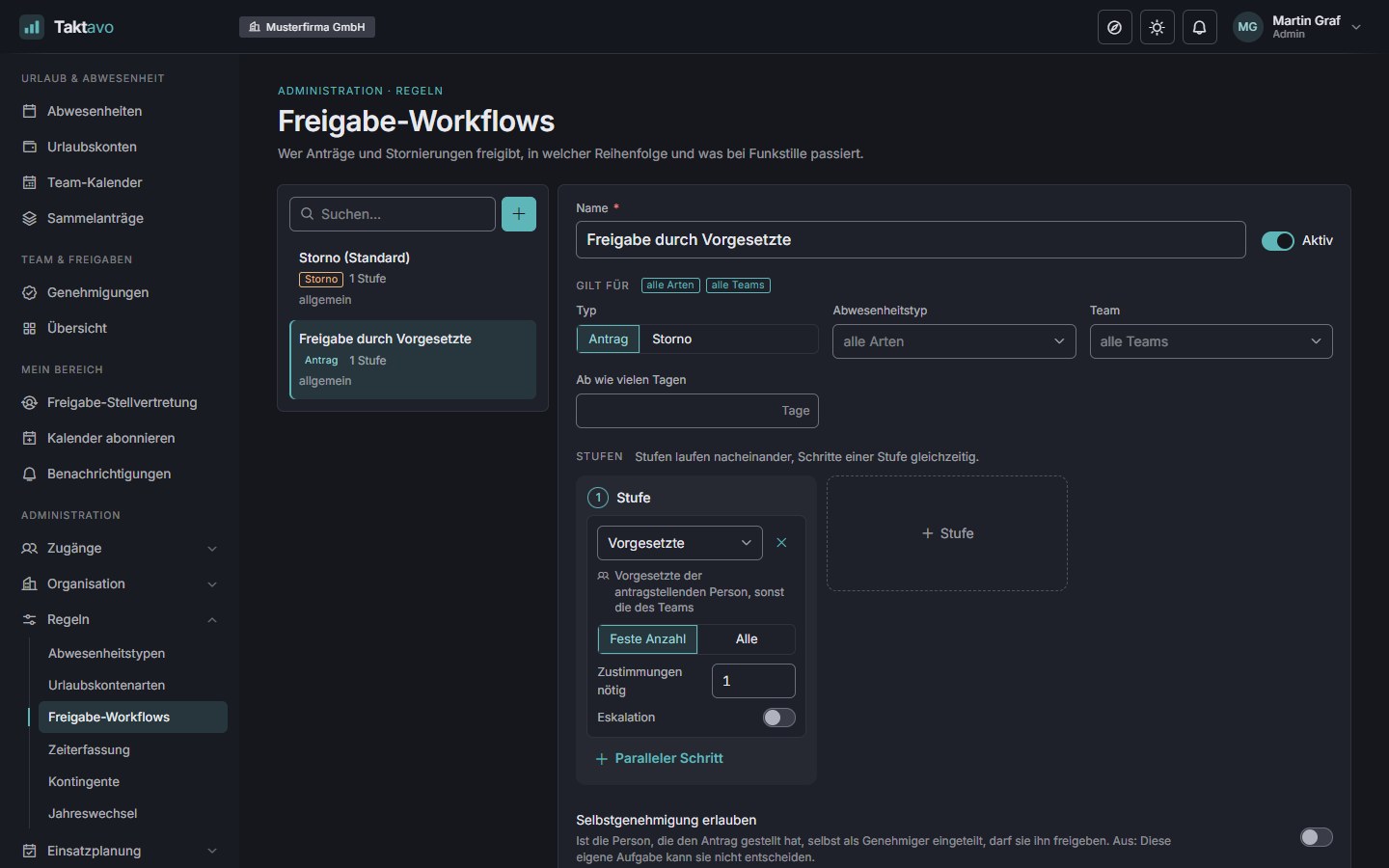
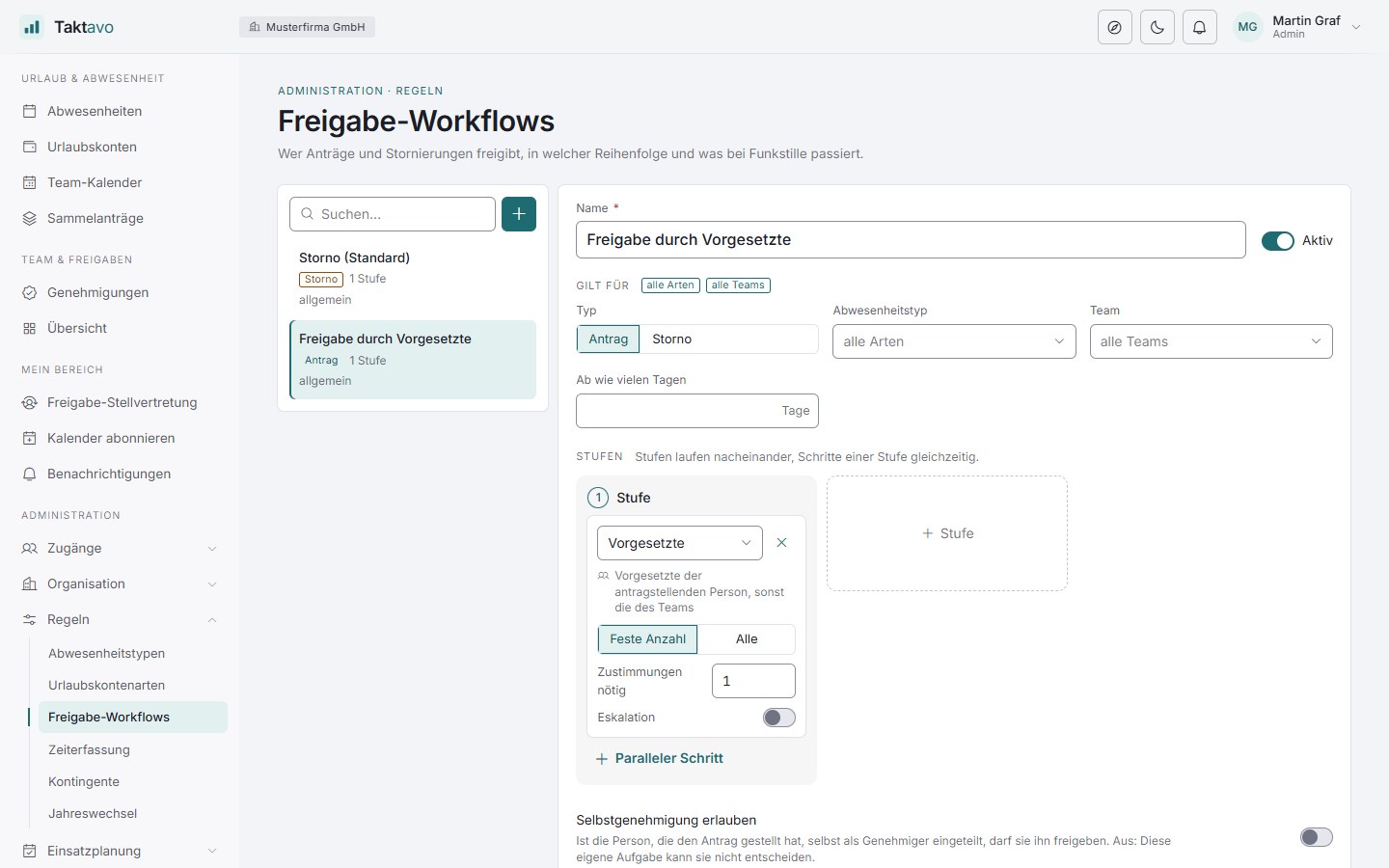
Single or multi-stage approval routes, several managers per team, deputies during absence and automatic escalation. If the manager changes, open requests move with them.
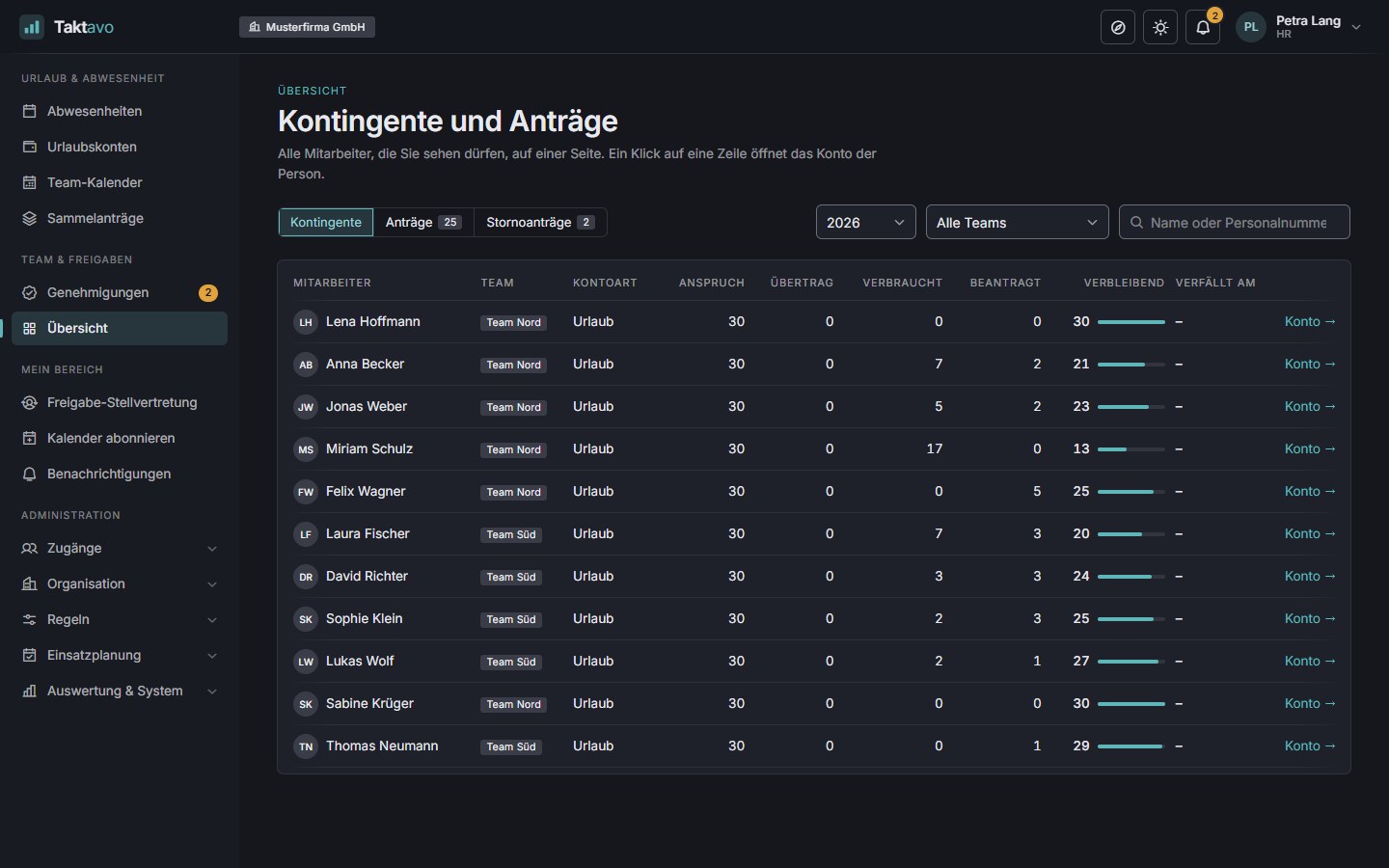
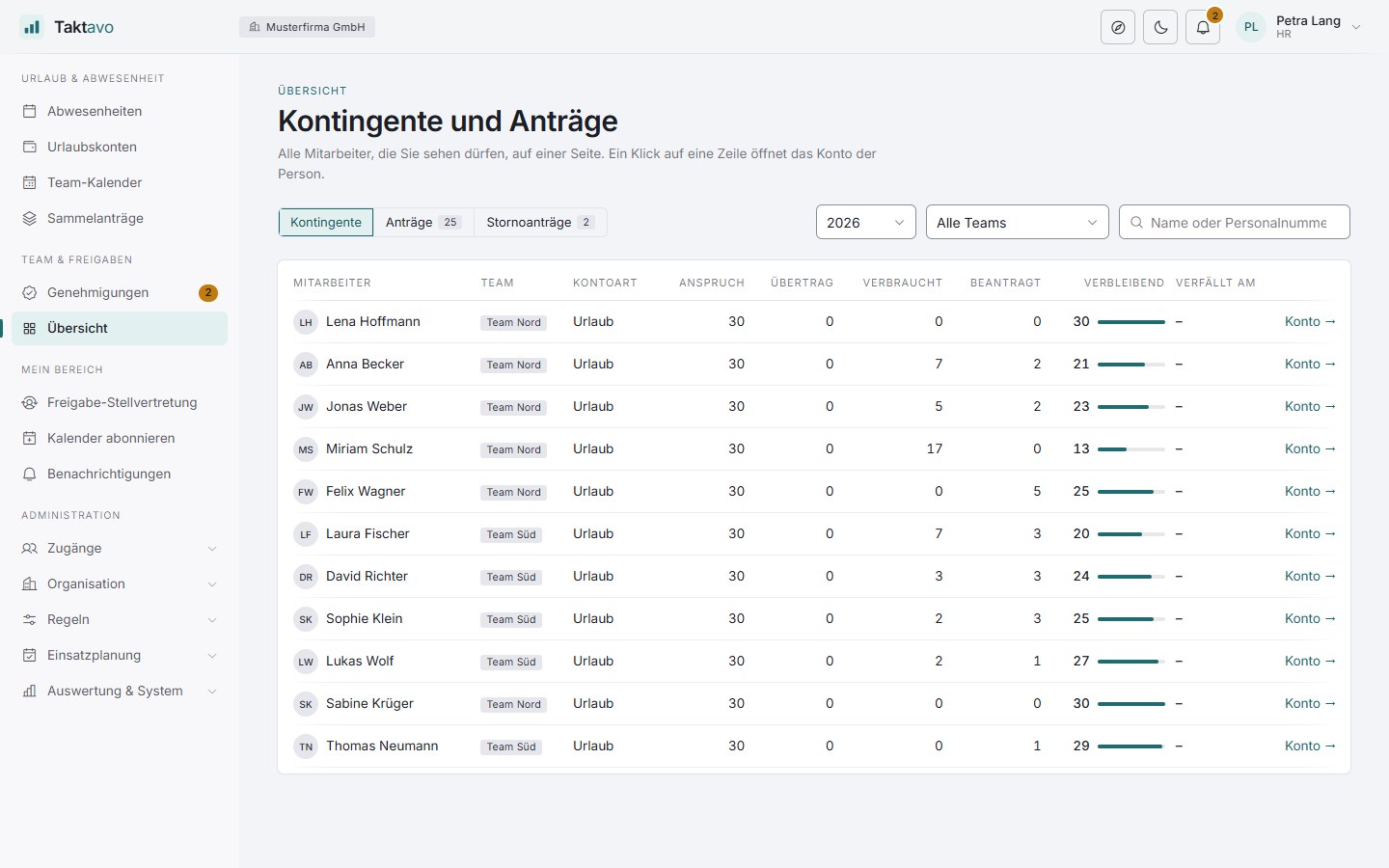
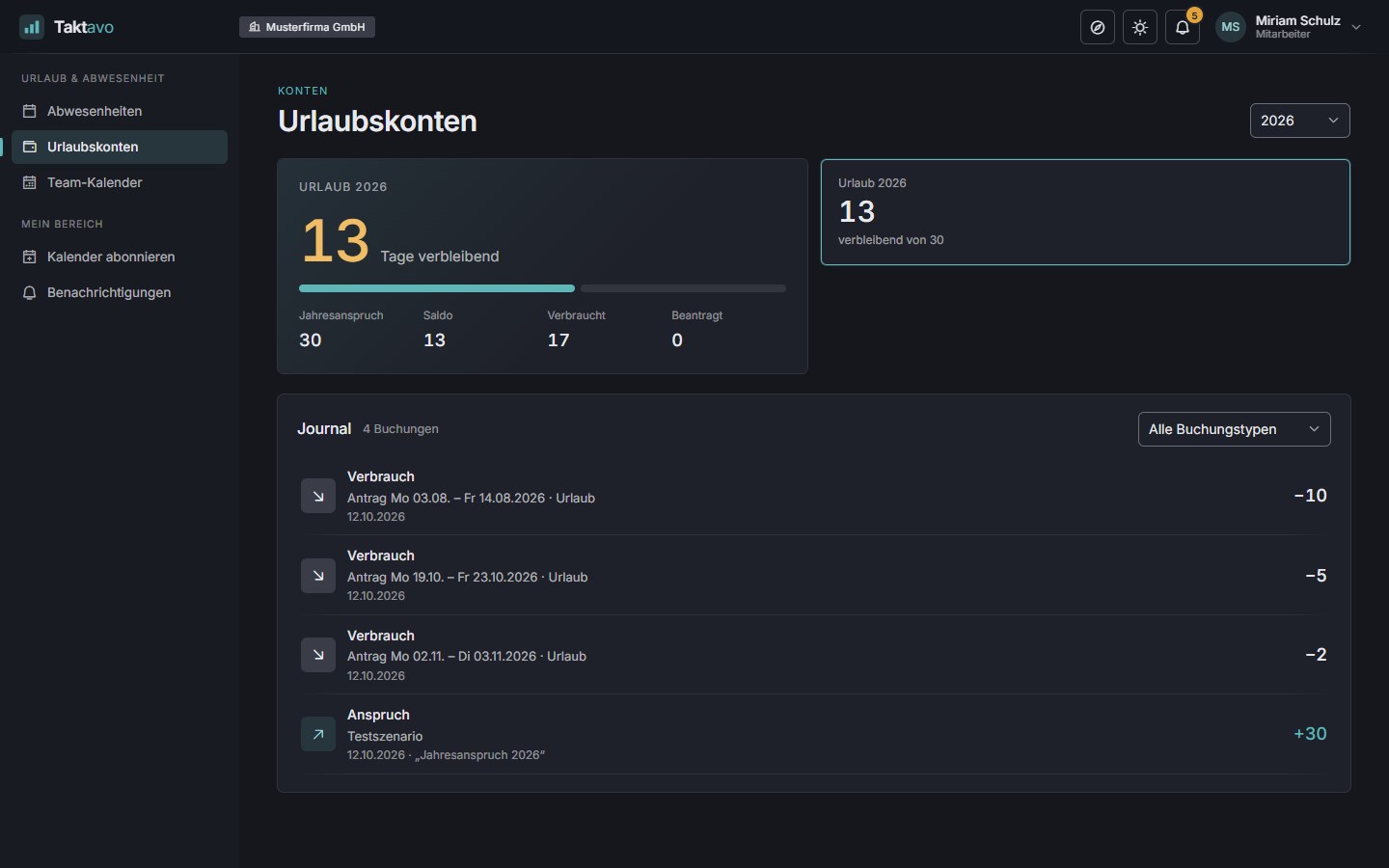
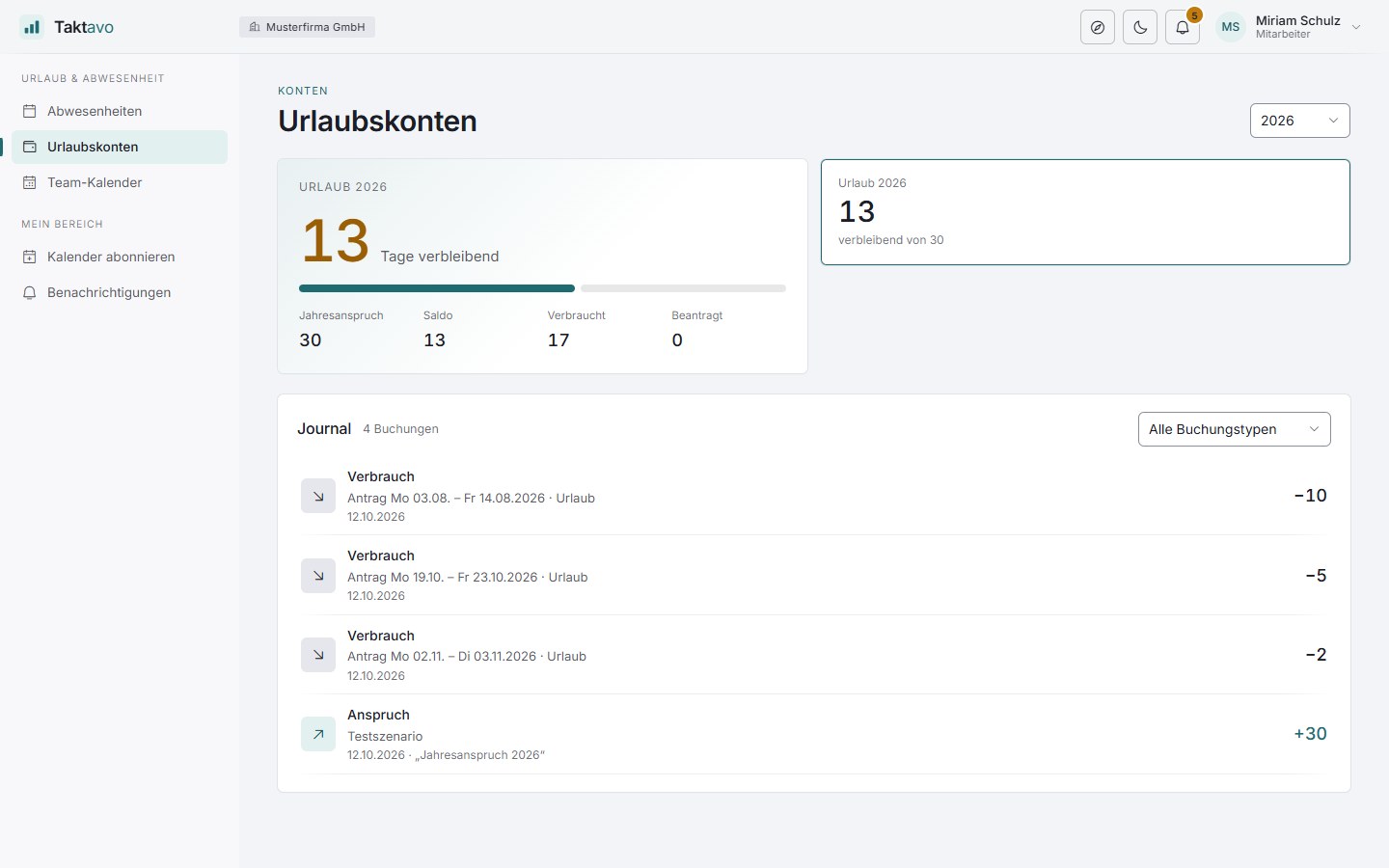
Taktavo books entitlement, remaining leave, carry-over and expiry itself – traceable in a journal, corrections included.
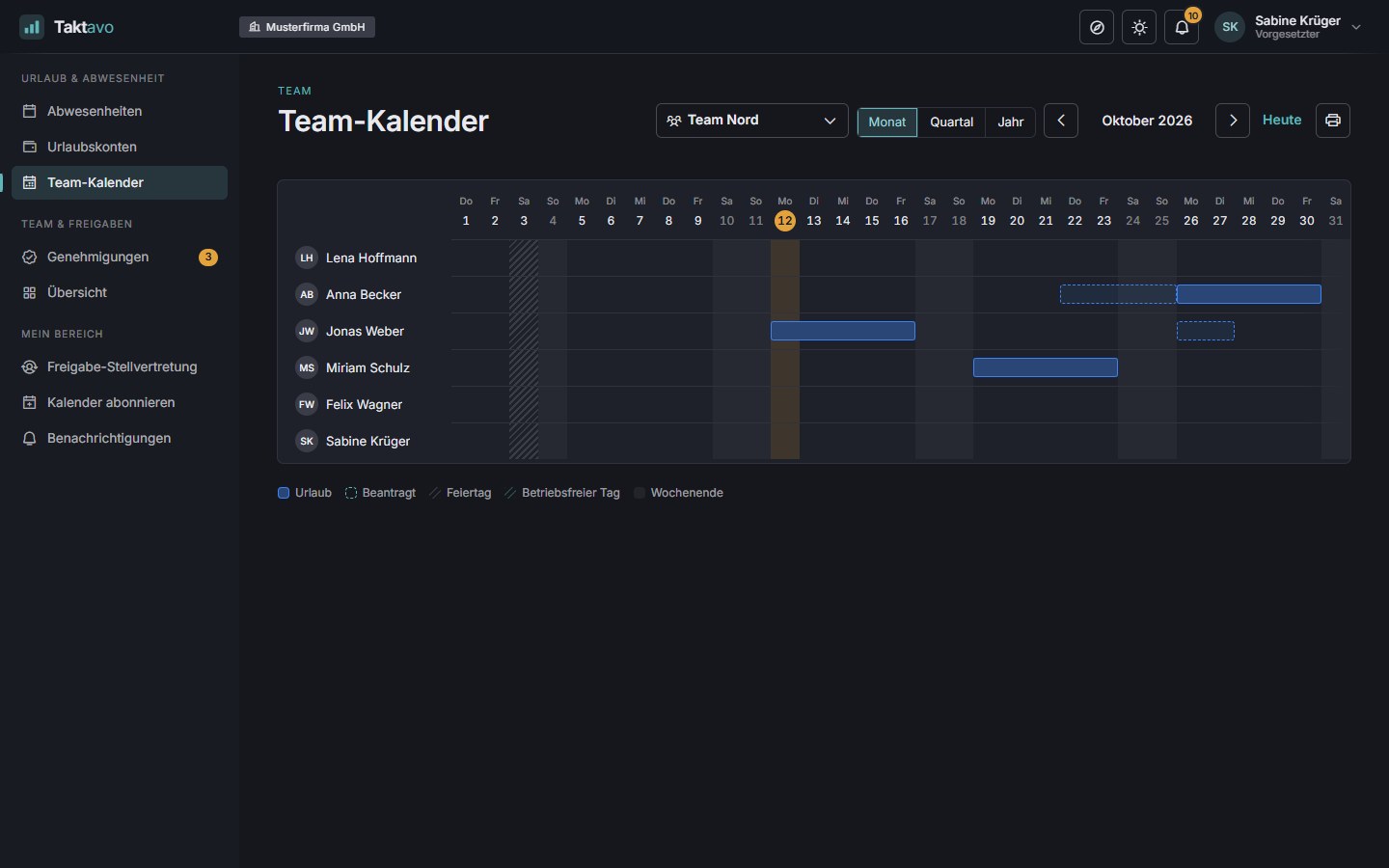
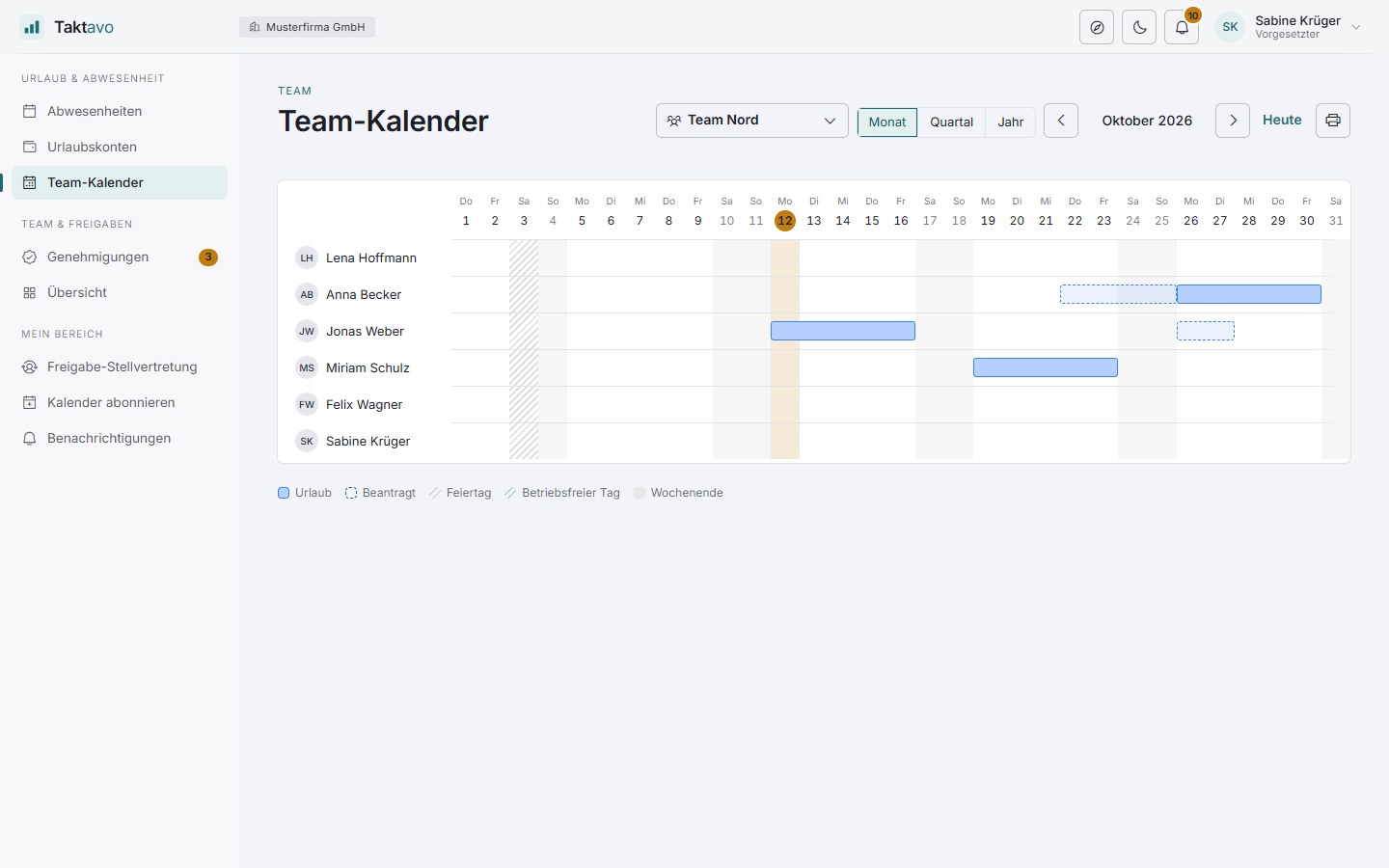
Who is in when? Managers spot bottlenecks before they arise – by month, quarter or year, for one team or several.
School holidays, stocktaking or training weeks appear as rows of their own in the team calendar. Taktavo fetches the holidays for every German federal state at the push of a button. Notes are for information only and cost no leave.
Public holidays per German federal state, company holidays and bridge days for everyone or for one site. They are not deducted from leave and appear in the team calendar.
HR records absences on behalf of employees – retrospectively too, or as a bulk request for many people at once, approved straight away if you wish.
Entitlement and carry-over for the new year in guided steps – with a preview before anything is booked.
Notifications in the application and by email, reminders about pending approvals and expiring leave days. Taktavo clears out old messages itself.
The subject, text and button of every notification can be adapted per tenant. Taktavo checks placeholders as soon as you save.
Subscribe to your own absences and your team’s as a calendar – in Outlook and any other calendar that understands iCal.
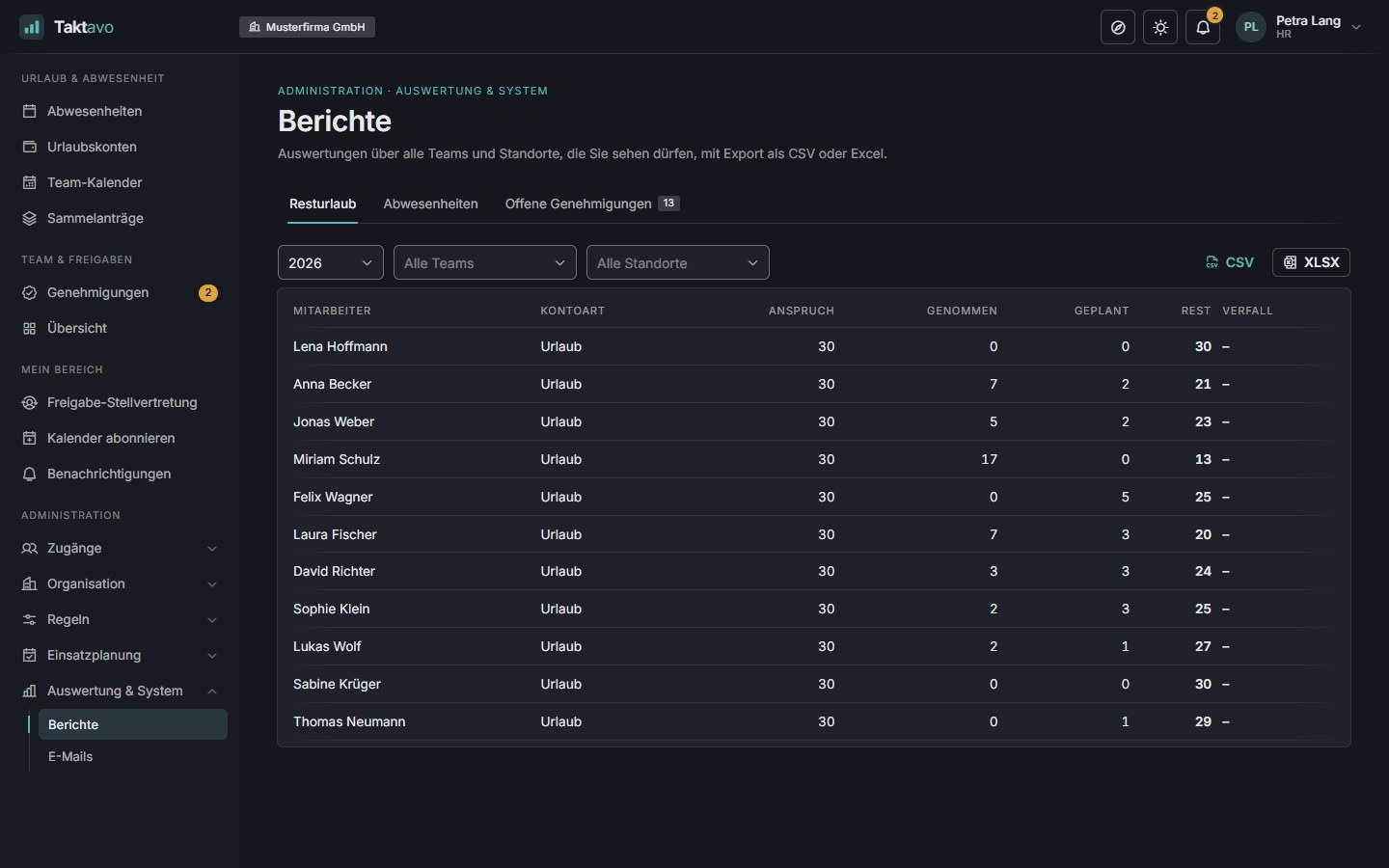
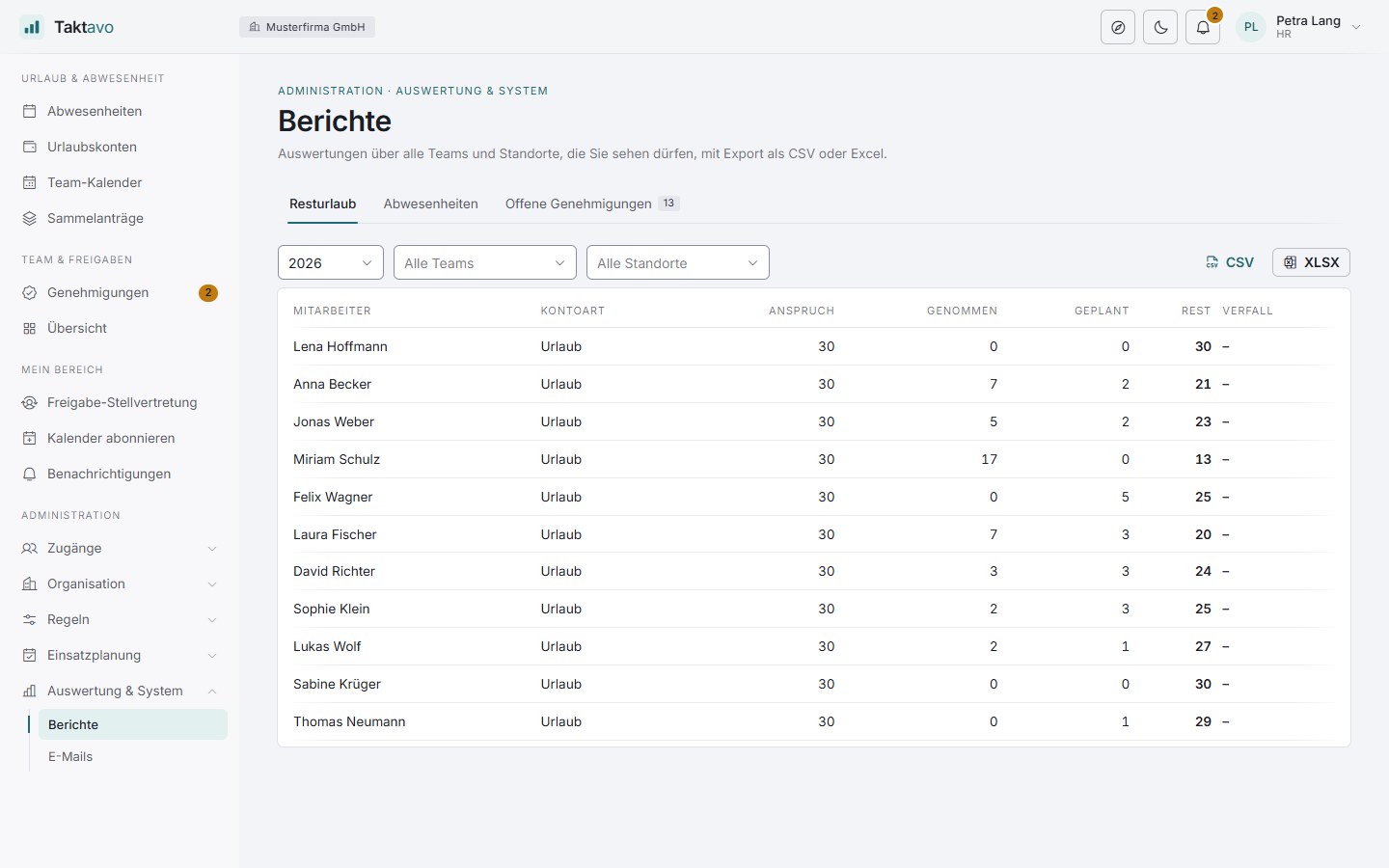
Analyse remaining leave, absences and pending approvals and export them as CSV or Excel – filtered by team and site.
Process
Four steps, no paper forms – and at the end the account and the calendar are right by themselves.
Drag the period, choose the type – Taktavo shows straight away how many days will be used.
The request goes to the responsible managers – single or multi-stage, with deputies.
Once approved, Taktavo automatically deducts the days from the right leave account.
Team calendar, calendar subscription and notifications are up to date straight away – and, with the other modules, the time account and rota too.
A closer look
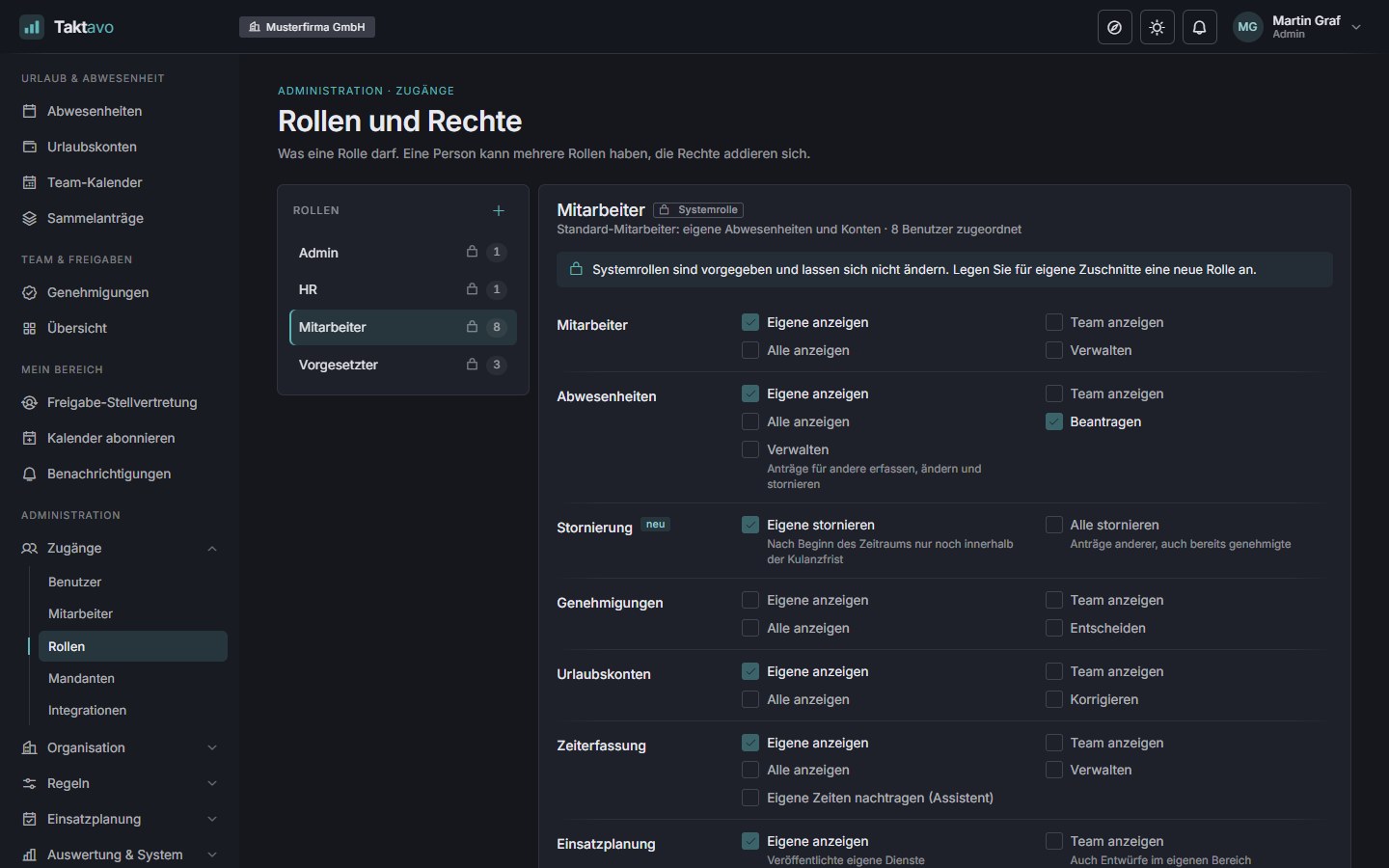
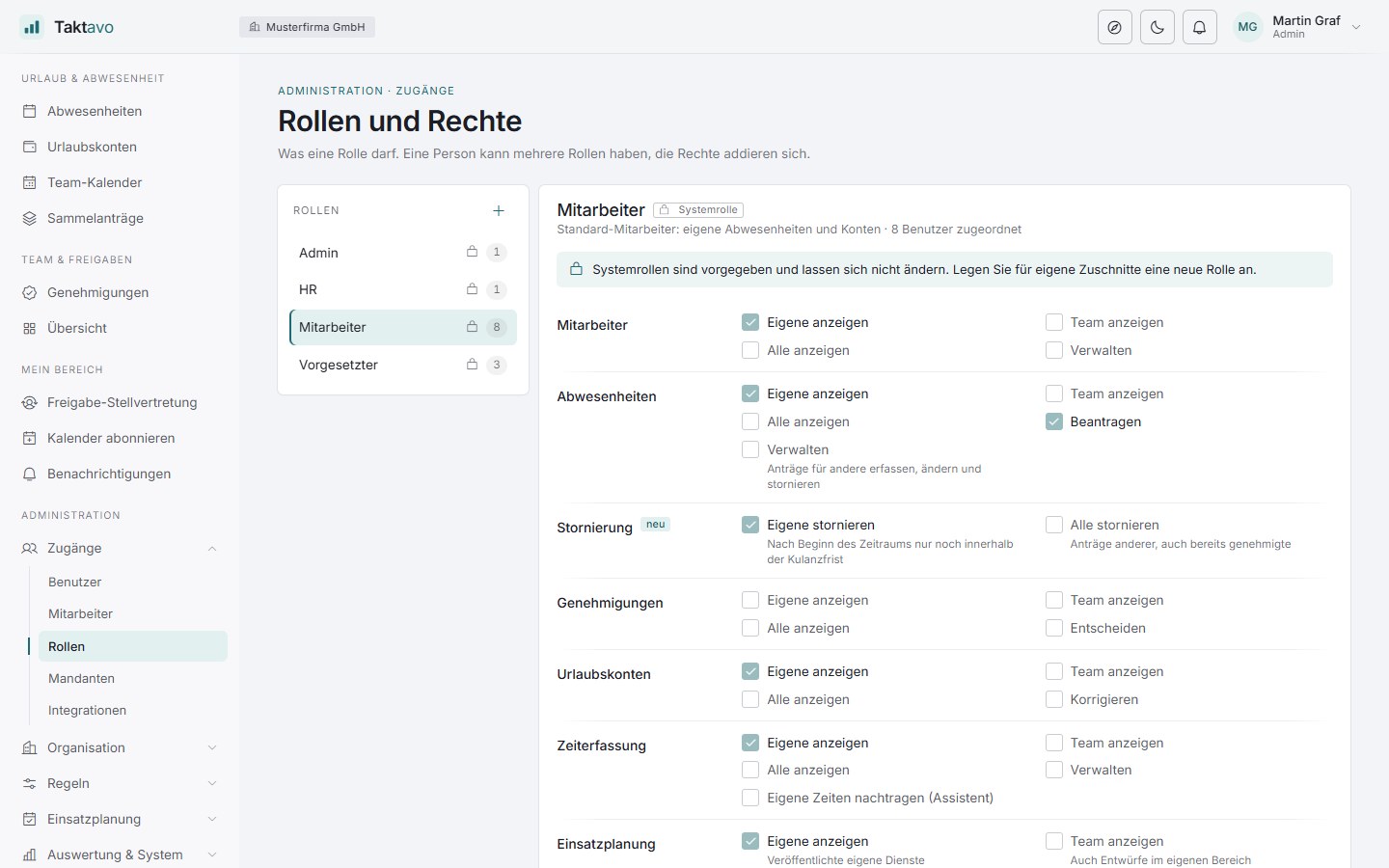
Light or dark – as you prefer. And on your phone just as at your desk.
FAQ
General questions about operation, rollout and integration are answered on the home page.
By default, sick notes need no approval and are recorded immediately. You decide per absence type whether colleagues can see it in the team calendar. Anyone who falls ill during their leave gets the days credited back by HR.
Yes – on the first and the last day of a period. You can set per absence type whether half days are allowed.
Taktavo calculates with each person’s working-day profile: someone who only works Monday to Wednesday uses three days for a whole week. Public holidays and closure days don’t count. If the profile changes during the year, the new one applies from its effective date.
Yes, through a calendar subscription. Your own absences and your team’s then appear in Outlook or any other calendar that supports iCal subscriptions.
You decide that per absence type. If a type is not visible to colleagues, the team calendar shows only “absent”; sickness is always shown there that way. Managers and HR see the type within their permissions.
Nothing for the leave request. Approved absences then also lower the target hours in the time account – half days pro rata. More on the Time tracking page.
More modules
Time clock, day profiles and time account – with notes based on the German Working Hours Act and month-end closing through approval.
More about time trackingFill the demand per shift or time window by drag & drop – checked against leave, rest periods and qualifications.
More about shift planningIn a short demo we show you Taktavo with your own processes – from the request to the year-end changeover.