Shift types
Early, late, night, on-call or training – with times, break and colour. Taktavo calculates the net time itself, across midnight too.
Shift planning module
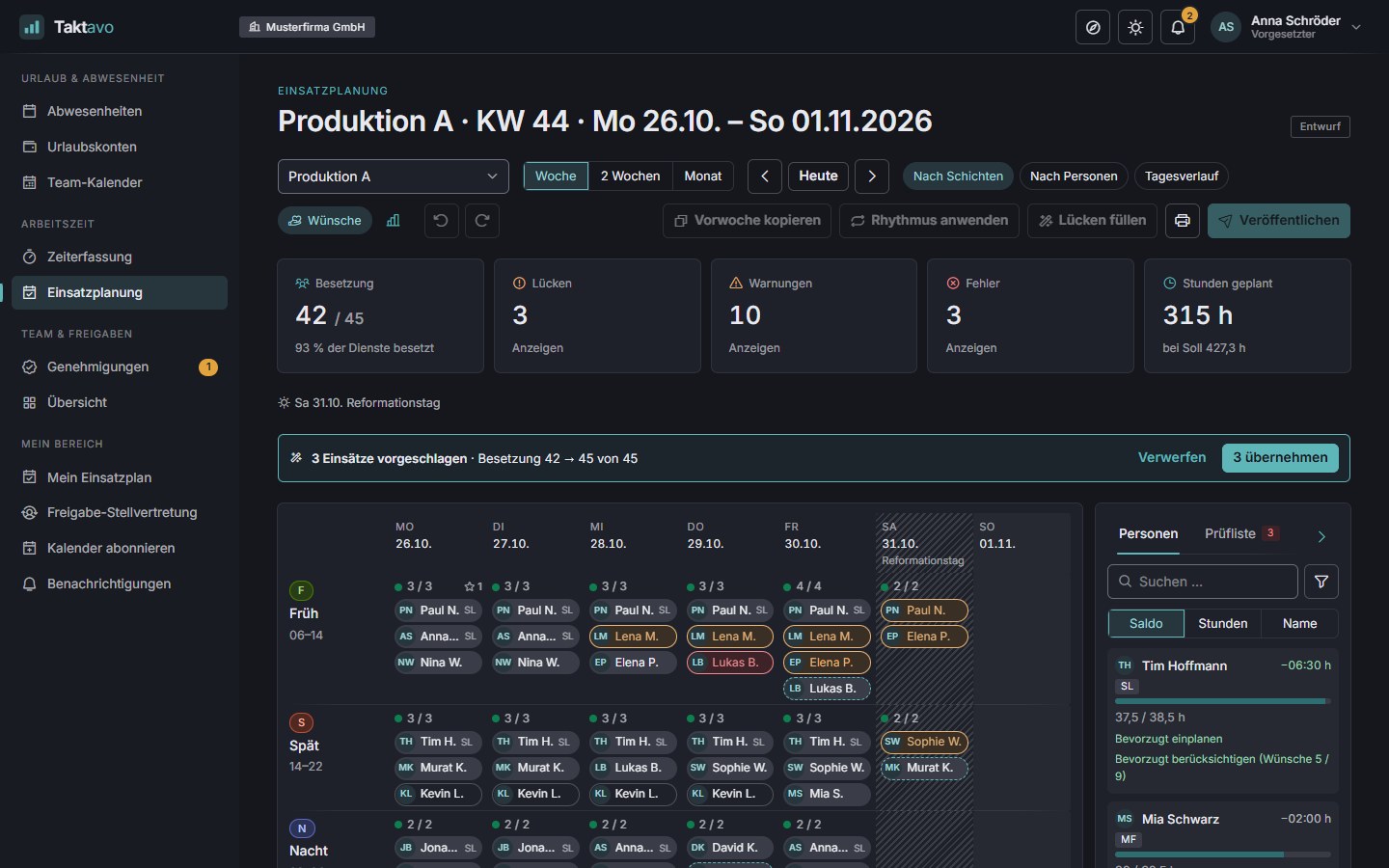
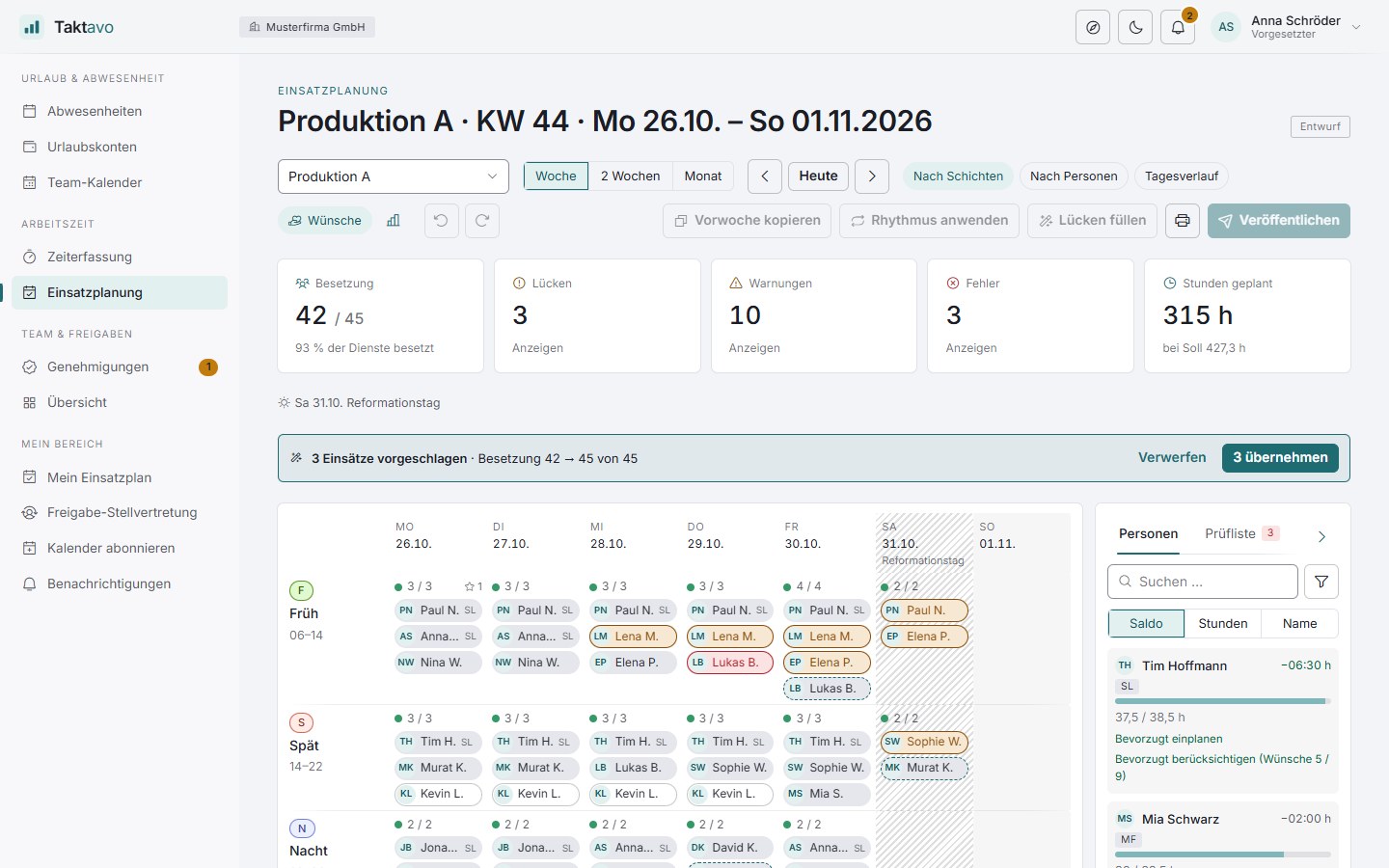
Define how many people with which qualifications are needed per shift or time window, and fill the demand by drag & drop. Taktavo checks against leave, the German Working Hours Act and the time account and shows who fits while you drag.
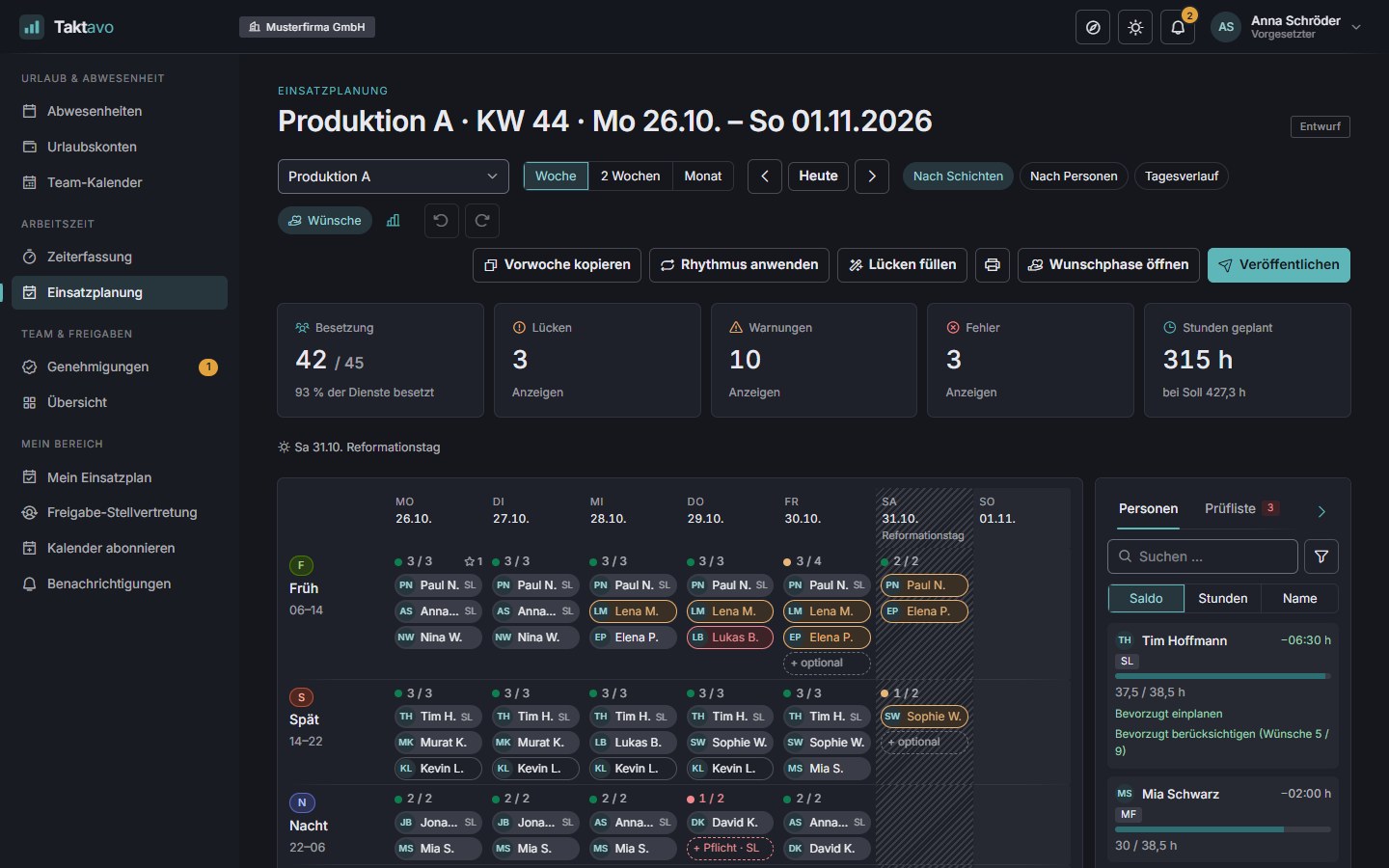
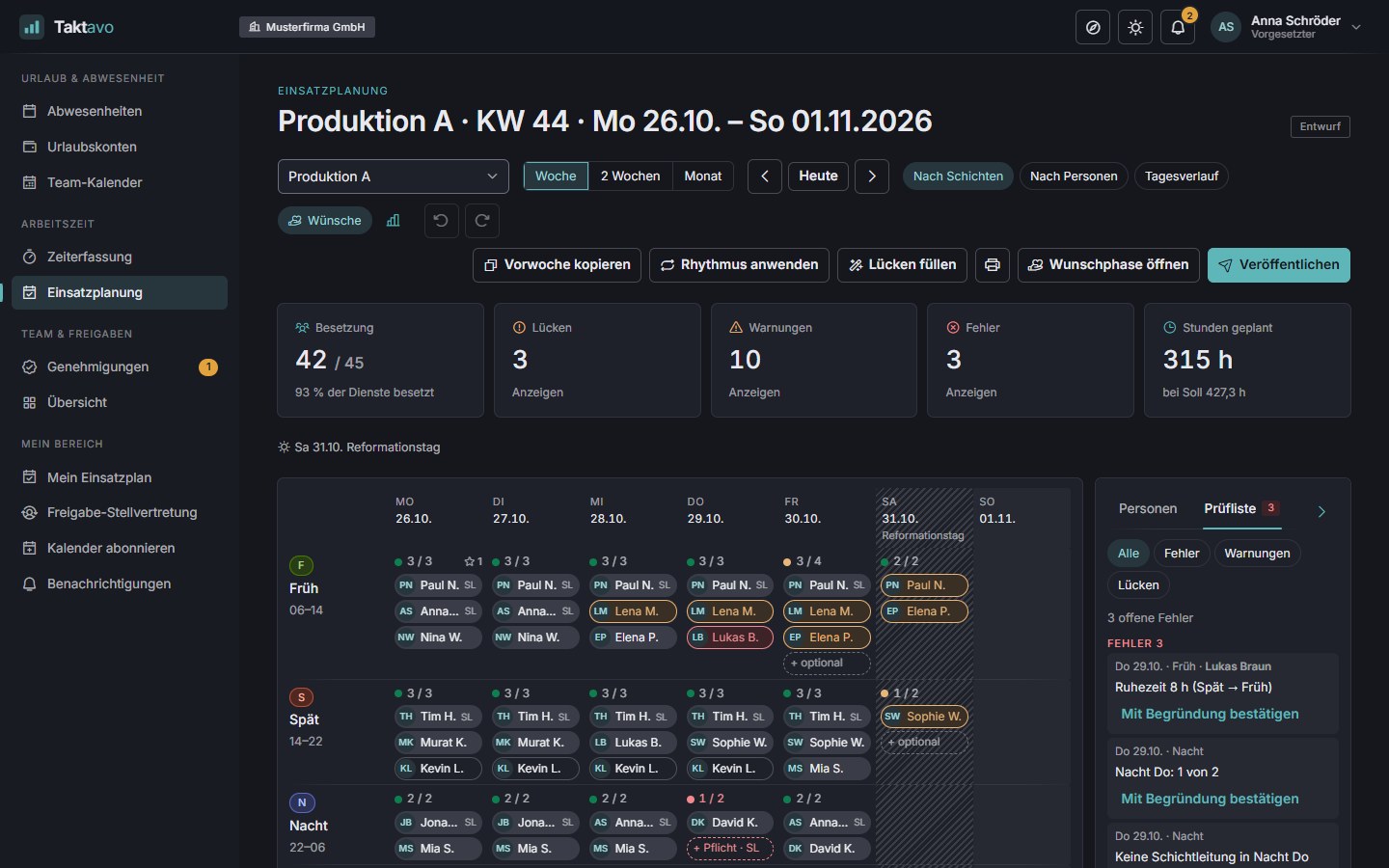
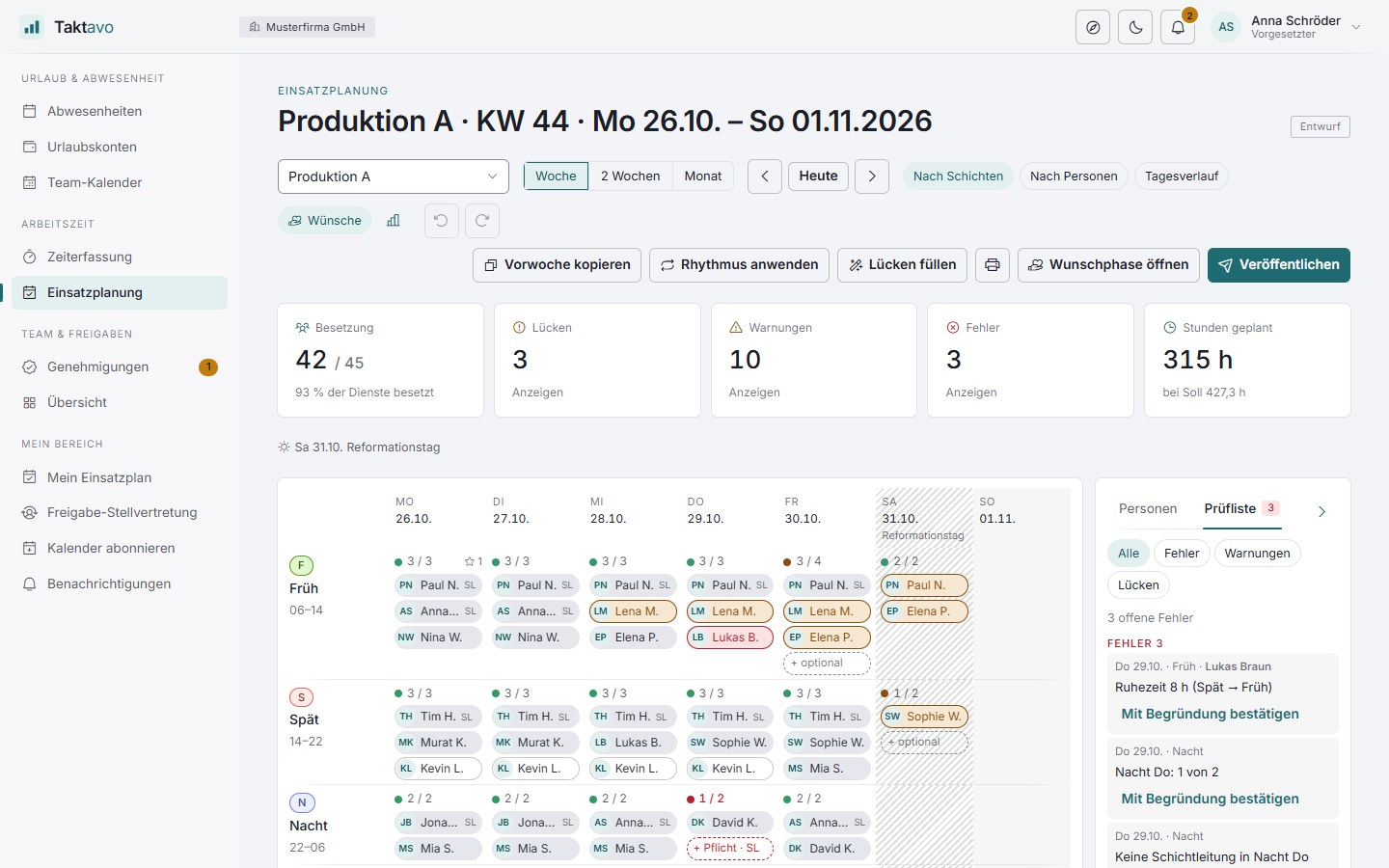
“By shift” board: Tim Hoffmann fits into the late shift, and Thursday’s night shift still needs a shift lead.
Features
For shift operations as well as for teams with overlapping shifts – such as reception, service or care.
Early, late, night, on-call or training – with times, break and colour. Taktavo calculates the net time itself, across midnight too.
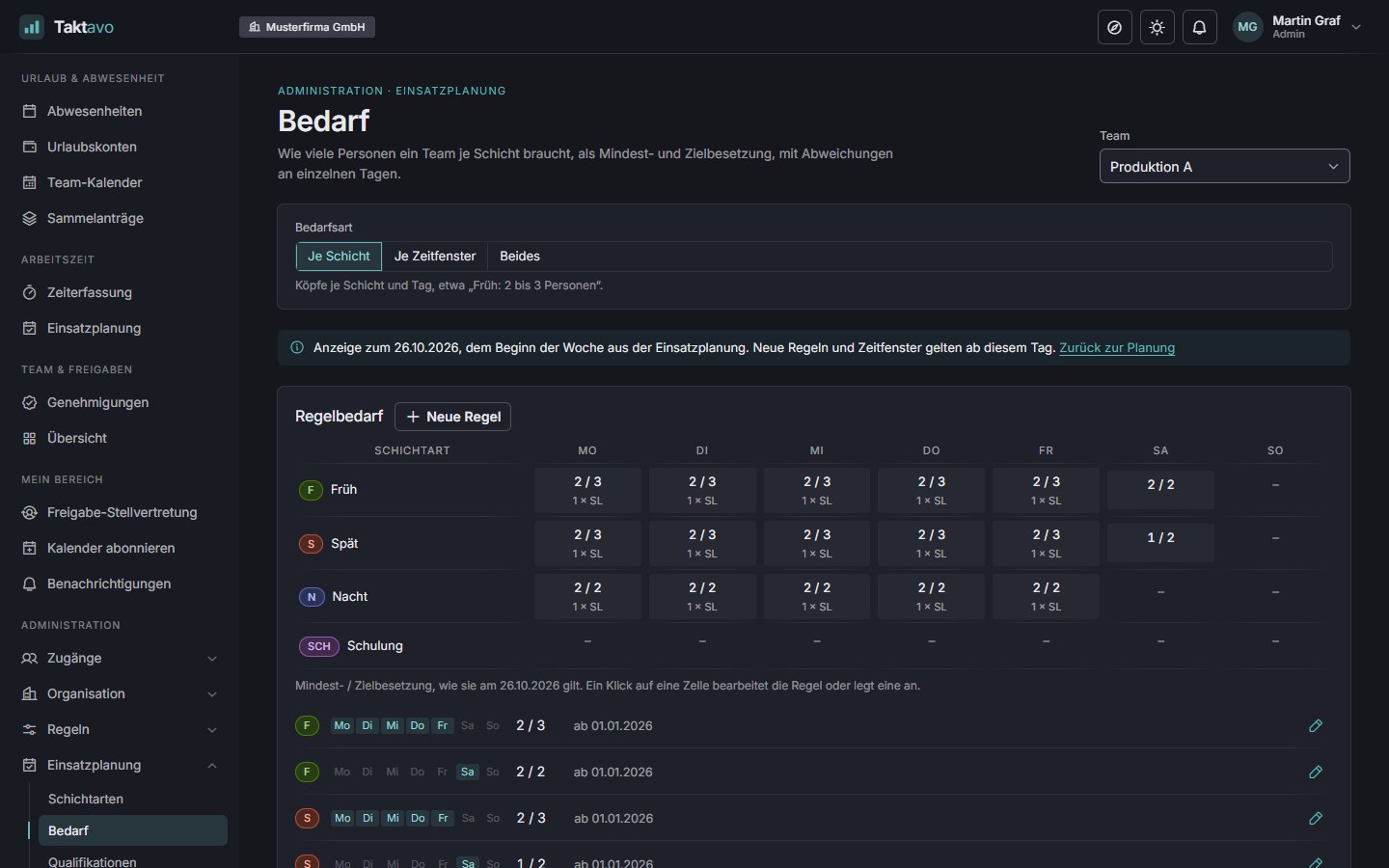
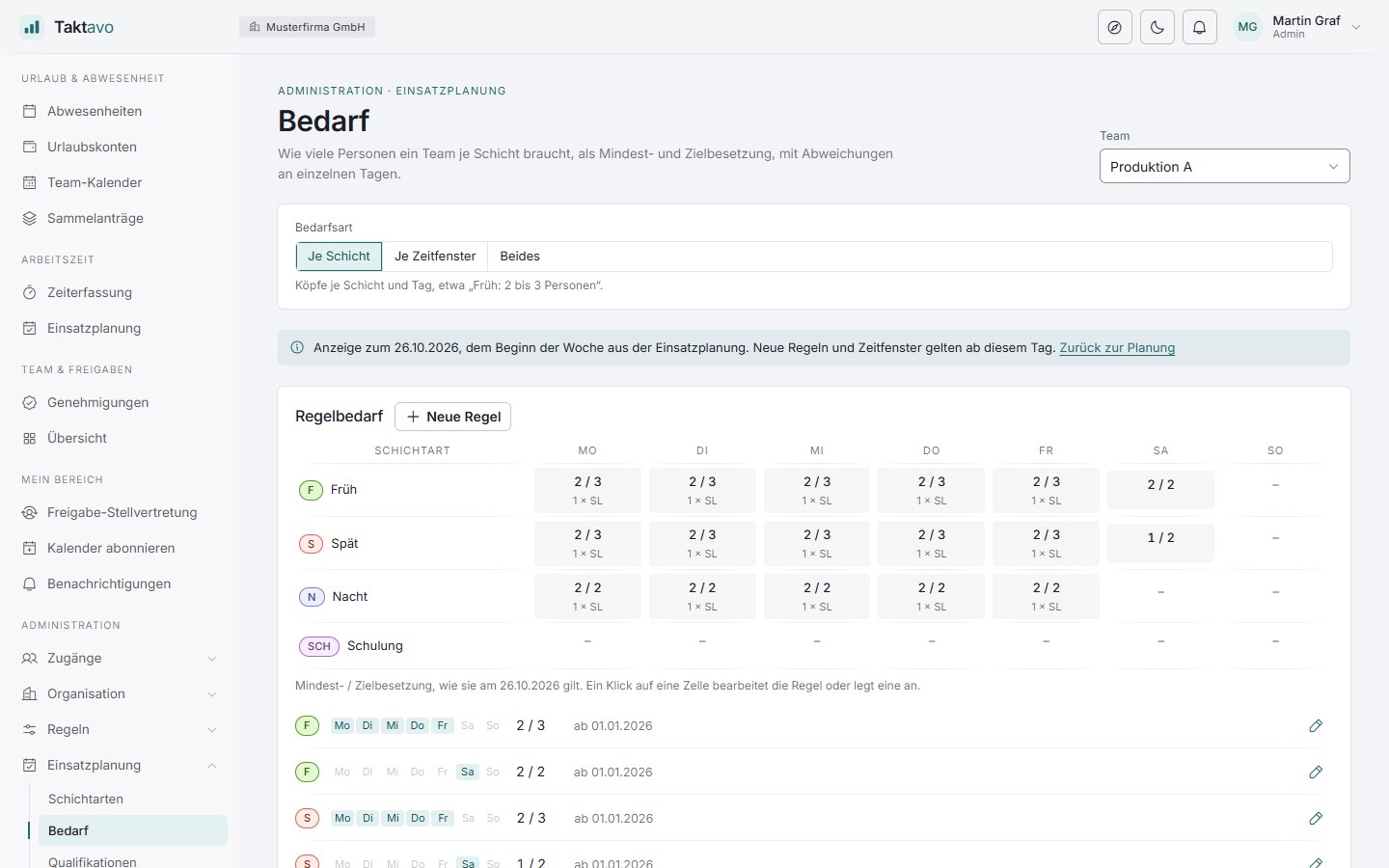
Minimum and target staffing per weekday, with exceptions for individual days. Where shifts overlap, also as demand per quarter hour.
Shift lead, first aid or specialist – with an expiry date. The demand requires them, the board checks them, and expired ones are marked in red.
Drag people into shifts, move them, swap them – with multiple selection, undo and automatic saving. Every action works by keyboard too.
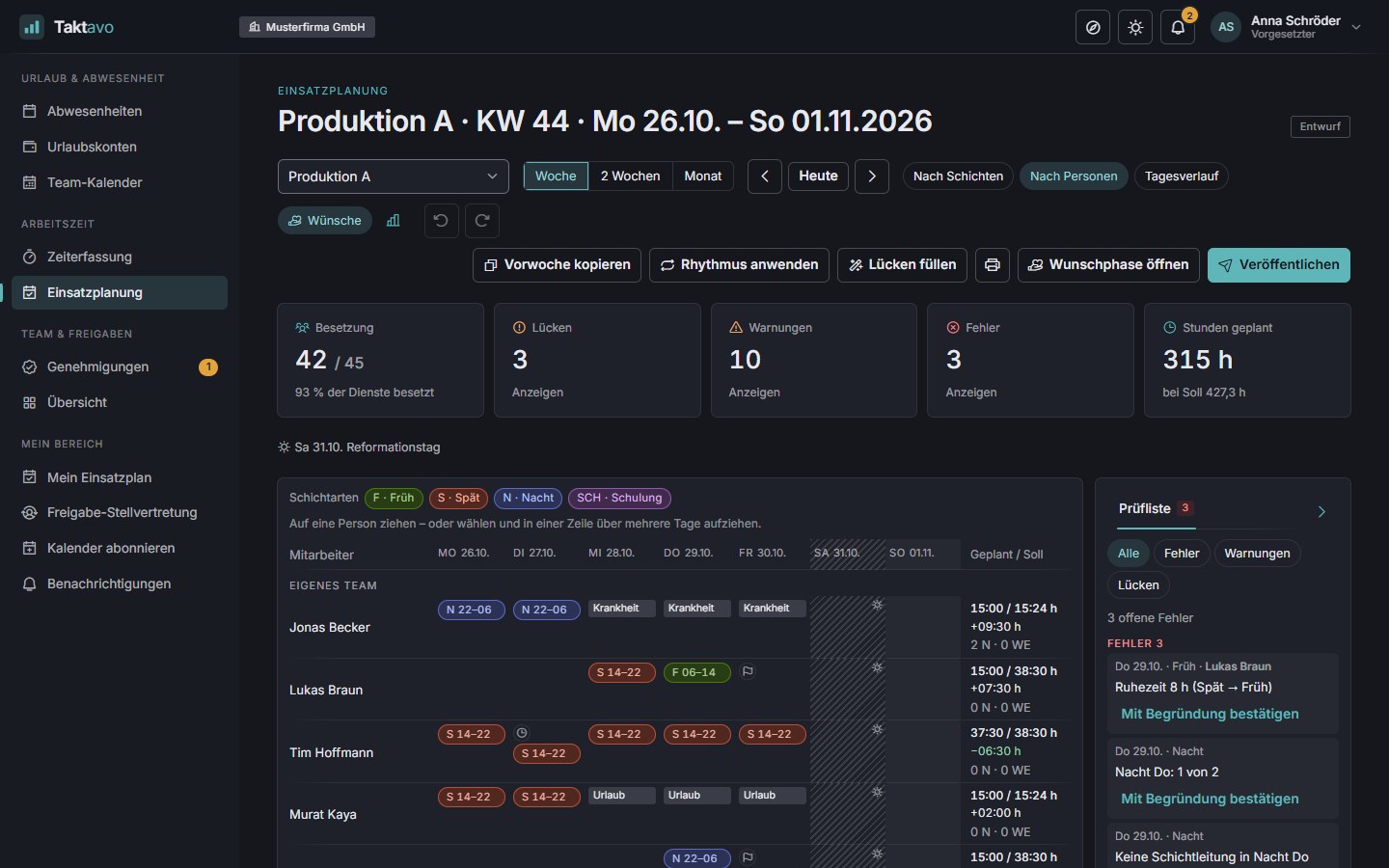
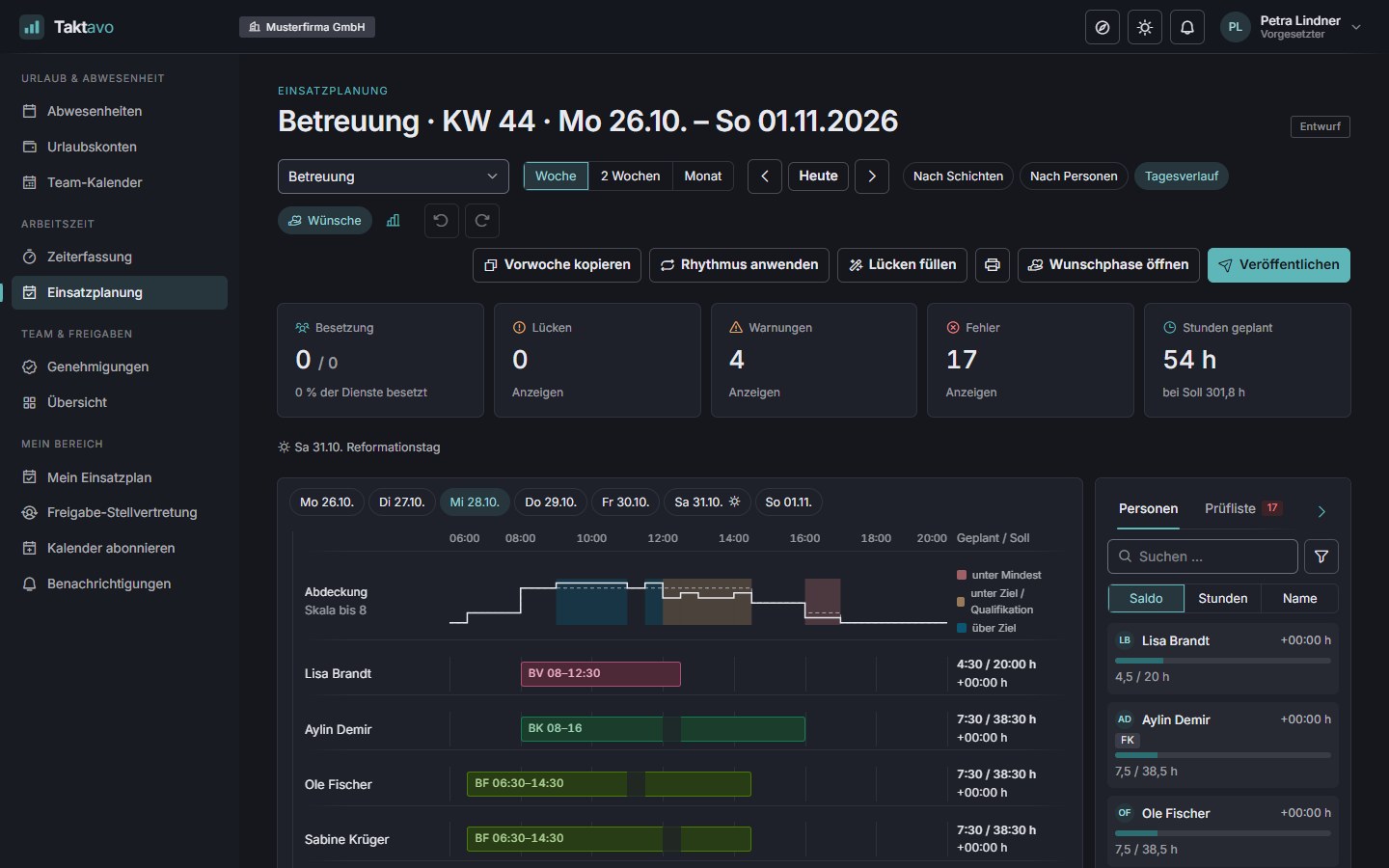
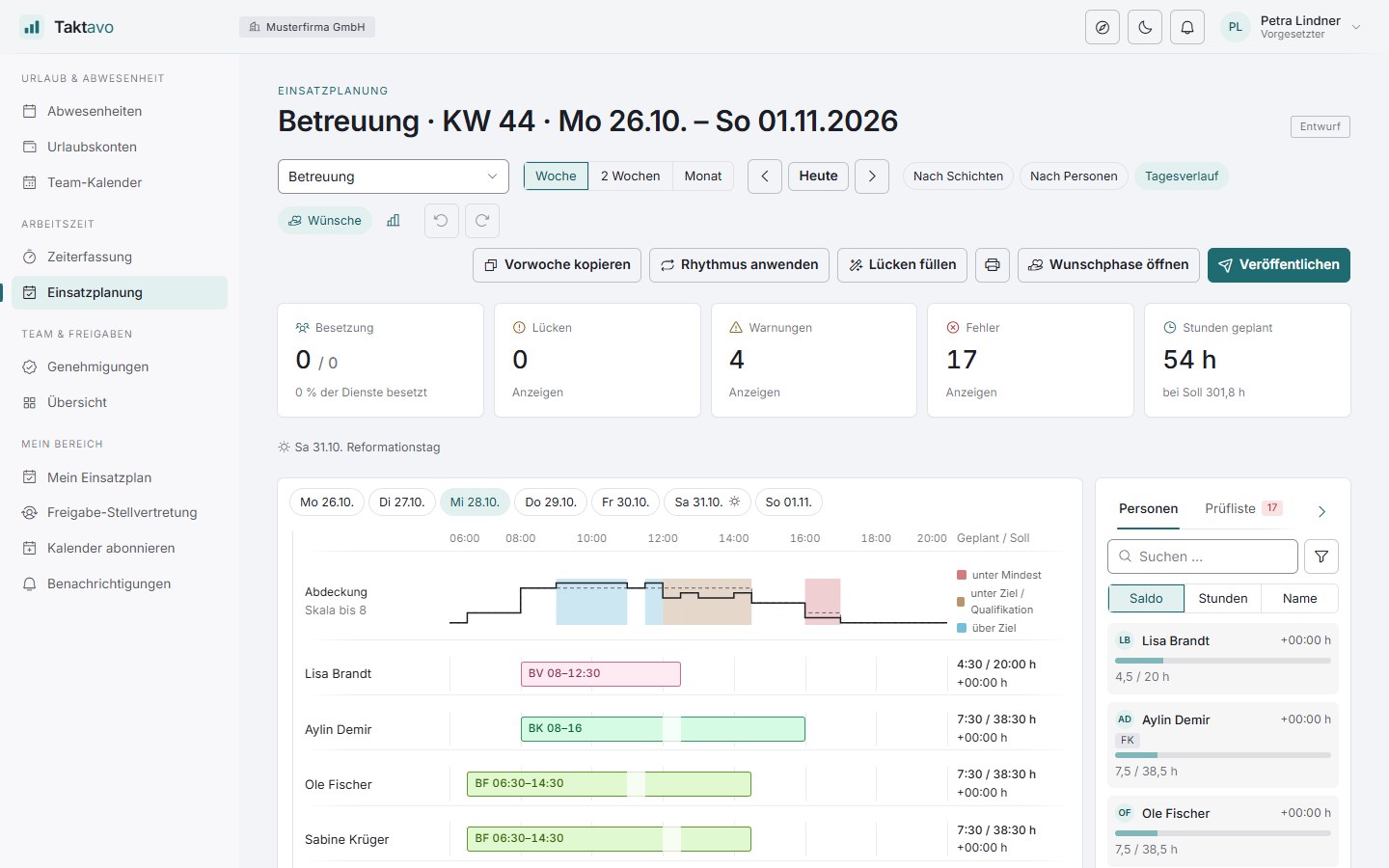
By shift, by person or as a day timeline with a coverage band: you see at a glance where people are missing at a given time – along with suggestions for who can step in.
When you pick up a person, the cells change colour: green fits, yellow with a warning, red blocked. The checks cover leave, rest period, maximum daily hours, weekly hours, qualification and consecutive days.
Planned against contractual hours per person and – with time tracking – the expected balance. Anyone in the minus is marked “schedule first” in the list of people.
One click distributes the available people across open shifts – without errors or blocks, even for an empty week. Preview first, then apply; existing shifts stay as they are.
Copy the previous week, save weeks as templates or roll out shift rotations with an offset. Blocked days are skipped and listed.
Everyone scheduled is notified. Later changes need a reason and go only to the people affected – short-notice ones immediately, the rest in a digest.
If you wish, the plan goes through an approval workflow before it is published. In Germany, rotas are subject to the works council’s co-determination – Taktavo reflects that.
If leave is approved or sickness reported after publication, the shift becomes a dropout. The gap appears on the board, and the planners are notified.
The published plan arrives where it is needed – mobile first.
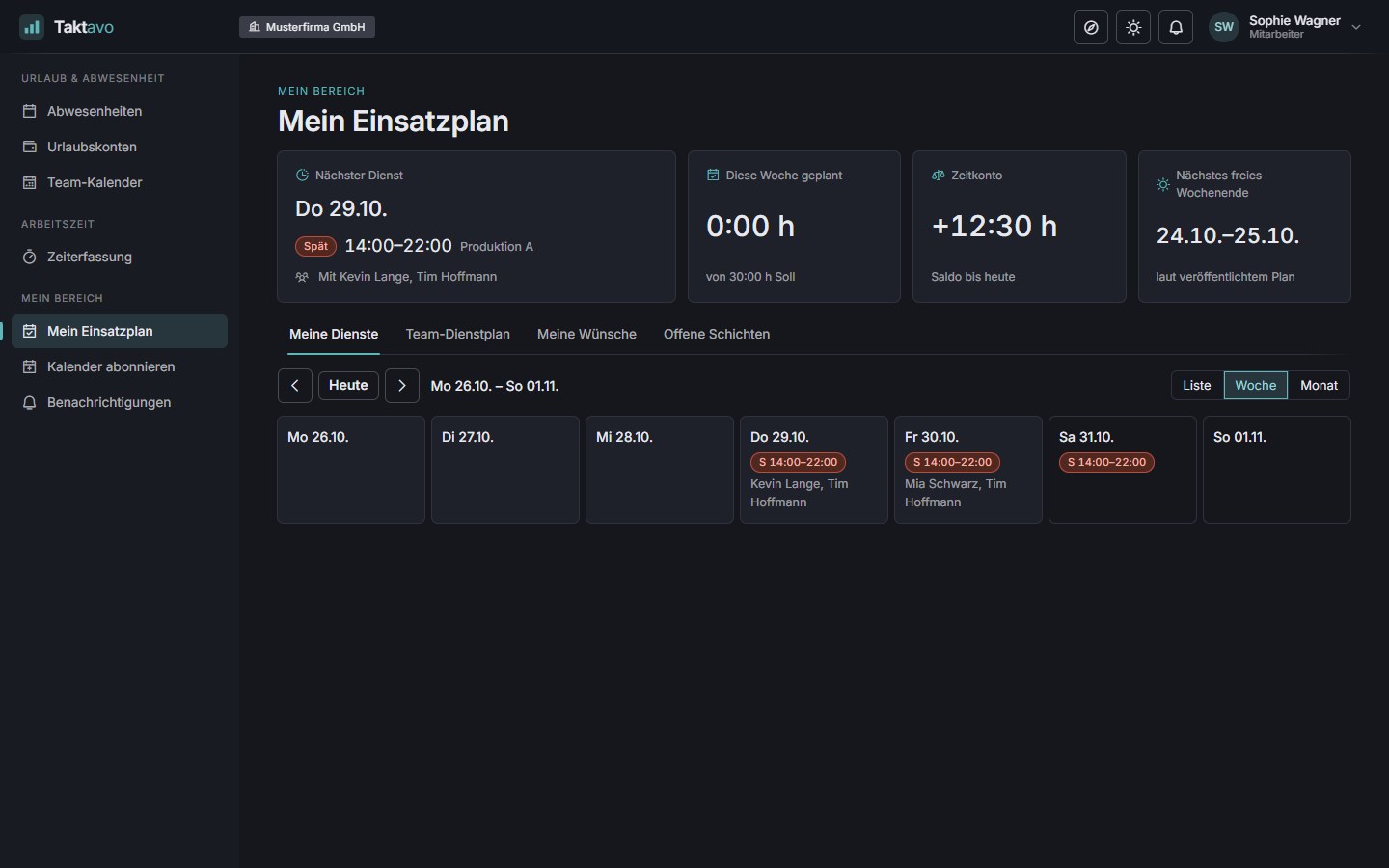
Next shift with the colleagues on it, hours for the week and changes – as a list for your smartphone.
Shifts in the calendar subscription alongside absences. Moved shifts are updated, not duplicated.
Ask for days off, shifts or times – with a quota for important preferences and feedback after publication.
Swap shifts with colleagues, hand them over or take on open shifts – only what fits without a block is offered, and it takes effect after consent and approval.
How it works
From demand to the notice board – with checks at every step and, if you wish, approval by the works council.
Minimum and target staffing per shift or time window, qualifications included.
By drag & drop, from a template, as a rotation or with “Fill gaps”.
The checklist collects errors and warnings – one click jumps to the spot in the plan.
Optionally by the works council, through the same workflow editor as leave requests.
Everyone scheduled is notified and sees their shifts – in the calendar too.
Working together
Absences and the time account are already on the board while you plan – without checking with HR.
AbsencesShift planning
Approved absences block scheduling; requested ones show up as a warning. Colleagues only see “absent” – never the reason.
Time trackingShift planning
Anyone with a lot of overtime turns red; anyone in the minus is suggested. Months that have been submitted or closed can no longer be planned.
Shift planningTime tracking
If you wish, the published plan sets the target hours; you decide whether a shift on a public holiday counts towards the target. Closed months stay untouched.
A look inside
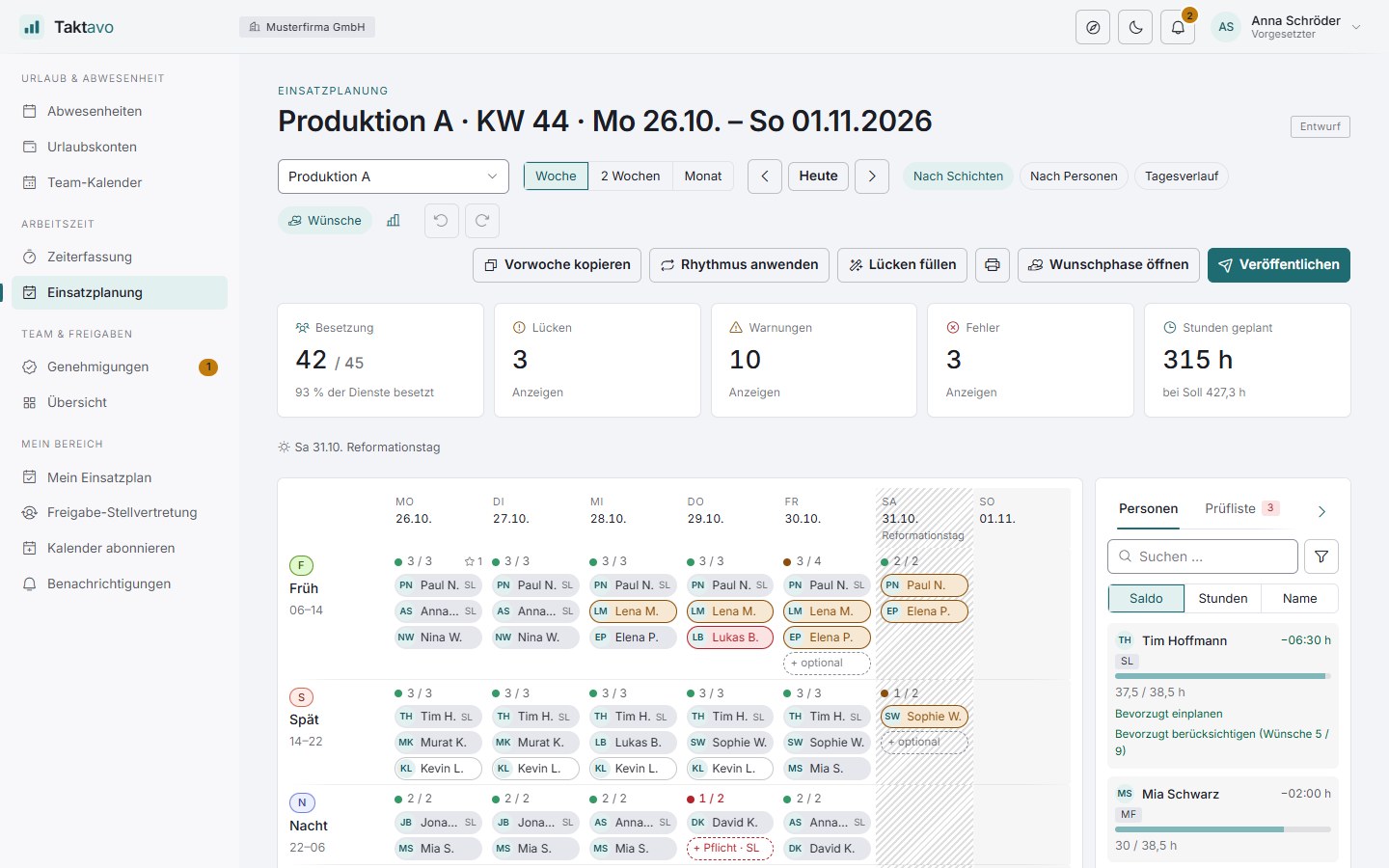
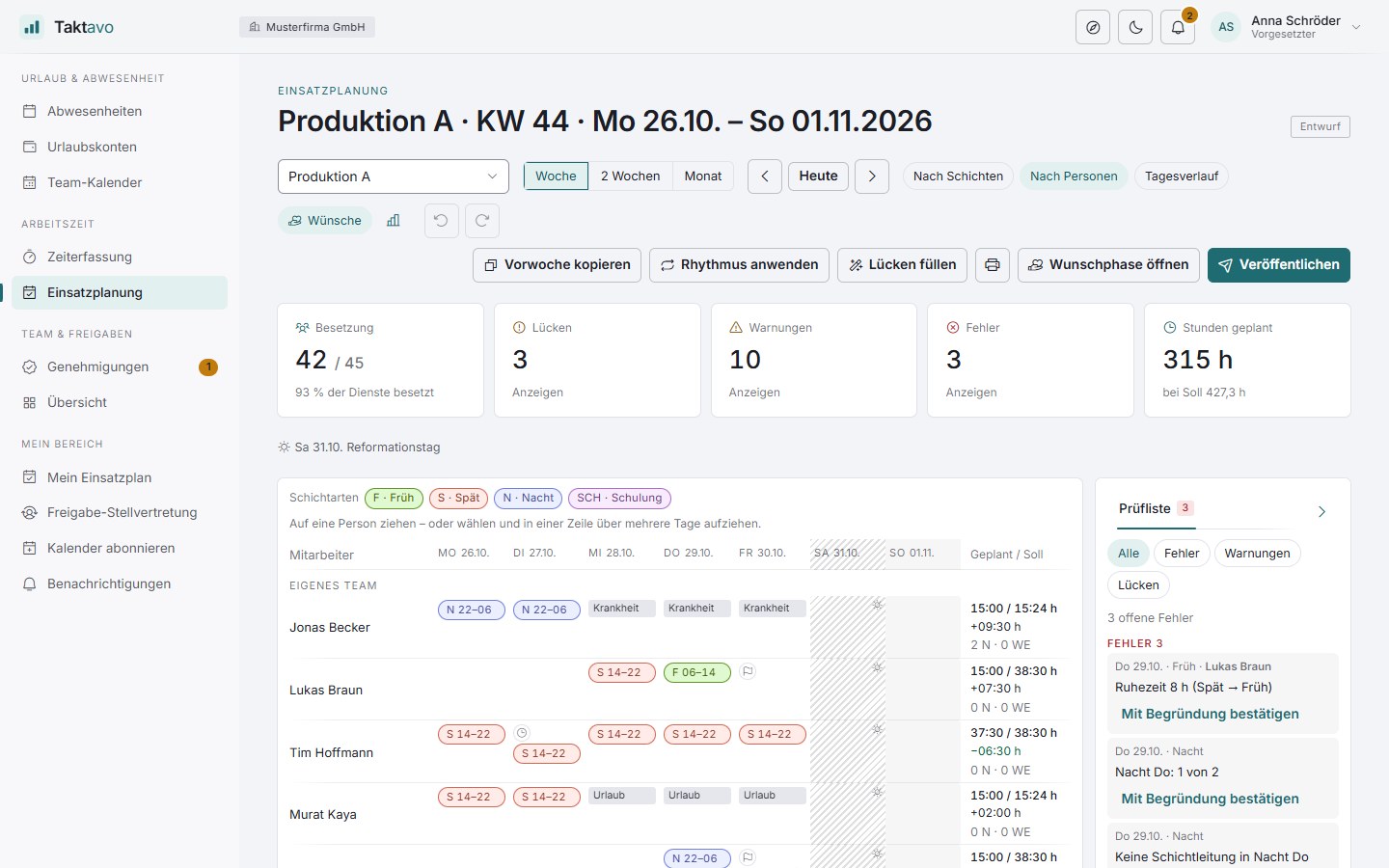
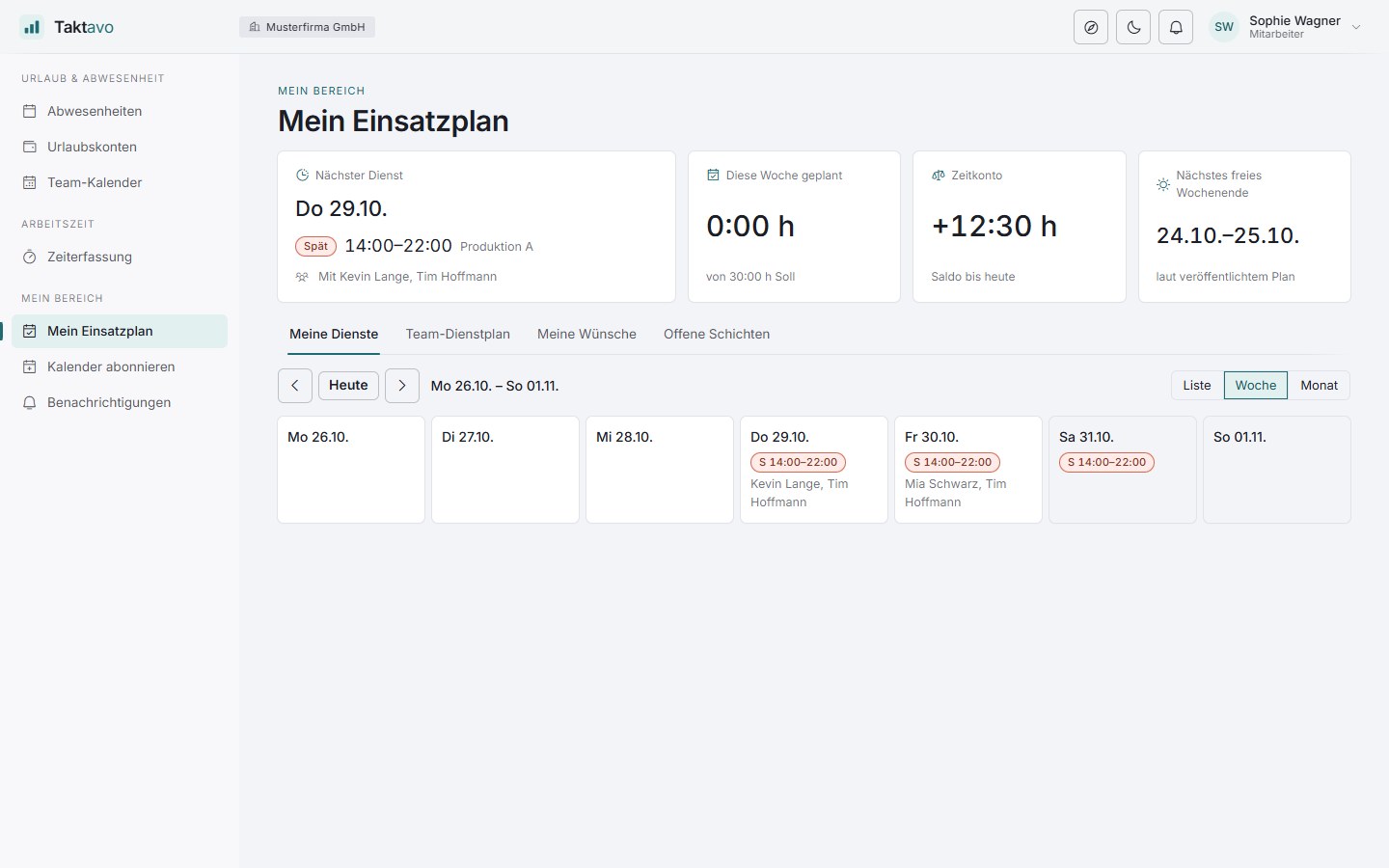
For planners on a large screen, for employees with their own rota – light or dark.
FAQ
General questions about operation, rollout and connecting other systems are answered on the home page.
No. Without time tracking, the board shows the planned hours against the contractual ones. With time tracking, you also get the expected balance per person, the block for closed months and, if you wish, the target hours from the published plan.
The rules have four levels. Blocks such as approved leave, overlapping shifts or a closed month cannot be overridden. You set errors, warnings and notes – for example rest period, maximum daily hours, weekly hours, a missing qualification or too many consecutive nights – to the appropriate level per rule. Errors can be confirmed with a reason; the reason is recorded in the audit trail.
“Fill gaps” distributes the available people across open shifts so that neither errors nor blocks arise. The method is transparent: same data, same result. Existing shifts stay untouched, and places for which nobody is eligible remain open with a reason – the plan does not get filled “somehow”.
Yes. Every shift carries its own version. If someone else changes the same shift at the same time, nothing is overwritten: the cell reloads and shows the current state.
Optionally, the plan goes through an approval workflow before it is published. Until it is approved, it is locked for planners and invisible to employees; a rejection sends the draft back with a reason. You define the approvers in the workflow editor.
The shift concerned is marked as a dropout and no longer counts towards the staffing. The gap appears on the board, and the team’s planners are notified. If the absence is cancelled, the shift is back in the plan.
Yes. The week fits on one landscape A4 page as a notice – legible in black and white too, with drafts marked as such. There is also an Excel export of the planning period with a second sheet for the totals.
More modules
Leave requests, multi-stage approvals and leave accounts – approved absences appear on the board straight away.
More about absencesTime clock and time account – so that the board knows each person’s expected balance while you plan.
More about time trackingIn a short demo we plan a week with your shifts, your demand and your rules.