Four rhythms
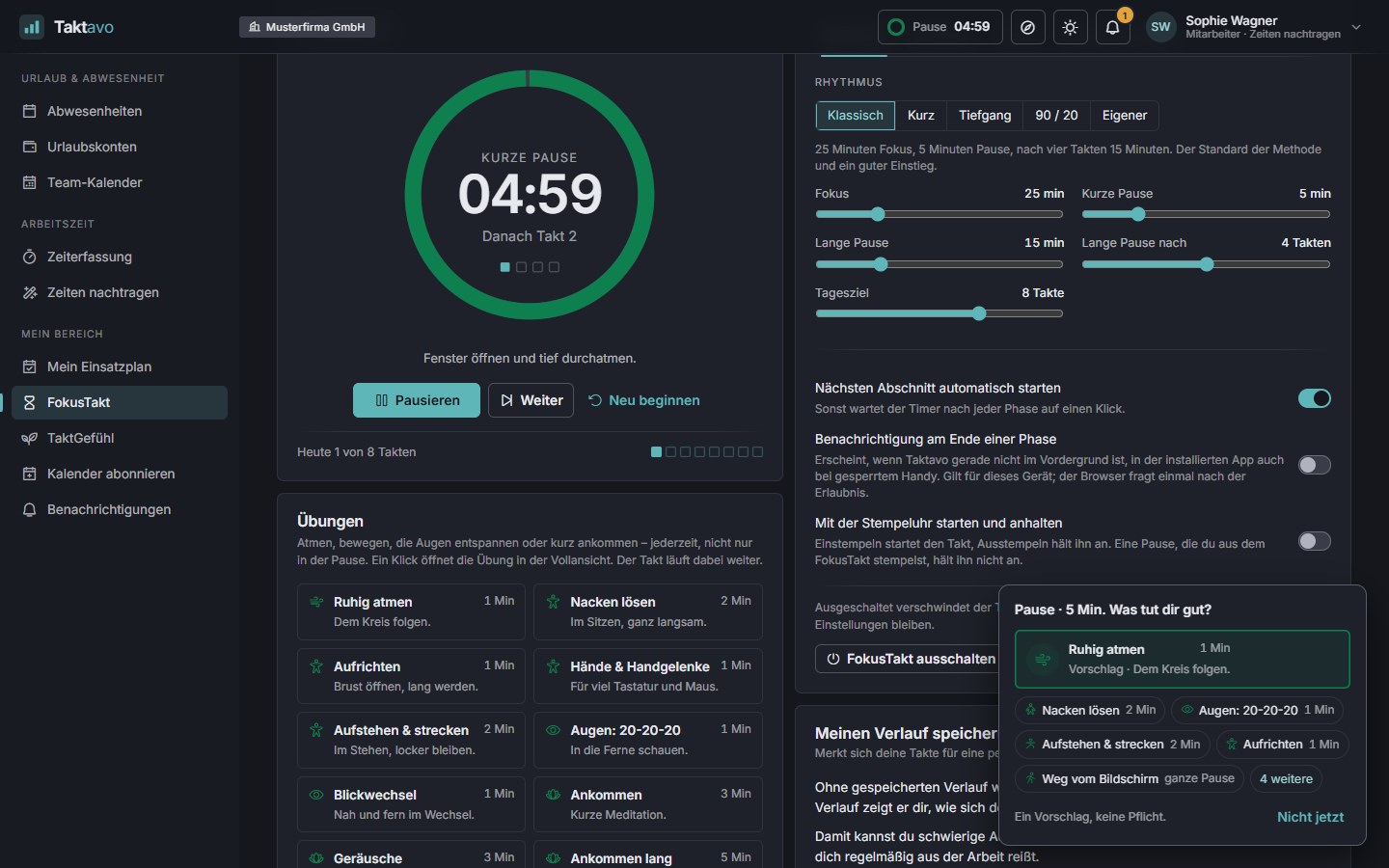
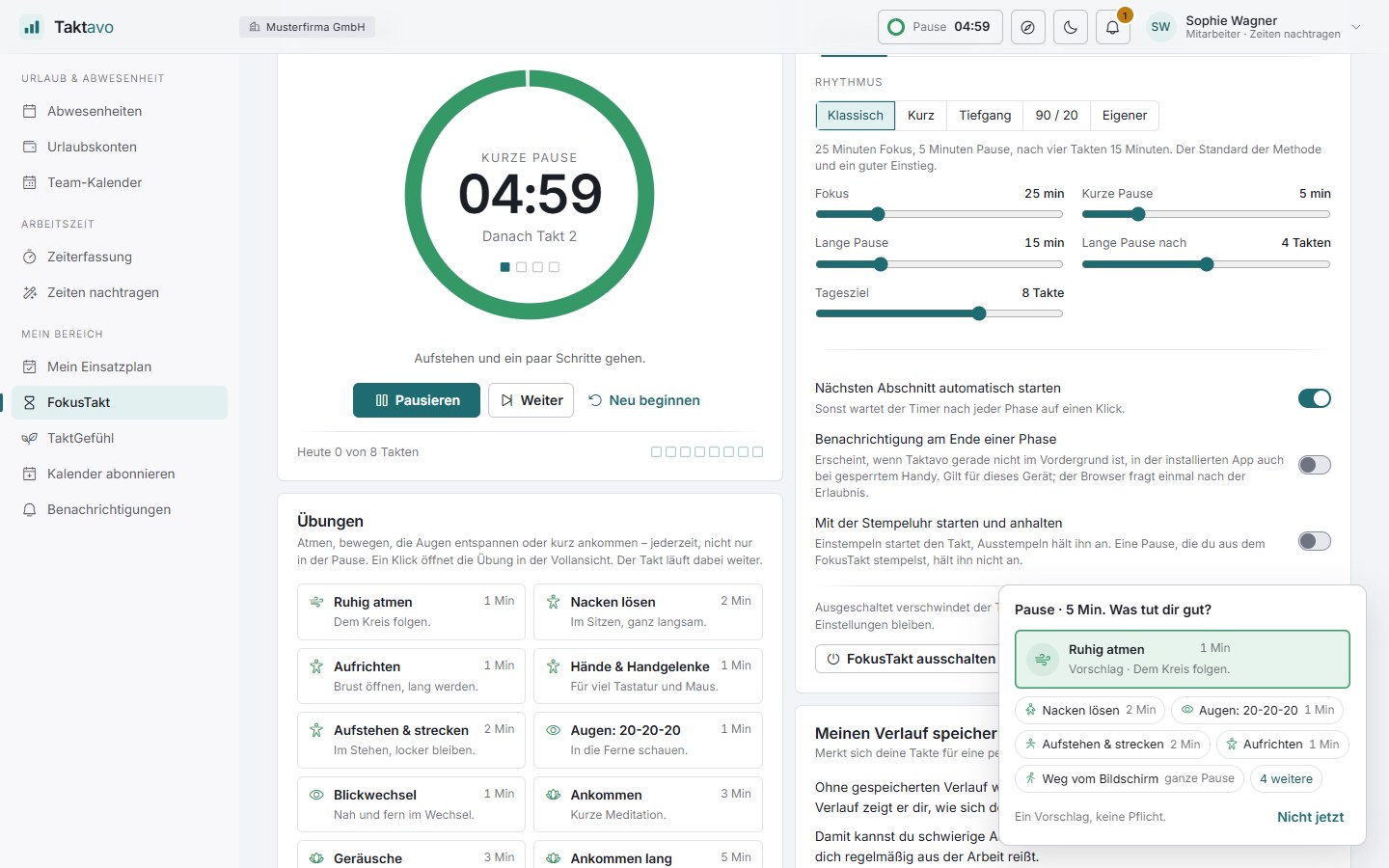
Classic 25/5, Short 15/3 for days with many interruptions, Deep 50/10 and 90/20 – or set every slider freely, including a long break after as many rounds as you like.
FokusTakt · in all plans
FokusTakt divides your work into short, undisturbed stretches with small breaks in between – the proven Pomodoro Technique, right inside Taktavo. It runs alongside your work, never changes any times and belongs solely to the person using it. During breaks it can suggest short exercises if you like – for breathing, moving and settling in.
A round running in the Takt ring – top right, the pill that stays with you on every page of the application.
The method
Francesco Cirillo developed the Pomodoro Technique in the late 1980s – with a tomato-shaped kitchen timer, “pomodoro” in Italian. Fixed stretches make it easier to get started and show how often you are interrupted, and the breaks keep you fresh until the end of the working day.
Pick one thing and, if you like, jot down briefly what you are working on in this round.
Work on that task alone for, say, 25 minutes. Anything that comes up in between is noted down and dealt with later.
When the round ends, a five-minute break follows – ideally away from the screen. Taktavo suggests something to do.
After four rounds comes a longer break. Then the next cycle begins.
Features
Everyone switches FokusTakt on themselves and sets it up to suit their work. The settings apply on all devices.
Classic 25/5, Short 15/3 for days with many interruptions, Deep 50/10 and 90/20 – or set every slider freely, including a long break after as many rounds as you like.
How many rounds are you aiming for today? Small boxes show your progress – or you work without any goal at all.
At the end of a phase you hear a gong, a bell, wood or a chord. Listen first, choose one or switch it off completely.
Start on your computer, keep track on your phone: the running round is the same everywhere, and pausing or skipping takes effect immediately on all devices.
“What are you working on in this round?” The note helps you stay on track and remains on your device – it is not saved.
During the break Taktavo suggests something: stand up, open the window, fetch a glass of water, look into the distance for 20 seconds.
If you wish, the next phase starts by itself. Otherwise the timer waits for a click after each phase.
The page explains the method in a few sentences, and the built-in guide shows where to find FokusTakt.
Always in view
The round keeps running whichever page is open – and lets you know when it ends.
A small pill shows the phase and the time remaining on every page. One click opens pause, skip and the full view.
The timer large, the task beneath it, plus the time clock – on top of the application, without browser full screen. Esc closes it, the space bar pauses.
A small window stays on top of all other programs – while you write in your word processor just as in a video call. In Chrome and Edge.
If Taktavo is not in the foreground, it tells you when a phase ends – in the installed app even when your phone is locked.
Six designs
From a calm ring to a glowing tube – plus five colours for focus. Breaks appear in green.
The default – the same ring as “Today” in time tracking.
Modelled on the tomato timer the method started with. The wedge shows the minutes remaining.
During focus the water drains away; during the break it fills up again.
Just the number and a thin line – as little distraction as possible.
One box per minute. Minutes used stay as outlines, the current one pulses.
Glowing digits like the Nixie tubes of the 1960s. The little lamps count the rounds until the long break.
With time tracking
When time tracking is switched on, the two work together – but FokusTakt always asks before it clocks anything.
Time clockFokusTakt
If you wish, FokusTakt starts when you clock in and stops when you clock out. Anyone who starts a round without being clocked in gets a notice.
FokusTaktTime clock
When a long break begins or the statutory break falls due after six hours, Taktavo offers to clock you out – and asks at the end whether you are continuing work.
FokusTaktTime tracking
In time tracking, a narrow focus ring wraps around the “Today” ring, and a line beneath it shows the phase, time remaining and rhythm.
FokusTakt is available to everyone – including people who do not record time and organisations that use only absence management. Timer, header bar, full view, mini window, notification and statistics then work just the same; only the link to the time clock is not available.
Personal statistics
With the option “Save my history”, FokusTakt shows how your concentration develops over weeks. Without it, it only knows what happened today.
This lets you schedule difficult tasks for your best time and spot what regularly pulls you out of your work. The statistics do not judge and do not compare you with anyone.
Sound & breaks
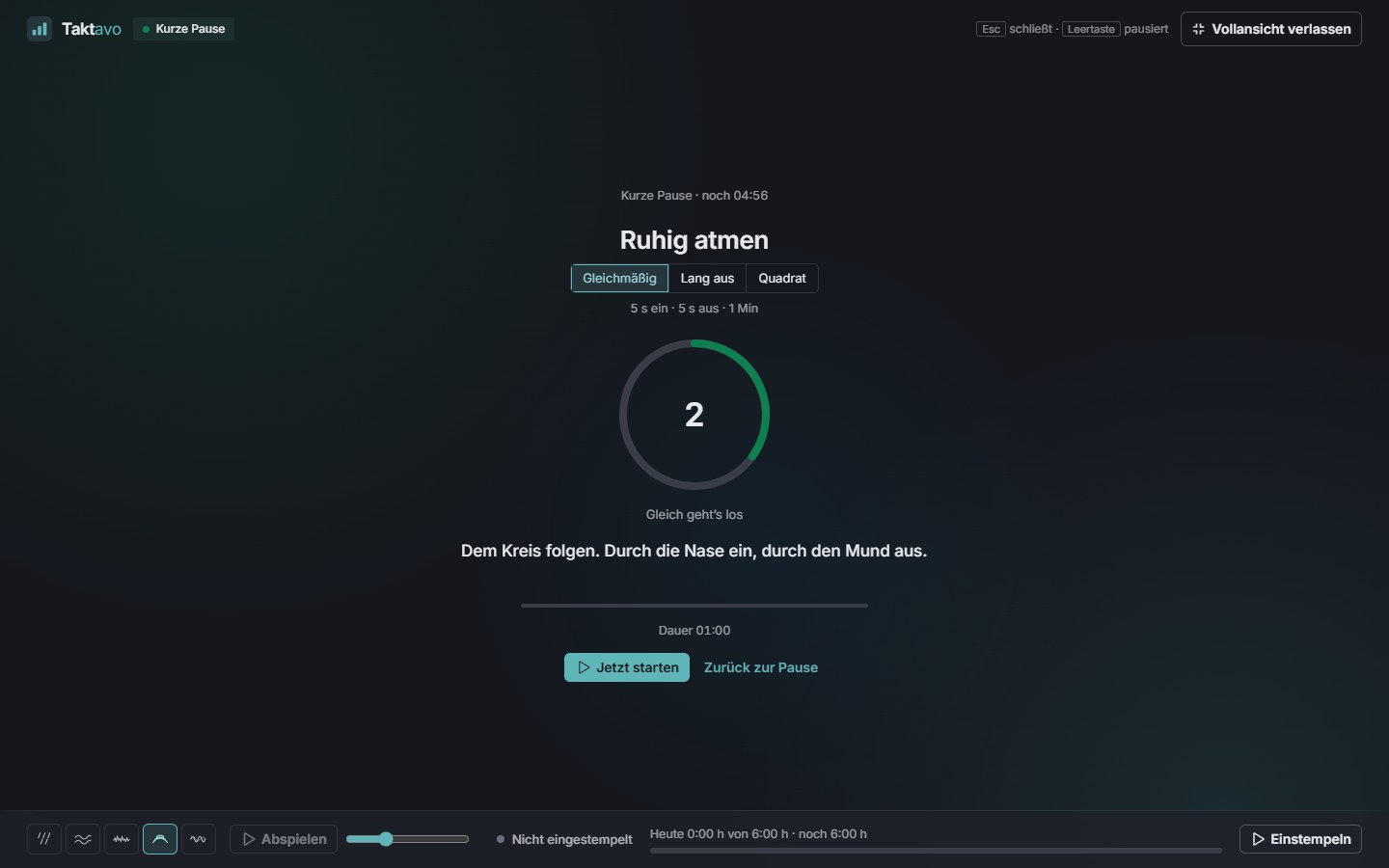
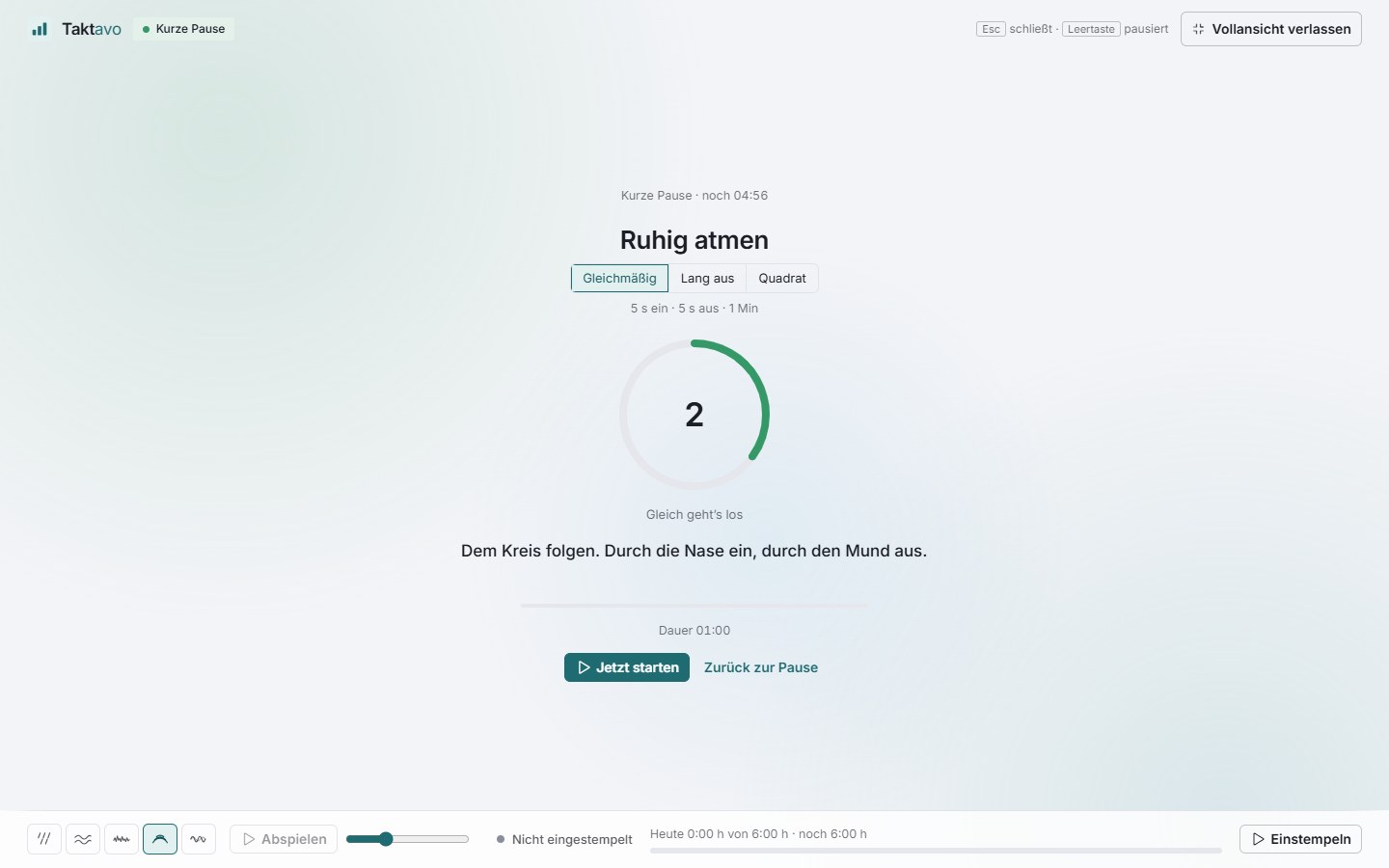
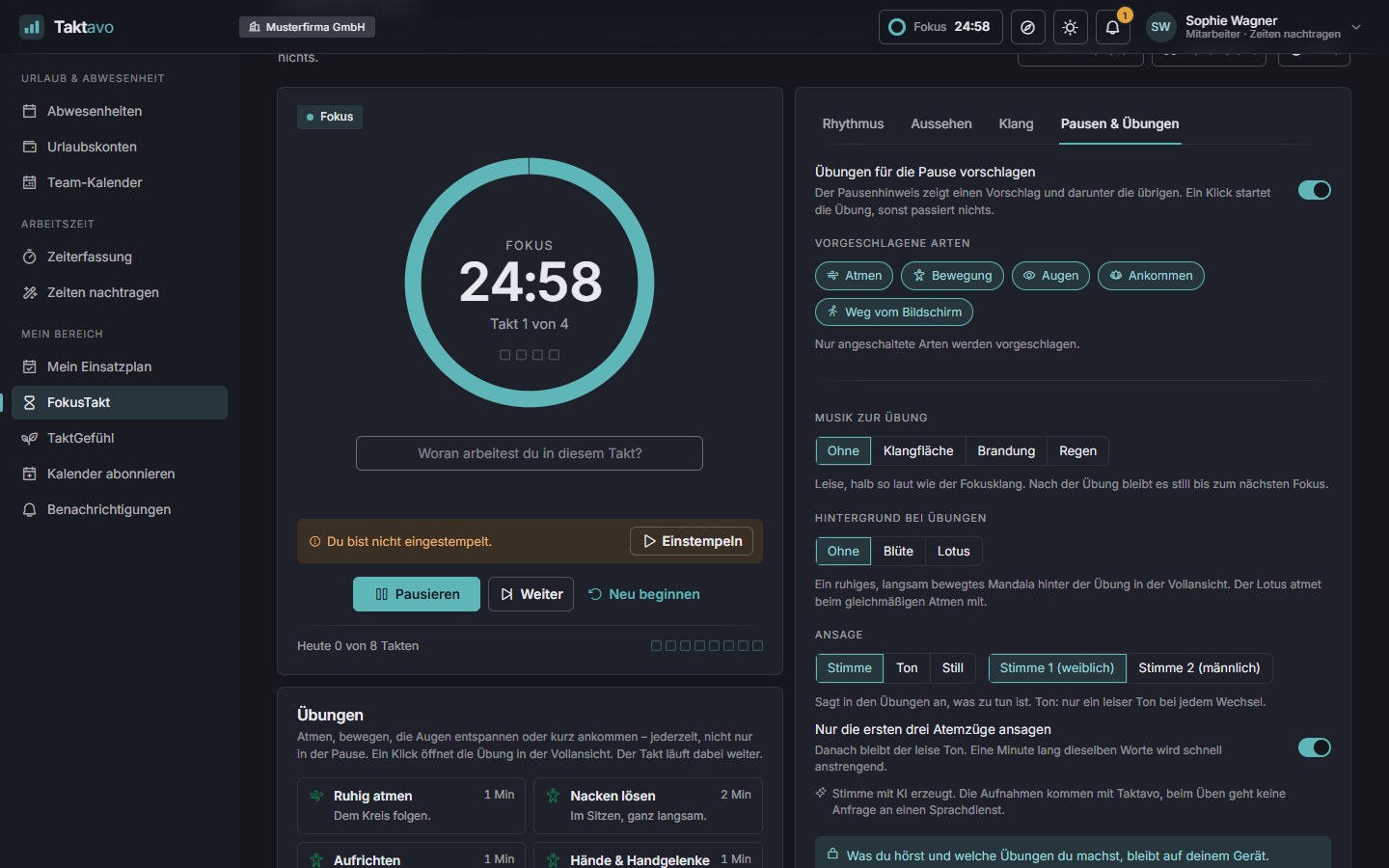
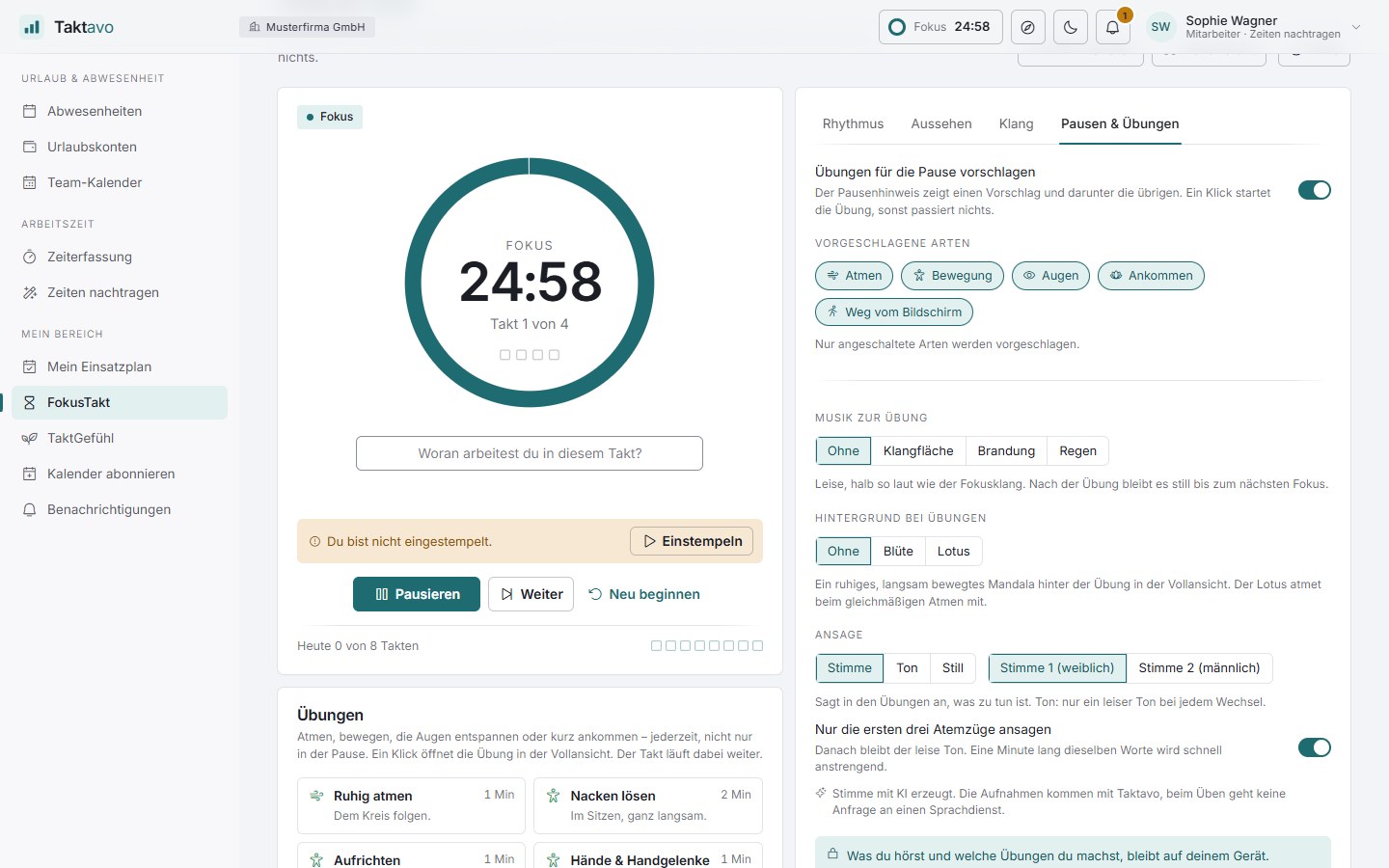
If you like, a calm sound accompanies your focus. During the break FokusTakt suggests a short exercise – a suggestion, not an obligation. You can also start any exercise directly at any time. A break without an exercise is just as right.
Rain, surf, noise, soundscape, beat and night city – warm synthesiser pads in a large reverb. Generated in the browser, with no audible loop, all at the same volume. The sound fades in with focus and fades out for the break.
Breathing, movement, eyes and small meditations – one to eight minutes, sitting or standing, no mat needed. Only exercises that fit into the remaining break are suggested.
A calm voice tells you what to do – female or male, with soft music if you like. Pre-recorded with AI: no request goes to a speech service while you practise.
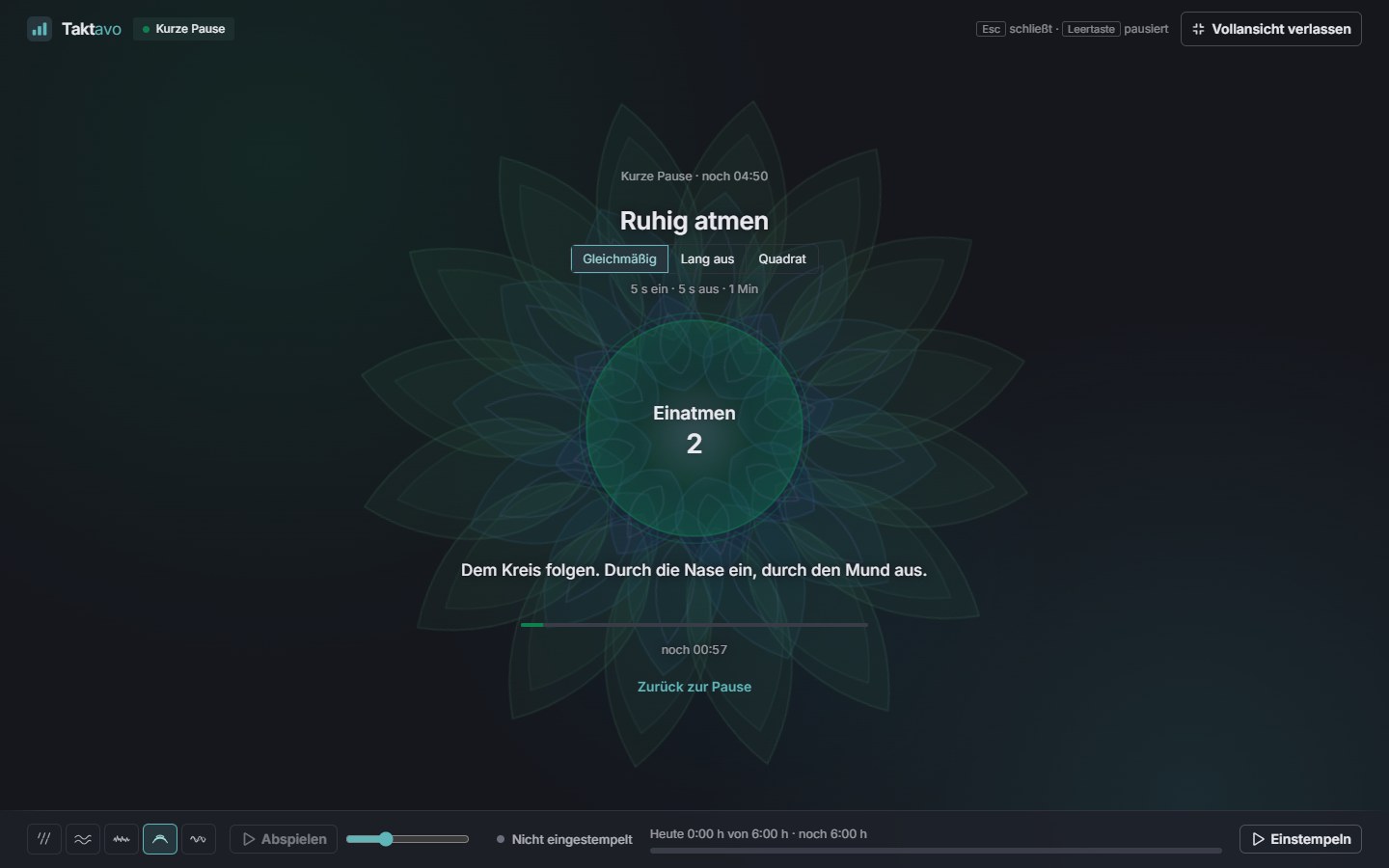
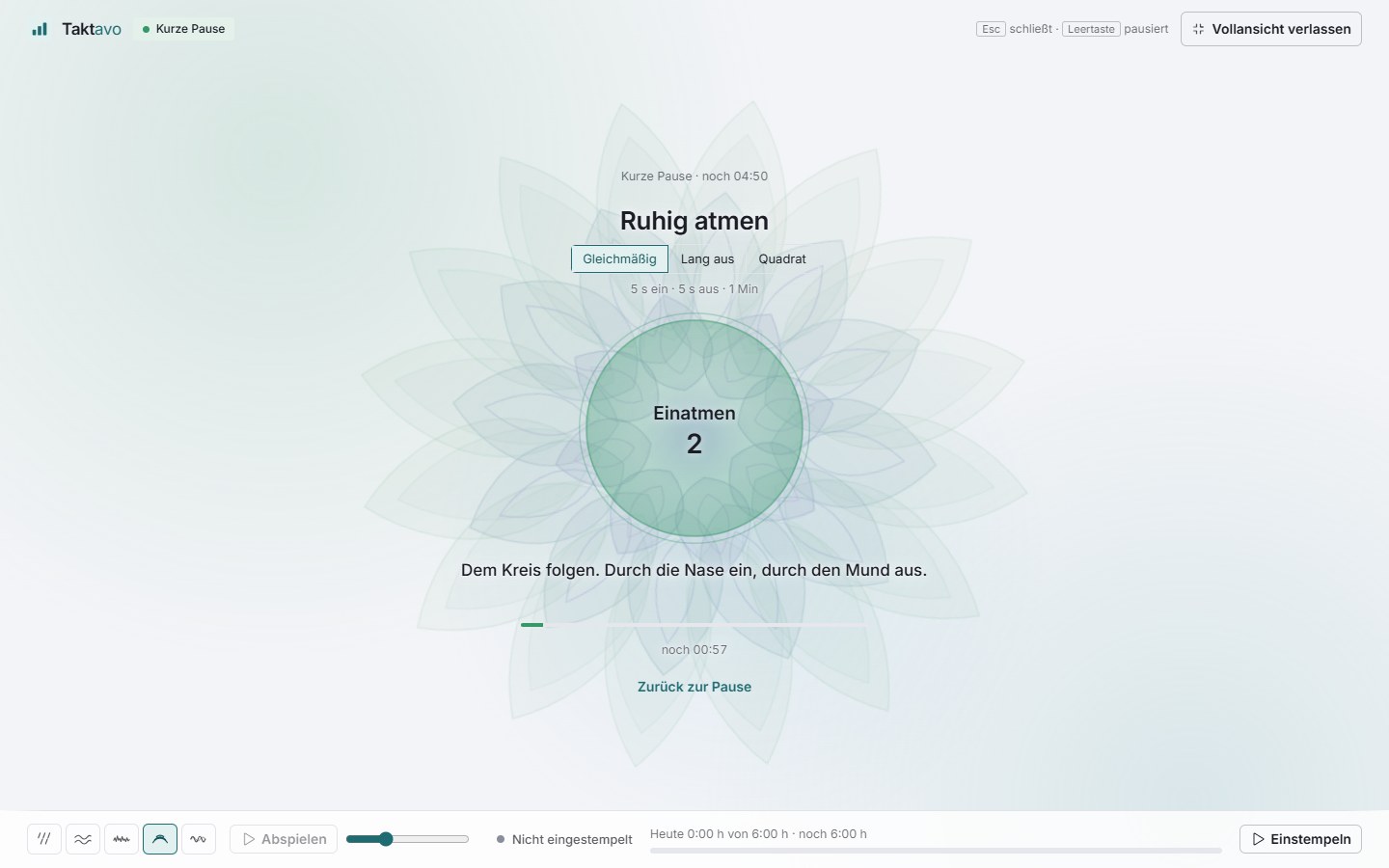
If you like, a calm, slowly moving mandala sits behind the exercise – blossom or lotus. The lotus opens and closes in time with your breath.
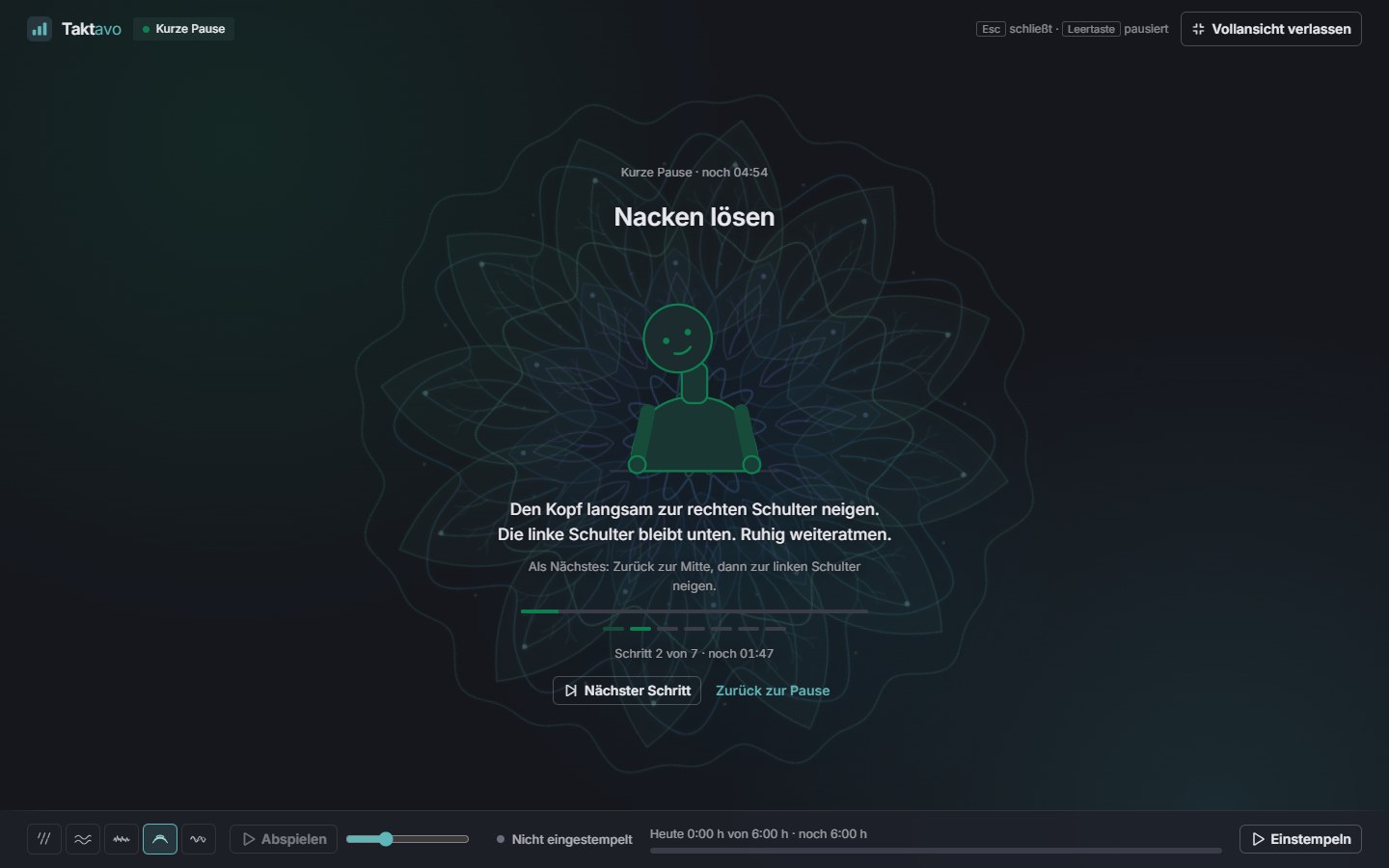
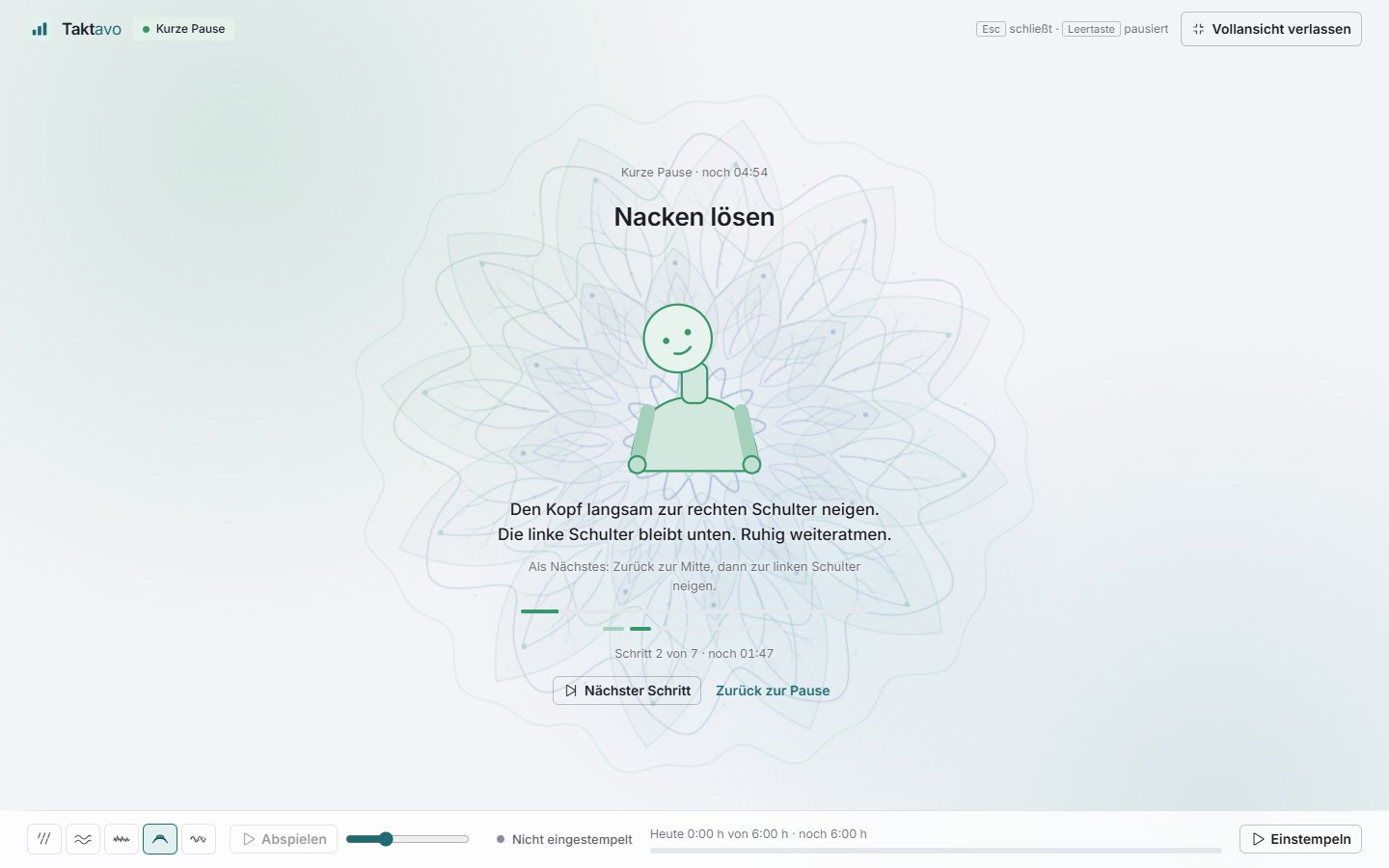
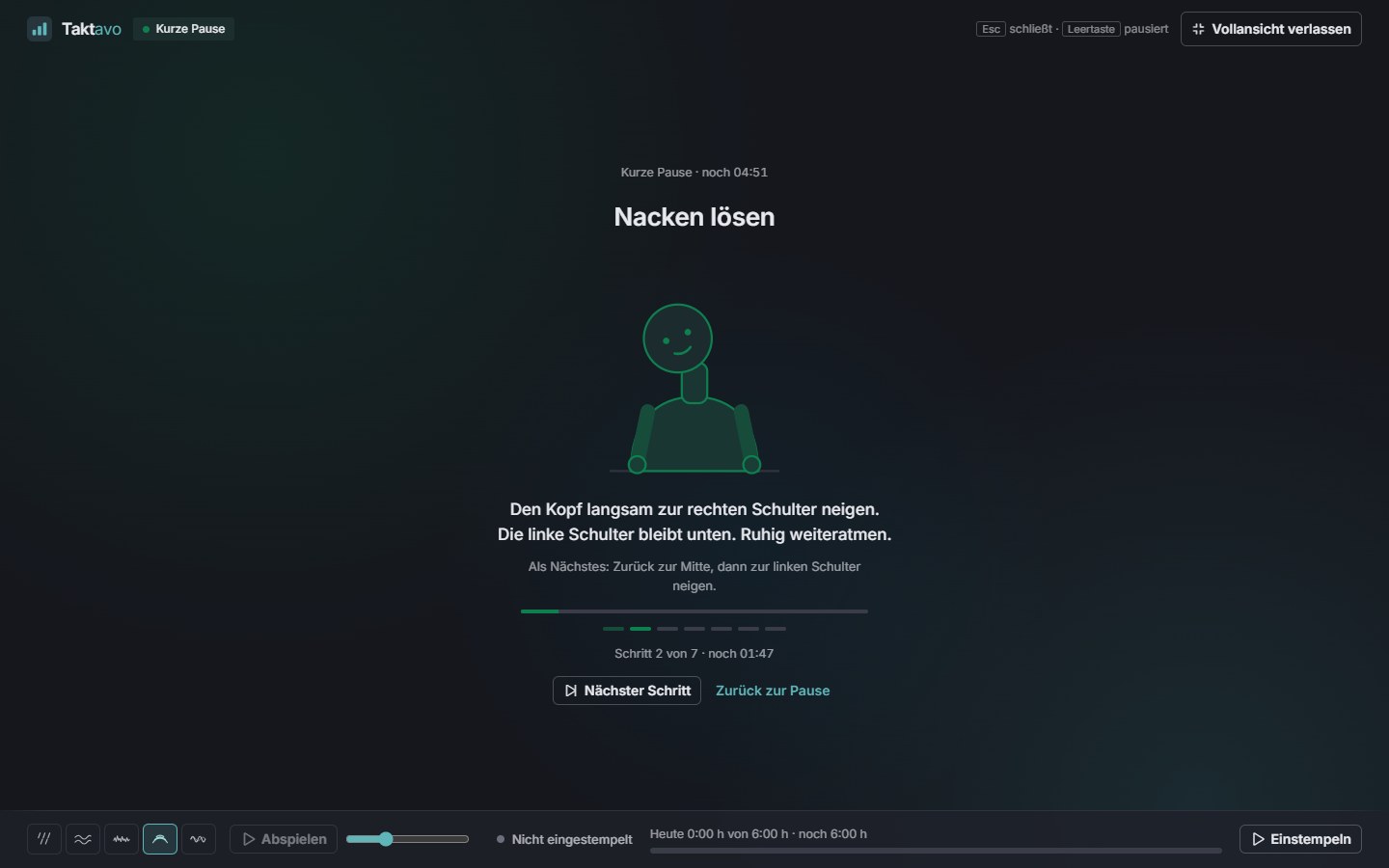
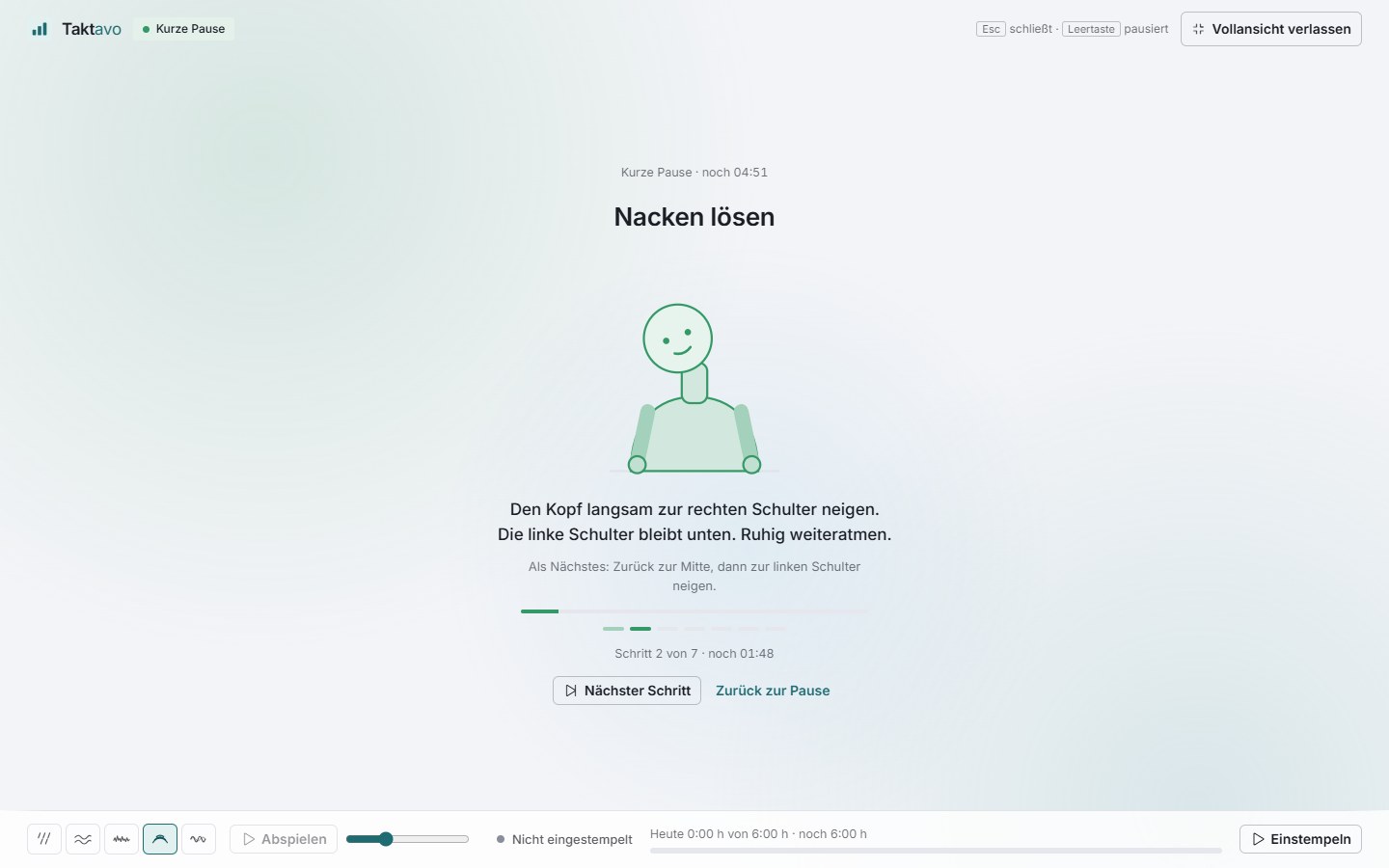
Before each exercise you get a few seconds to get settled and read what comes next. Then it guides you step by step – with a breathing circle, a figure or a countdown.
Which exercise someone does and which sound is playing stays on the device. No streaks, no badges, no statistics.
Follow the circle. Deliberately without long holds.
With a figure, slowly and only as far as feels comfortable.
Look into the distance, blink, rest.
Guided meditations with a singing bowl.
The best screen break. In the long break it comes first, and the full view dims.
Privacy
FokusTakt is a tool for your own work, not a measuring instrument. It is built that way from the ground up.
There is no overview for managers, no metric and no export. Nobody can see whether or how someone uses FokusTakt.
Each person decides for themselves whether a history is saved – by default it is not. Then only the settings and the running round are kept.
With history switched on, Taktavo stores only the start, length and completion of each round – and deletes it automatically after 90 days.
Anyone who switches the history off deletes it on the spot and on all devices. Focus data never appears in any audit trail.
What you note down for a round never leaves your browser. Nothing of it is stored on the server.
Whoever manages users can switch FokusTakt off for the whole organisation. It then disappears from the menu and header bar; settings are kept.
FokusTakt gives the employer no data on performance or behaviour: no statistics about individuals, no list of who uses it and no link to targets or appraisals. It never changes clocked times and only clocks when the person explicitly confirms it.
FAQ
General questions about operation, rollout and integration are answered on the home page.
Nothing extra. FokusTakt is included in all plans – it is not a separate module and does not need to be booked.
No. FokusTakt also works with absence management alone and for people who do not record time. With time tracking you also get the focus ring around the day ring, the link to the time clock and the offers to clock your breaks.
No. Taktavo has no view, no metric and no export for this, and focus data never appears in any audit trail. Only the person themselves sees their statistics.
Without history, only the settings and the round currently running, so that it is the same on all devices. Anyone who switches on “Save my history” additionally shares the start, length and completion of each round for 90 days. Notes on a round stay on the device. Switching it off deletes the history immediately.
No. It never books anything on its own and never changes any times. When the link is switched on, it follows the time clock – not the other way round. At the start of a long break, or when the statutory break falls due, it offers to clock you out; only your click actually clocks.
Yes. Taktavo remembers when the phase ends. The next time you open it – on whichever device – the correct time remaining is shown. With notifications switched on, you are also told when it ends while Taktavo is not in the foreground.
No. FokusTakt suggests an exercise, nothing more – “Not now” closes the notice, and if you want, you can switch the suggestions off completely. Taktavo does not keep track of who does which exercise and counts nothing. The exercises are not a substitute for treatment.
Yes. Whoever manages users switches it on or off for the whole organisation under Administration → Rules → FokusTakt. If it is offered, each person decides for themselves whether to use it – it is only switched on once they want it.
Modules
FokusTakt comes with every Taktavo installation – whichever modules you use.
Leave requests, multi-stage approvals and leave accounts that do the maths themselves.
More about absencesTime clock, time account and month-end closing – in step with FokusTakt.
More about time trackingPlan shifts by demand – with checks against leave, rest periods and qualifications.
More about shift planningIn a short demo we show you FokusTakt with all its designs, working together with the time clock – and how the data stays with the person.